


Step 1: Navigate to Targeted Email
- From the homepage, navigate to the left-hand menu. Click Engagement > Communication Tools > Targeted Email.
- Or use the Search for a page field and type Targeted Email.
Step 2: Click the e-mail you want to assign your campaign to
You can search for an e-mail by name or scroll through the list under the relevant category.
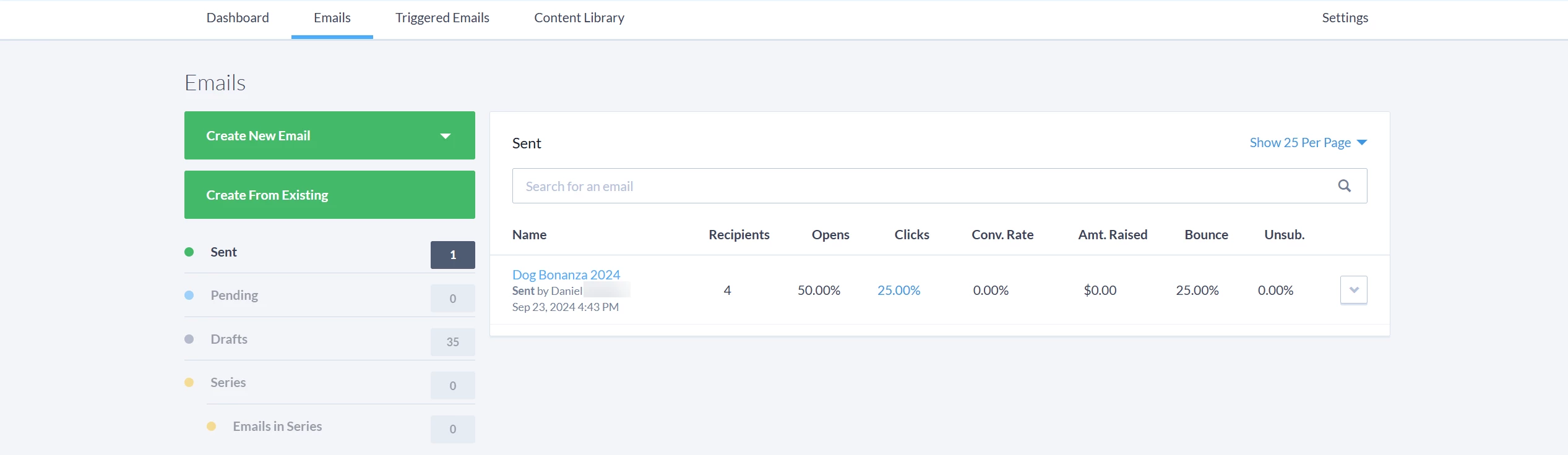
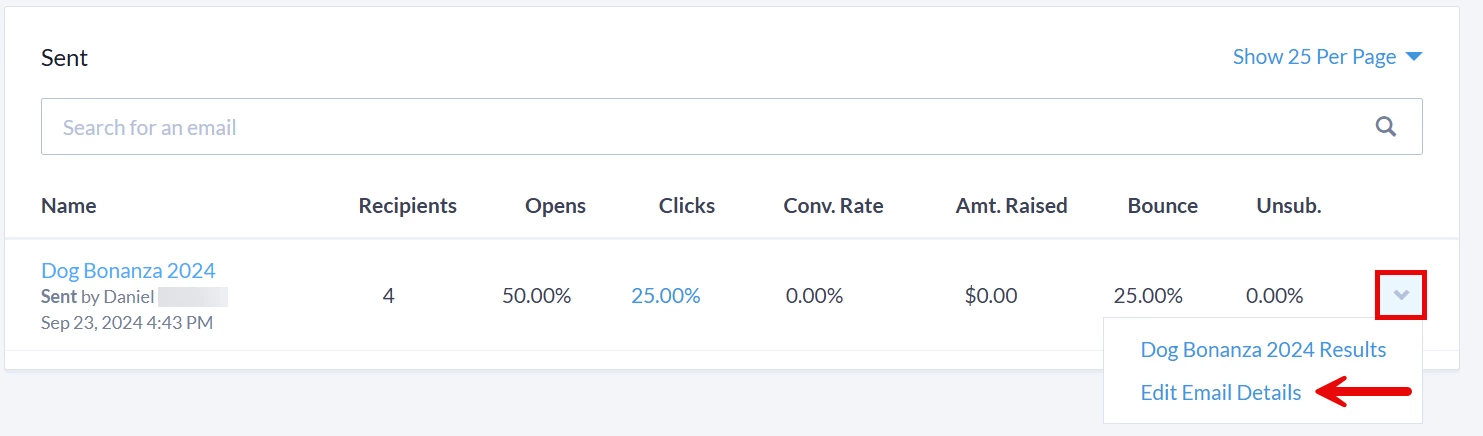
Once you locate the e-mail, click the arrow to the right of it and select 'Edit Email Details' from the dropdown.
Step 3: Select your campaign
A pop-up window will appear where you can click on the 'Campaign' dropdown to select the campaign you want linked to your targeted e-mail.
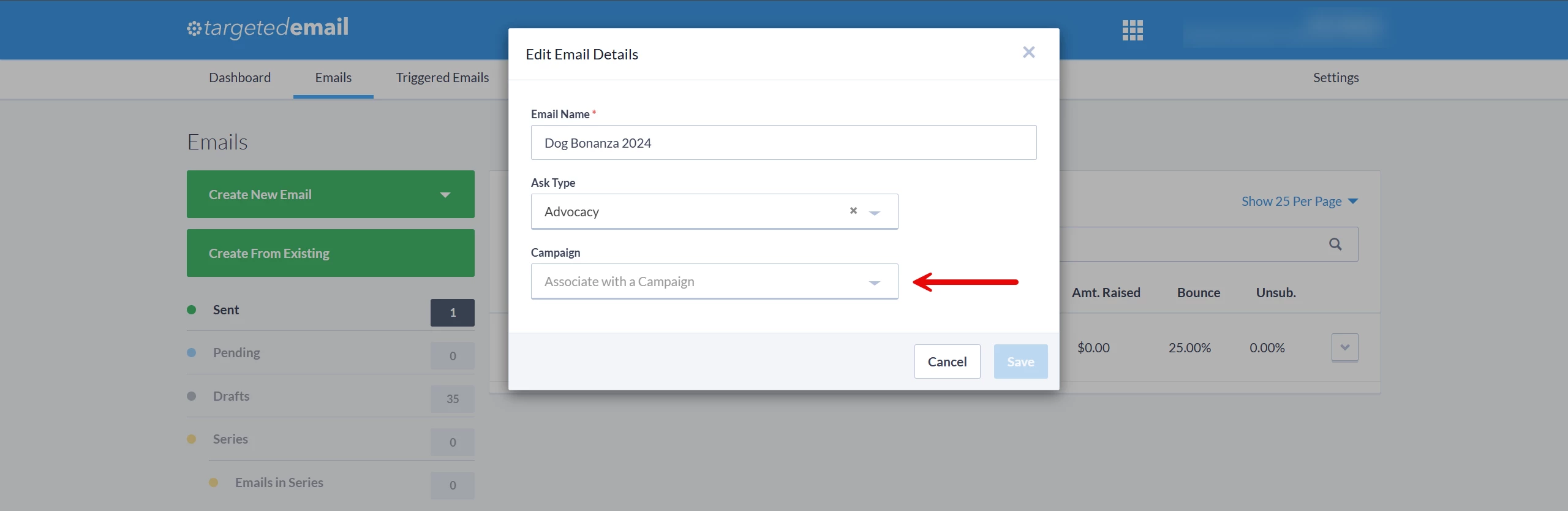
Once you have finished making your updates, be sure to click 'Save'!
What else do you need help with?
Not quite what you were searching for?
Navigate back to the Codes & Effort Tracking Resource Index.
How do I apply a campaign to a targeted e-mail? | How does apply a campaign to a targeted e-mail work in EveryAction? | Why can't I apply a campaign to a targeted e-mail? | Where do I apply a campaign to a targeted e-mail in EveryAction? | What is apply a campaign to a targeted e-mail in EveryAction? | How to apply a campaign to a targeted e-mail? | Can I apply a campaign to a targeted e-mail in EveryAction?