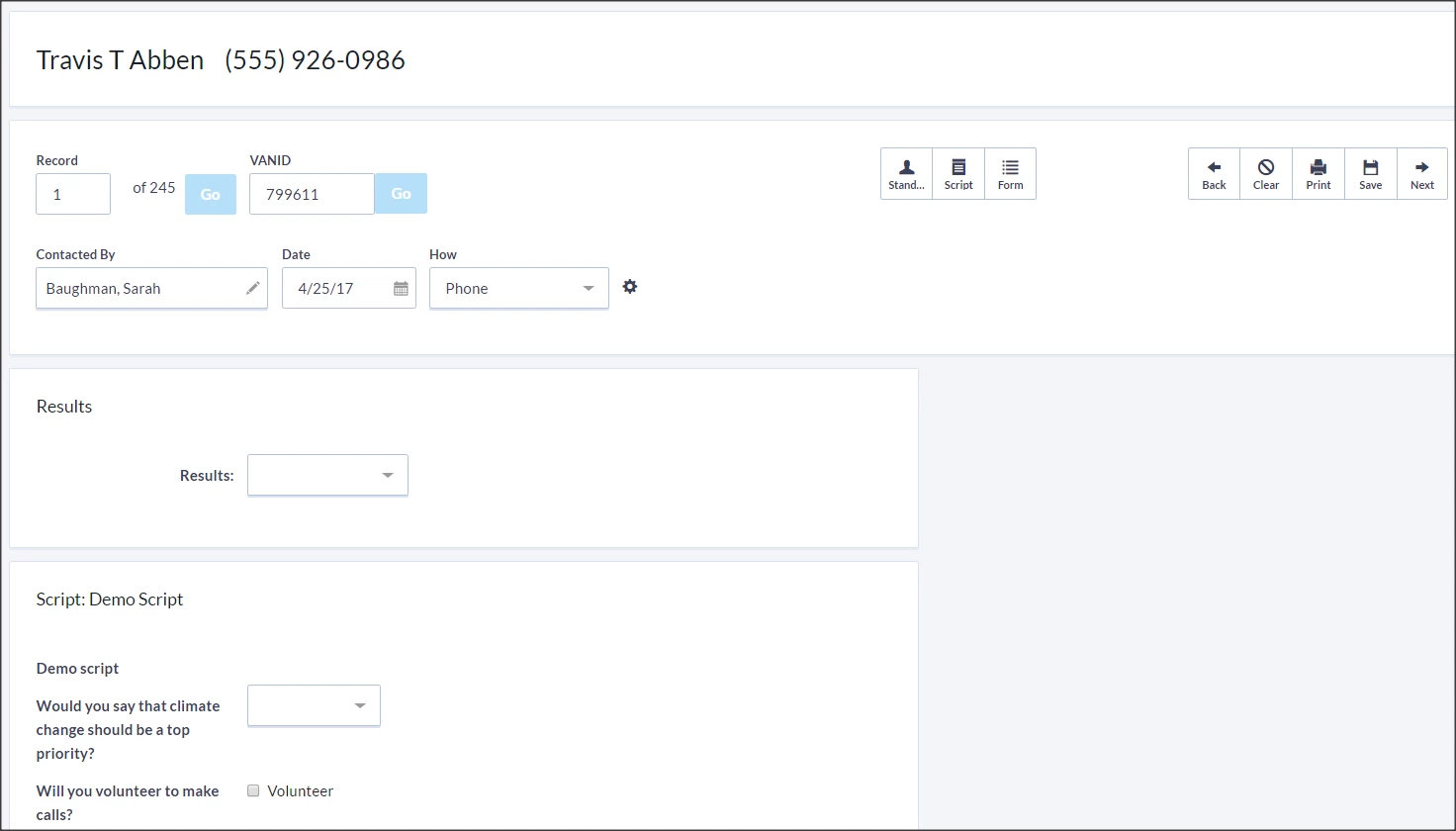
Script View allows your volunteers or staff to gather contact data by following a pre-determined Script. This is often used when doing outreach to a smaller segment of supporters than you would normally reach with a Virtual Phone Bank or other canvassing efforts.
Before you begin, you will need to create a Script.
Using Script View
Once you are ready, you can begin from My List by selecting Script.

You can also open Script View from Main Menu > Load Data or by searching in the Sidebar.
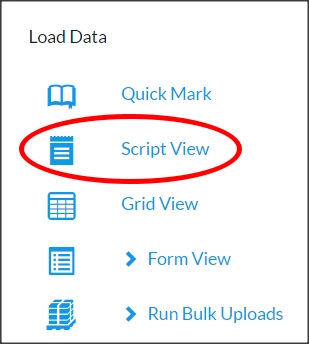
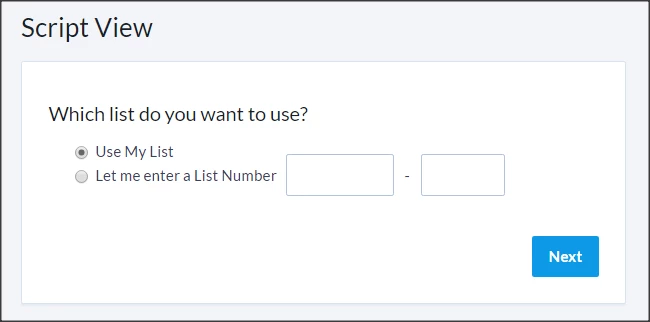
If you open Script View from the Load Data menu, you can select your current list or enter in a list number from the bottom of a printed list.
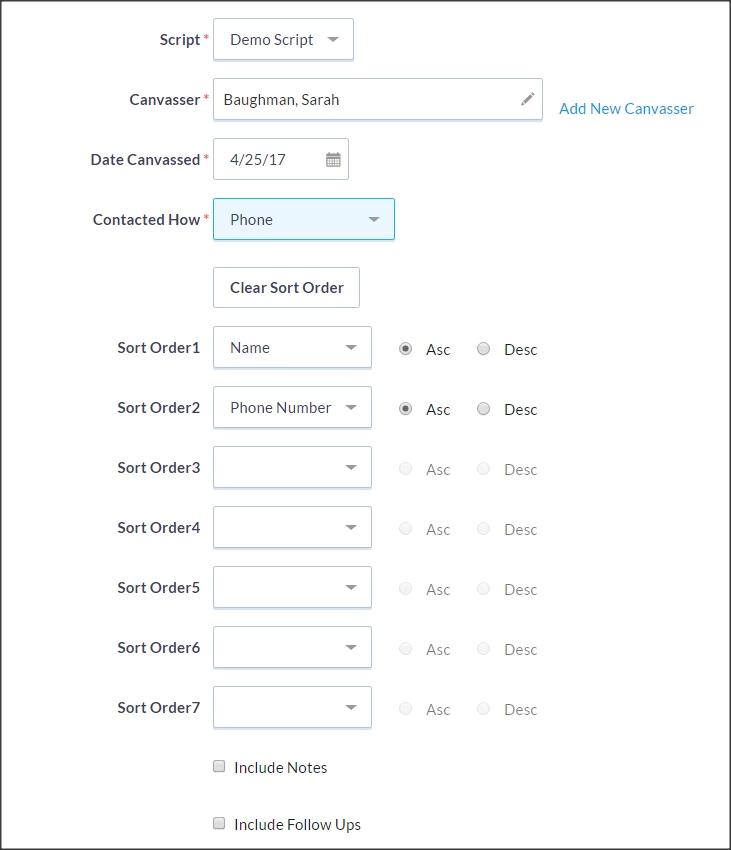
Next, choose which Script to use as the basis for data entry, as well as the canvasser (person who contacted or attempted to contact the record) contact method.
You will then need to select the sort order (ie: sort alphabetically and group by precinct). Some contact methods will have a predetermined sort order.
If your list is large, you will then be asked to choose which part of the list you would like to use.
Once Script View is set up, you can input information one person at a time and select Save/Next to move on to the next person.