



Depending on your user profile settings, the default Main Menu may be the first page you see when you log in. But you can choose a different home page that better suits your daily workflow.
Here's how:
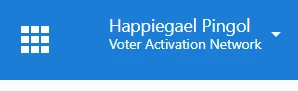
Step 1 In the upper right corner, click on the dropdown menu under your name.
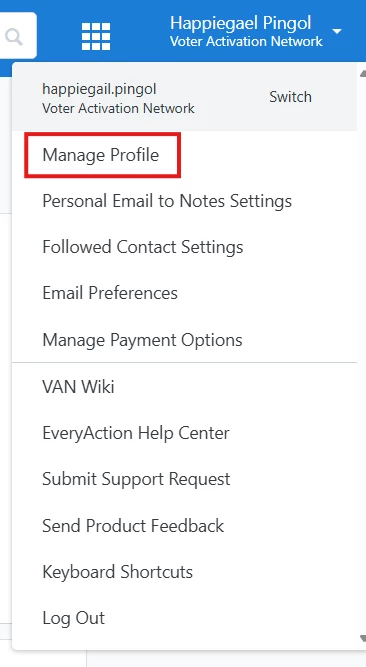
Step 2 Select "Manage Profile".
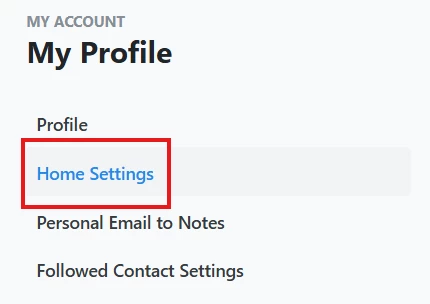
Step 3 Click "Home Settings" on the left.
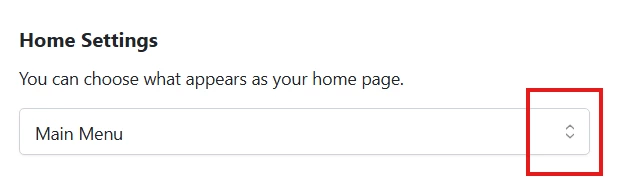
Step 4 Choose any page from the list as your new home screen.
Step 5 Don't forget to click "Save" before exiting.

This way, you can customize your landing page and make your workflow more efficient
What else do you need help with?