Overview
The MiniVAN Activity Report allows you to run quality control on your canvasser data. Certain users can roll back MiniVAN data using the Roll back MiniVAN Commits feature. This feature allows you to roll back multiple rows of committed data at once.
Currently, this function is only available in My Voters.
Learn more about MiniVAN reporting
Rolling back MiniVAN data
To roll back MiniVAN data, navigate to the MiniVAN Activity Report, and filter the report to the rows you’d like to roll back. All rows displayed in the report will be rolled back, so make sure to exclude any rows you don’t want to roll back.
Note: Rolling back MiniVAN data cannot be undone.
Click the Report Actions button in the top right, and then select Roll back MiniVAN Commits from the dropdown menu.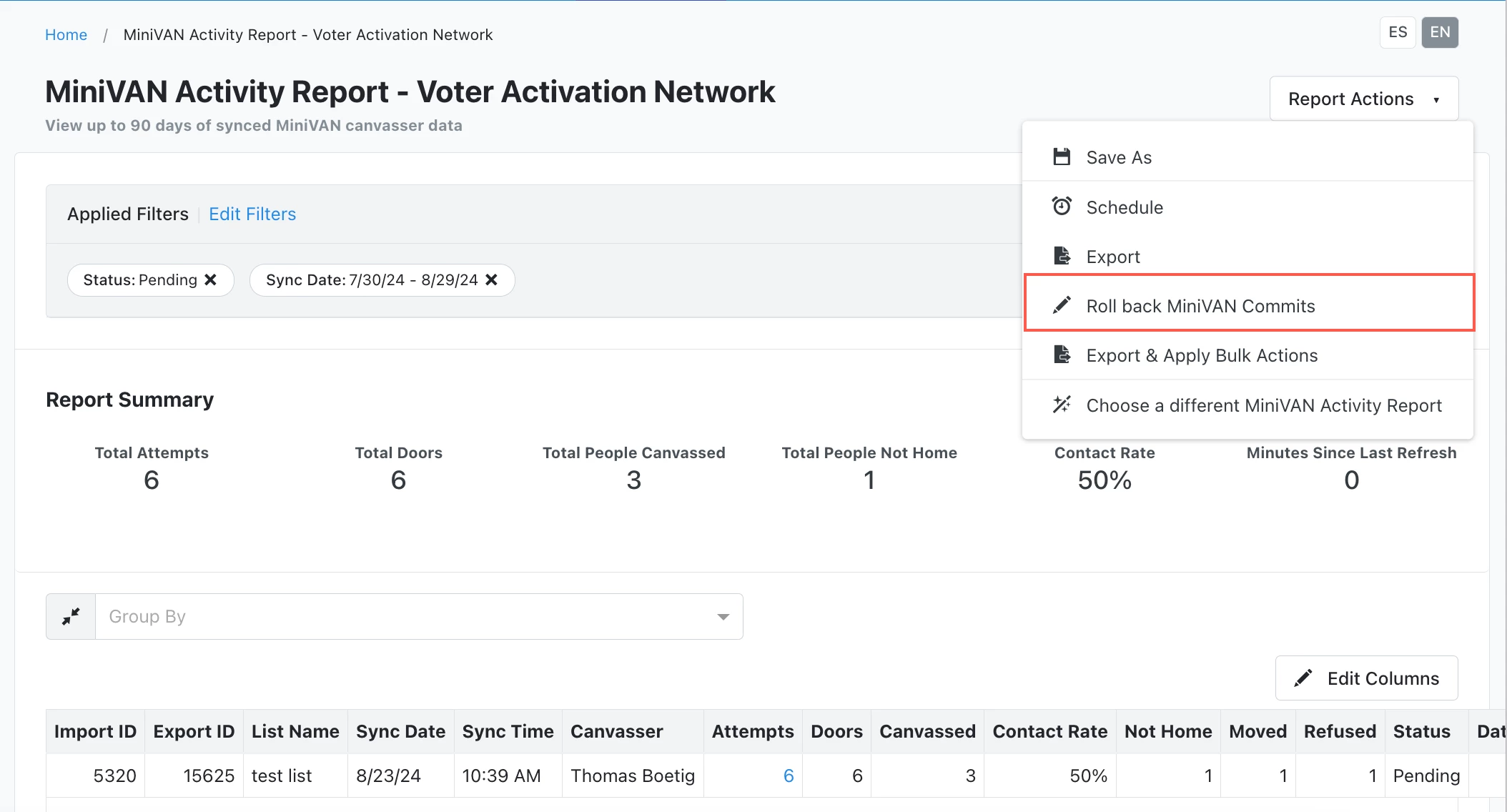
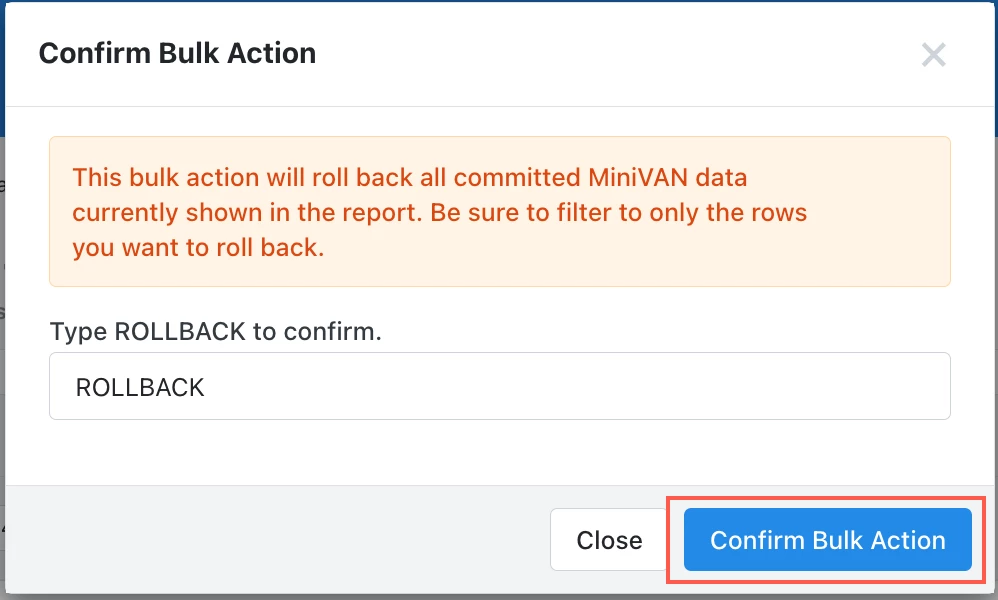
You’ll see a pop-up window asking you to type “ROLLBACK” to confirm your selection. Select Confirm Bulk Action to proceed.