



The Mobilize integration with VAN syncs events, people, and signups from a single Mobilize Organization to a single VAN Committee. Data syncs in real time, whenever an event or signup is created or updated.
Mobilize is a powerful tool when integrated with MiniVAN because it allows volunteers to re-shift at the end of a canvass.
Linking Mobilize to your MiniVAN campaign
Help your volunteers re-shift at the end of their canvass by linking to Mobilize when you create your MiniVAN campaign.
Read more about creating a MiniVAN campaign
Open MiniVAN Campaigns on the Sidebar. If your organization has created MiniVAN Campaigns before, they will appear on this page and can be edited by clicking the campaign name.
To create a campaign, find Add New MiniVAN Campaign on the upper right of your list page.
The options available on the Campaign Details page will depend on what database you are in and what packages your committee has purchased.
The Mobilize step allows you to add a mobilize URL. Only Mobilize URLs can be entered, but your link can be a specific event or a list of events.
If you are not a Mobilize client, you can skip this step.
At the end of a canvass, your volunteers will be prompted to sign up for their next shift within the app.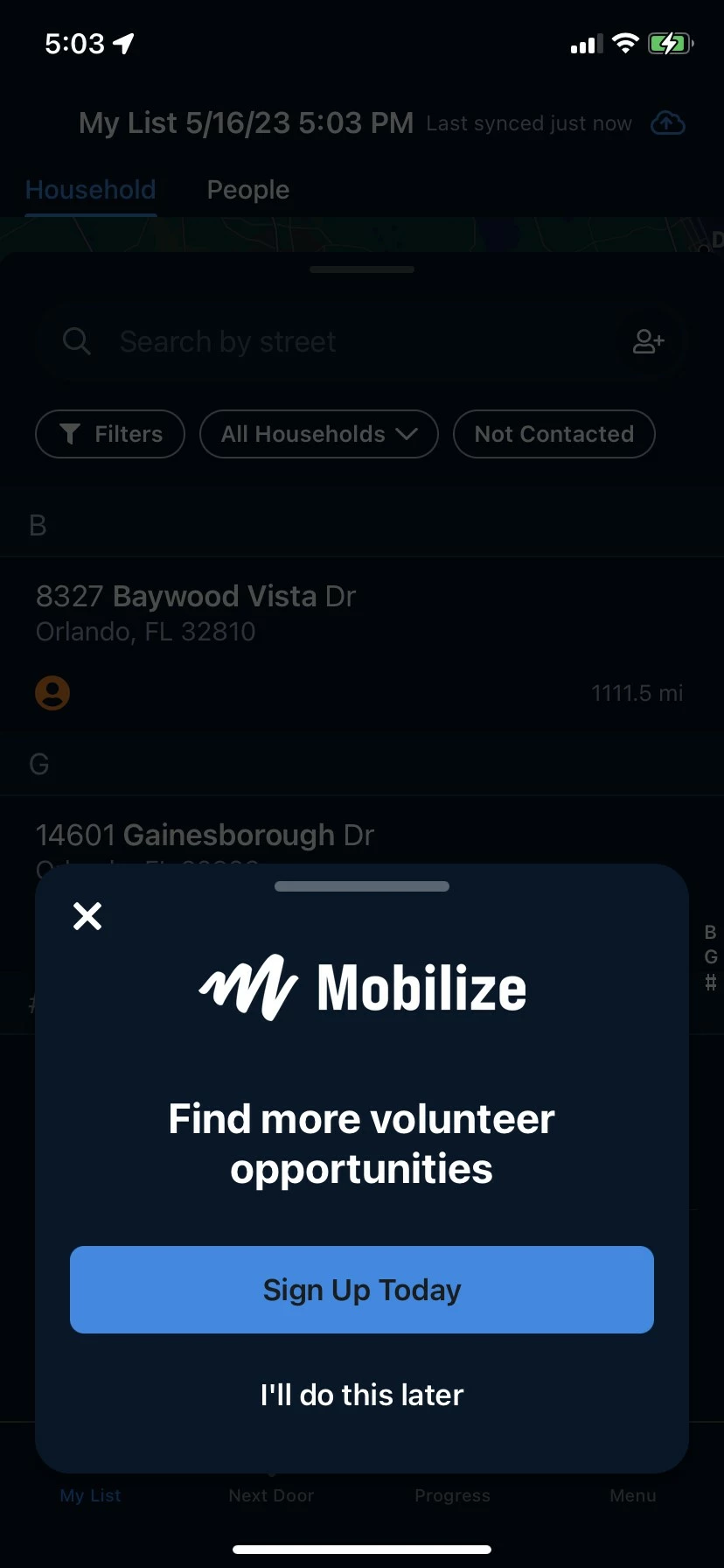
To track volunteer signups coming from MiniVAN, use the MiniVANCampaignID in the Mobilize Dashboard. The MiniVAN Campaign ID is recorded as the utm_campaign value for each signup from MiniVAN. Export your signups in Mobilize to view a report of all utm_campaign values in your Mobilize stats tab.