To begin, go to Report Manager.
Once there, go to Counts and Crosstabs on the left-hand menu. Then click Run Counts and Crosstabs with Format.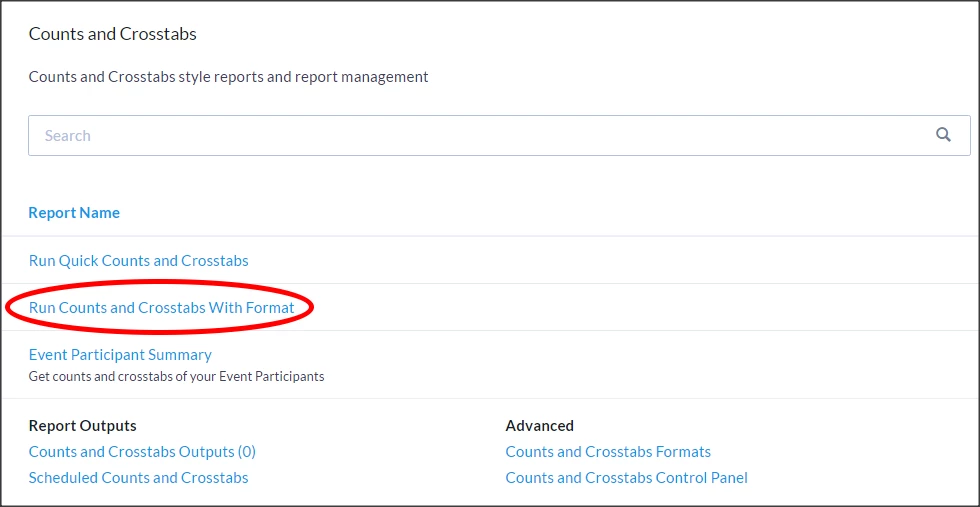
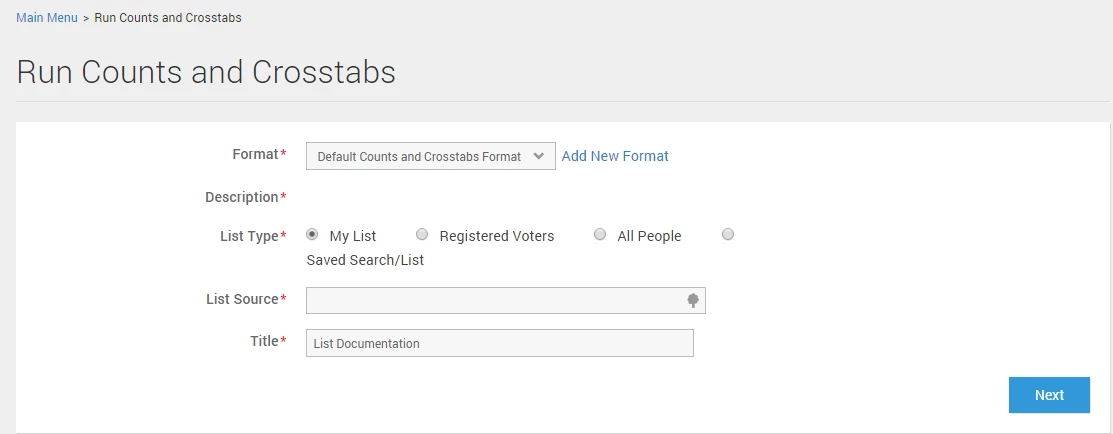
Select which format you’d like to use, select your list, and choose a name. Click Next.
If you need to create a format, see Creating a Counts and Crosstabs Format.
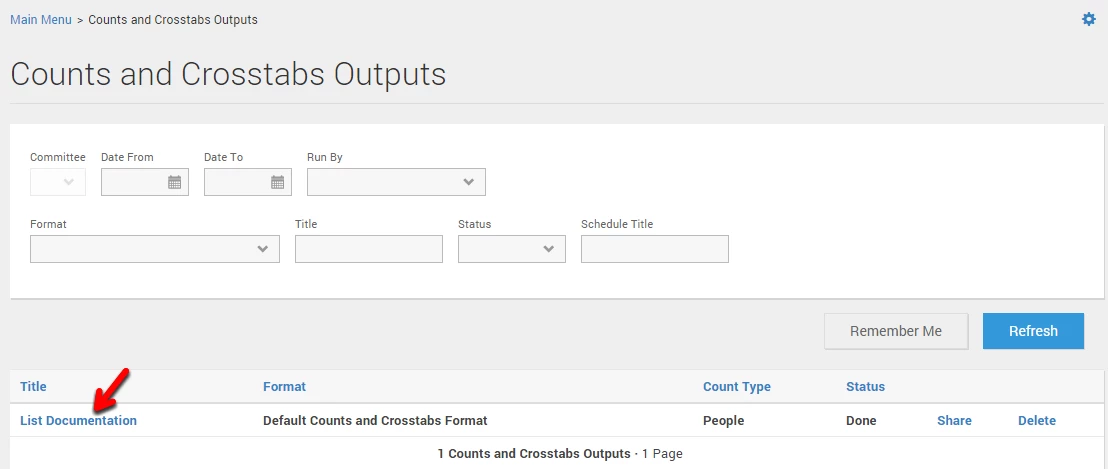
The next page displays all of the previous counts and crosstabs. If your list is large, it may take a few minutes for the output to generate. When it’s ready for viewing, the status will say Done and you will be able to click on the title to view the crosstab.