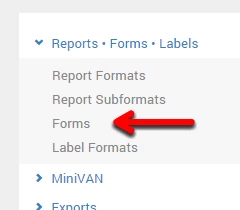
To begin creating a data entry form, open the Reports * Forms * Labels menu in the Main Menu and select Forms.
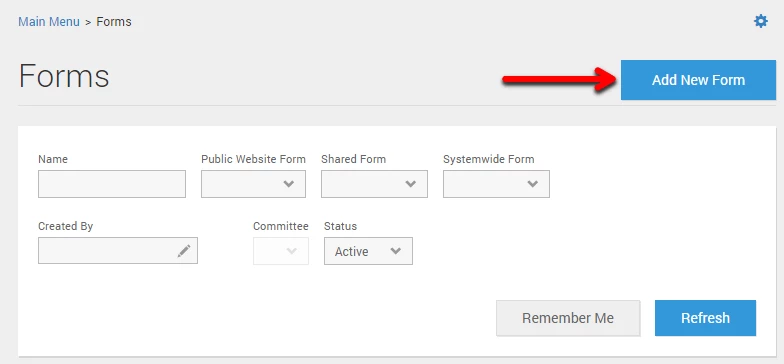
Next, select Add New Form.
Choose a name for your script, write a brief description, and choose the use option. When finished, click Save.
To add a field to the form, select a field from the lefthand column of the Form Fields Toolbox. Check the boxes of the attributes you would like to include and select Add Elements to Form.

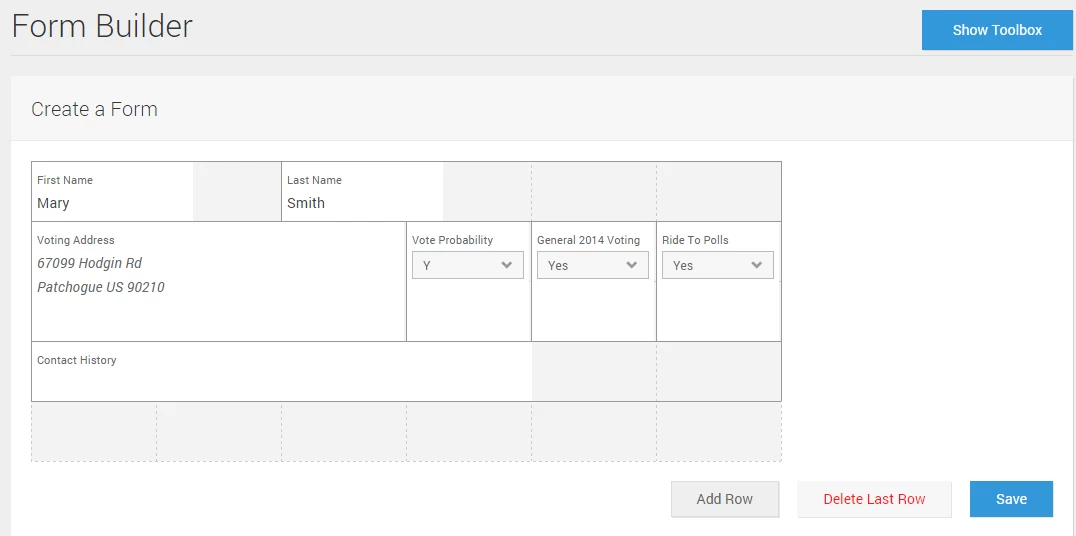
To add additional fields to the form, click Show Toolbox.
To remove fields, drag the fields to the bottom of the screen. You can also adjust the size of the form with Add Row or Delete Last Row. When finished, click Save.