



Scan Bar codes is a fast way to enter data into the system. In order to use this function, you need a barcode scanner and a printed paper list.
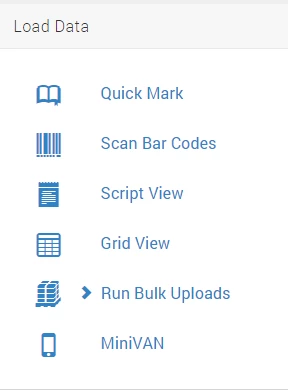
Begin by selecting Scan Bar Codes from the Load Data menu.
There are two ways to start depending on the entry order. For each option, you will need to fill out all of the required information and click Next.
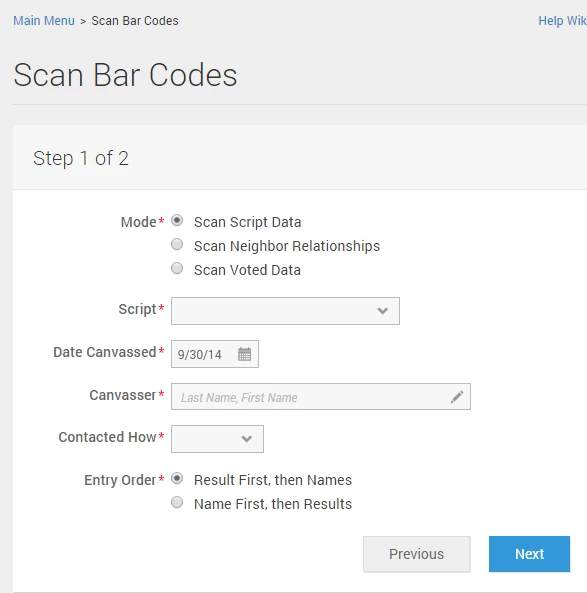
For Result First, then Names, scan a result code, and hit Enter. Then, scan the barcodes for each of the names to which you would like to apply the code. If there are more than one results codes being applied to the list of names, repeat the process by scanning new result codes and names.
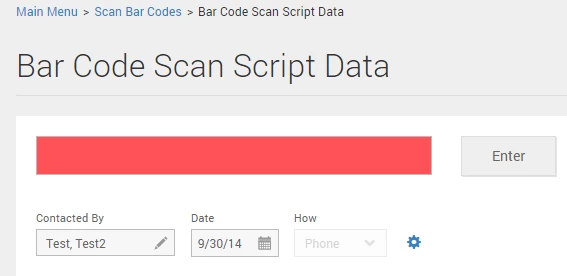
For Name First, then Result, scan the first name on your list and click Enter. Then scan the barcode for the result which you would like to apply. Repeat the process until all of the data on your list is entered.
What else do you need?
How do I how to: use bar codes? | How does how to: use bar codes work in EveryAction? | Why can't I how to: use bar codes? | Where do I how to: use bar codes in EveryAction? | What is how to: use bar codes in EveryAction? | How to how to: use bar codes? | Can I how to: use bar codes in EveryAction?