(4 min read)
Once your current election is finished and your reports are filed, you need to make sure to wind up your record-keeping for this cycle and get ready for the next round by updating some of your settings. This will ensure that your records in the next cycle will use the correct dates and monetary limits for donations submitted via Online Actions forms, data imported via bulk upload, or contributions entered directly in your records.
Instructions for filing Federal reports
Instructions for filing State Reports
Updating your Cycles & Limits
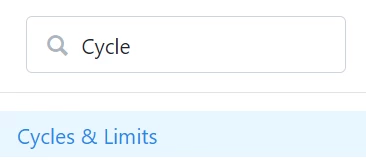
You should begin by updating your election cycle date and monetary limits for the new election period. Search in the Sidebar for Cycles & Limits or open the link from Main Menu > Disclosure > Cycles & Limits.
Your cycle date ranges and monetary limits may vary depending on which election you are participating in and the type of report you are required to file. Check with your State or Federal filing agency to confirm your filing requirements for specific aggregation reporting cycle date ranges.
Select Add New Cycle and select the Designation, Cycle Year, and a Name that will help you identify this cycle more easily.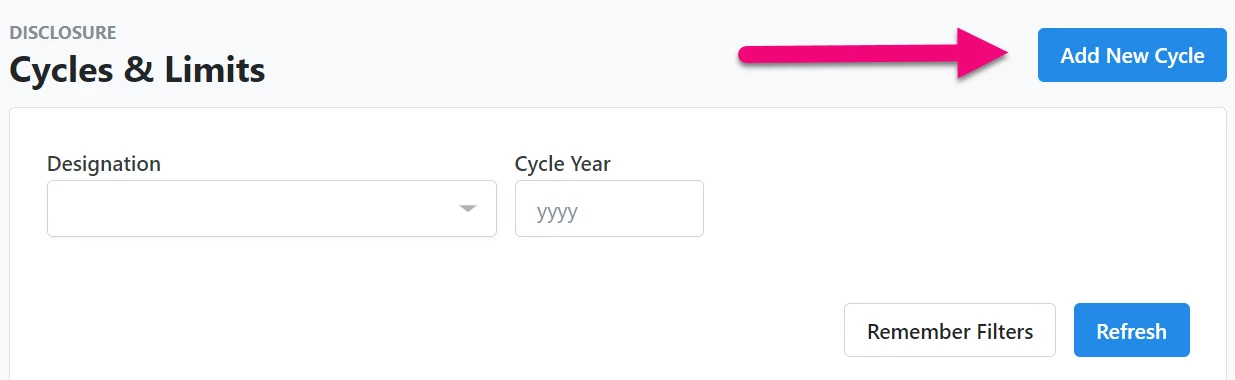
You will then be prompted to add the limits you will need for the upcoming Cycle. Consult with your filing agency to confirm the types and amounts you will need to establish.
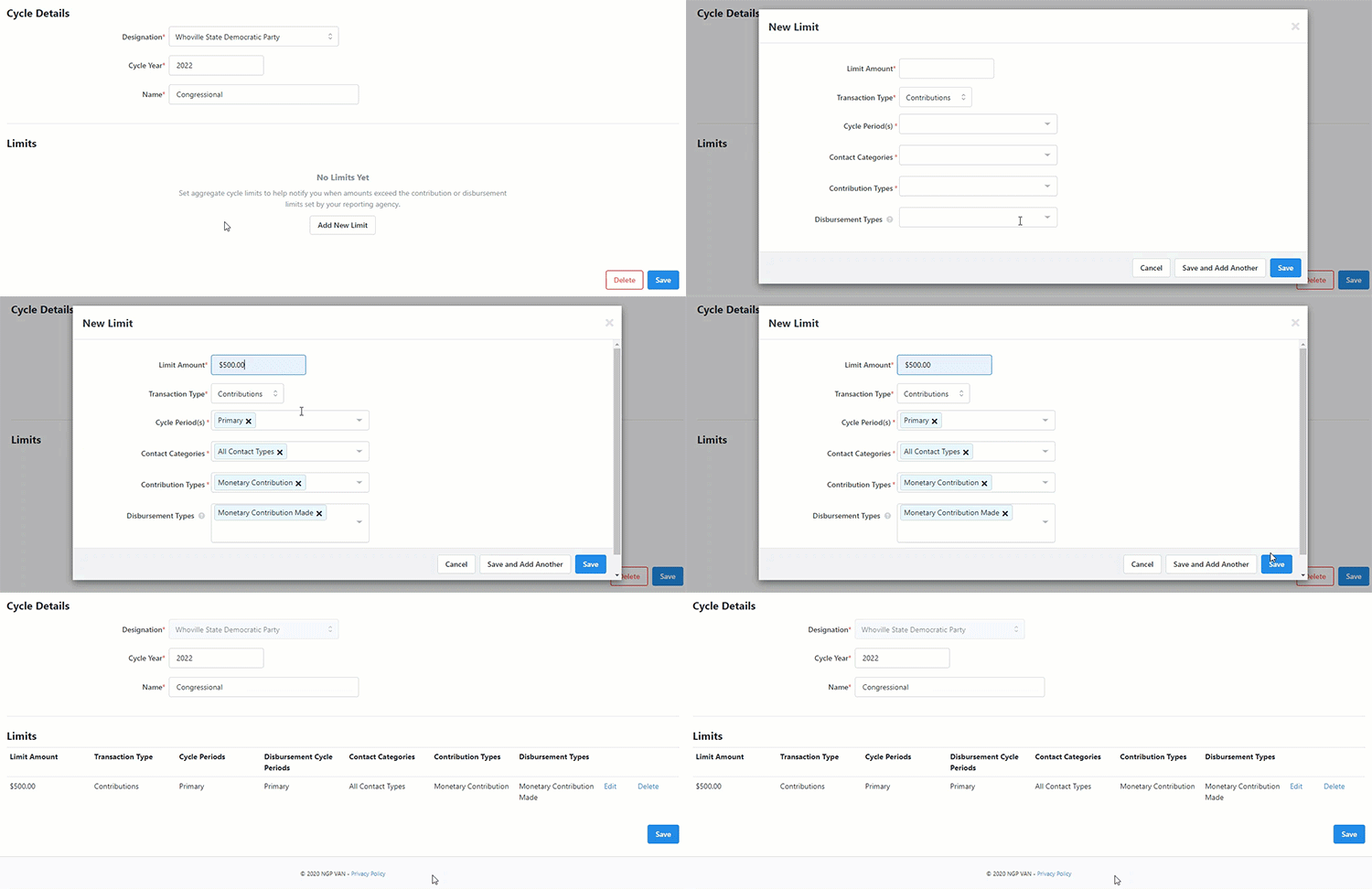
If you add a Disbursement limit that includes in-kind disbursements, you will be asked whether you want to apply the limit to the linked contact rather than the vendor. In most cases, you will want to select this option to make sure the limit is being applied to the contact receiving the in-kind disbursement, rather than the vendor or person providing the materials or the work. 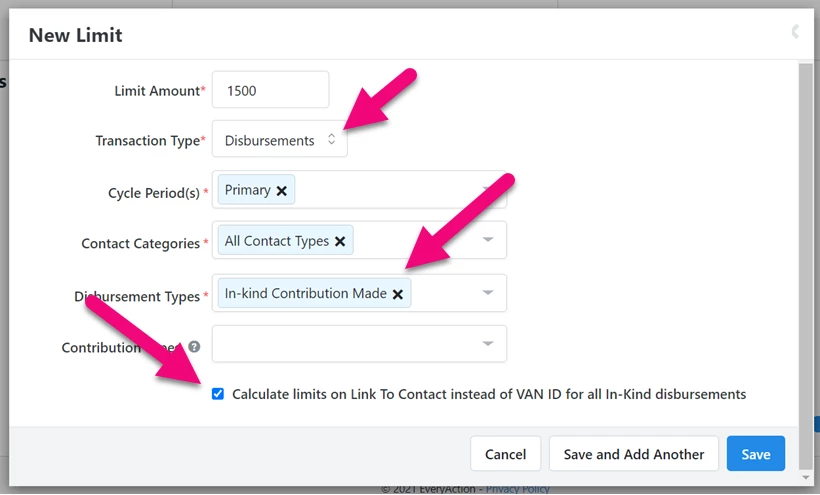
Updating Online Actions forms
After you’ve set up your new cycles and limits, you will need to update the period and cycle on any Online Actions forms you plan to use.
You can update these settings on the Basics step of your form. The Period and Cycle settings are located in the Connect a Gateway to Accept Contributions section. Be sure to republish your form once you’ve finished updating your settings.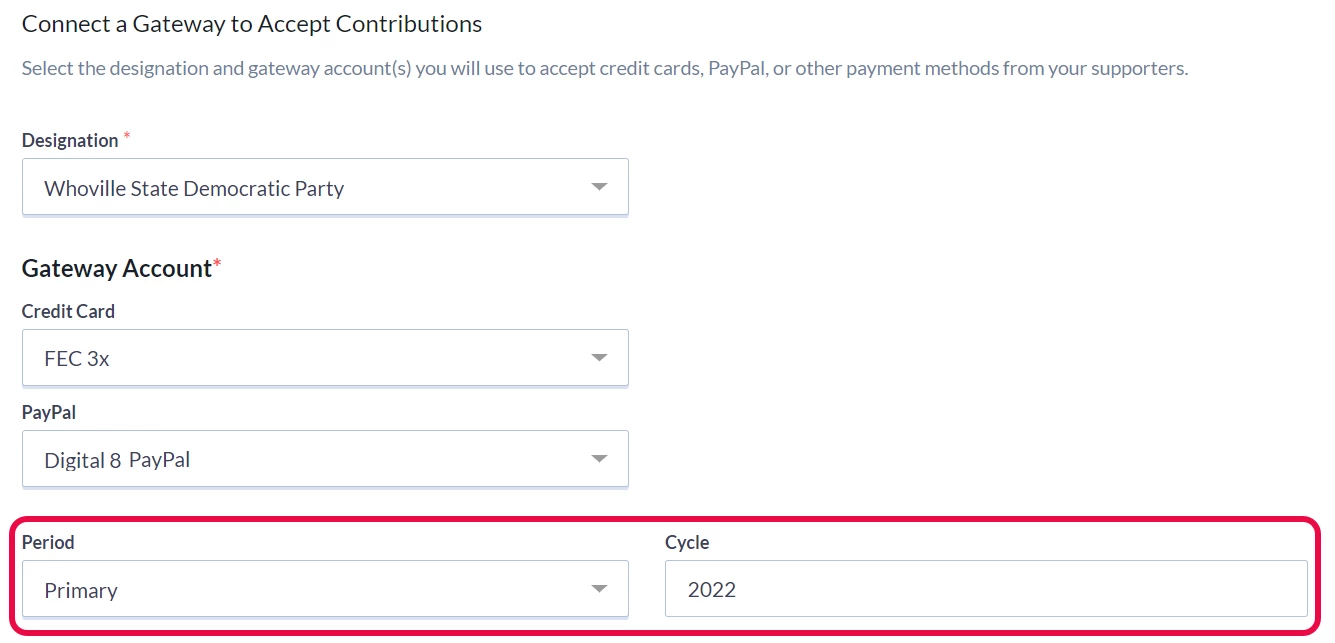
Updating your Disclosure Reports
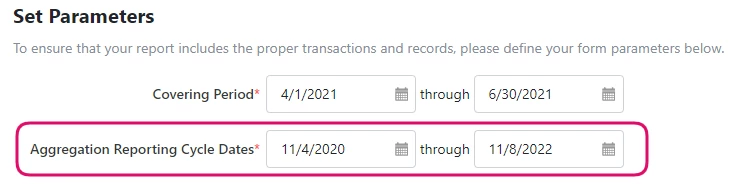
When you file your reports from the Disclosure Center, you should also make sure you update your Aggregation Reporting Cycle Dates to match the dates for the current cycle. The Covering Period is the date for the current report you are filing, while the Aggregation Reporting Cycle Date helps you track things like campaign limits by aggregating your data to cover the entire current election cycle. (If you are filing for a PAC, you may not see the Cycle Date as an option since this date is assumed to be a yearly cycle.)
FEC Post General reports may have different aggregation dates, so make sure to check with your filing authority for the correct dates.
Read more on creating Disclosure Reports
Updating your User list
Since campaign staffers often change with a new cycle, make sure that you clean up your User list and deactivate any accounts you will not need.
You can open the Users list page by searching for it in the Sidebar.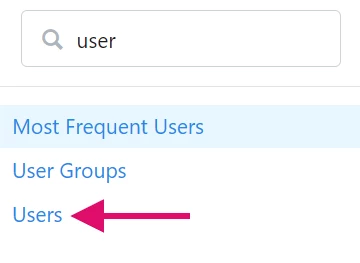
Use the filters at the top of the page to search for the Users you need to disable for the next cycle. Select the accounts you want to deactivate using the checkboxes and then select Quick Actions > Deactivate.
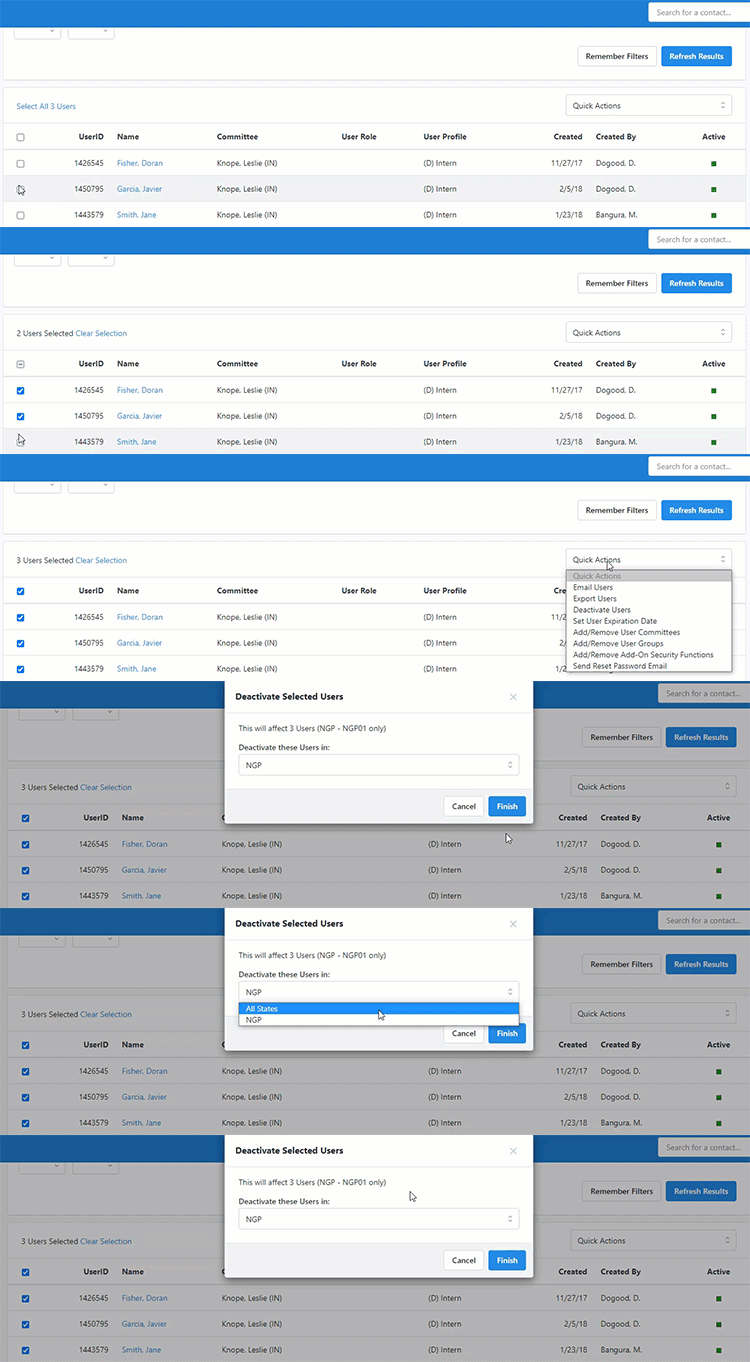
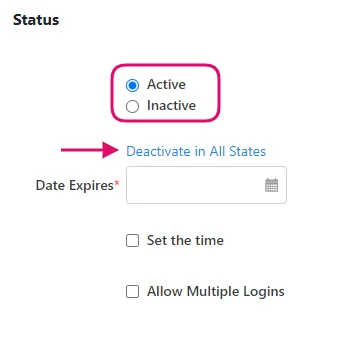
You can also deactivate an individual user from the Status section of their User detail page.