


How to: Add and use Giving History
Note: This article contains screenshots reflecting the Contact Record contact view. To toggle between the Contact Record view and the All Details view, select “View contact record” or “View all details” at the bottom left corner of your screen.
Giving History is a way for you to add all the research you've collected about a potential donor's giving history to their contact record, including their gifts to other organizations, campaigns, or causes that might indicate they can be cultivated for your own efforts.
Adding Giving History recipients
To begin adding giving histories, you will first need to add the names of the Giving History Recipients by opening the list from the Sidebar and then selecting Add New Recipient.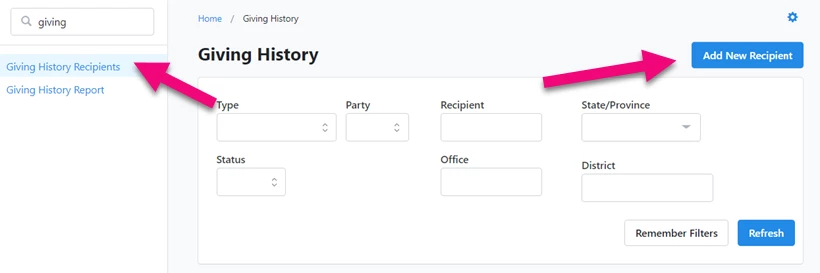
Select the Type of organization that received the donation. For nonprofit organizations, you can add a name and description.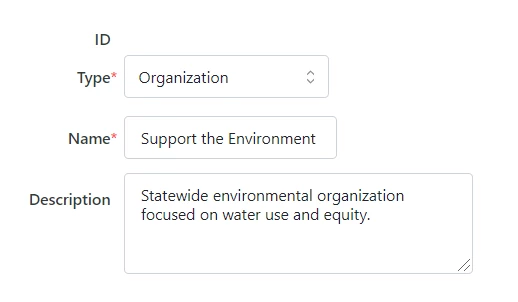
If it was a political contribution, you can add more details about the candidate committee that received the donations.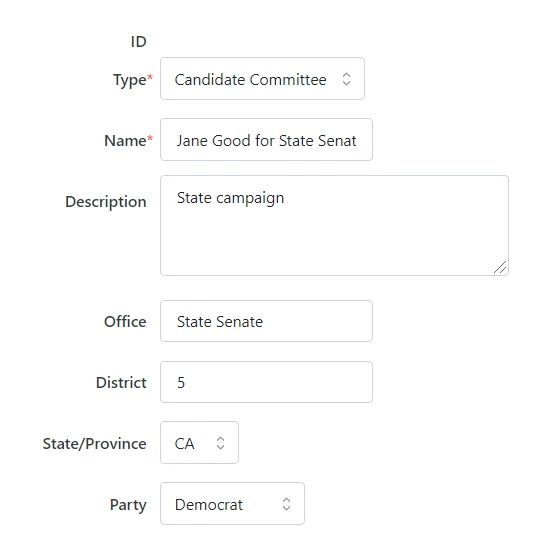
| A warning to political fundraisers |
Adding and viewing on contact records
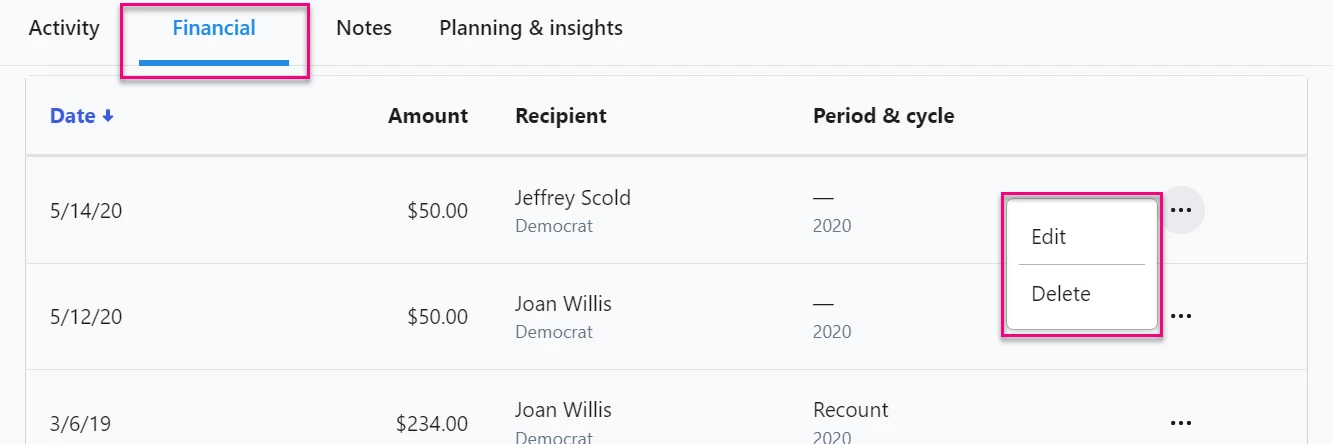
You can find Giving History on the Financial tab of the contact record. Manually Edit or Delete any of the entries. Use Add to log a new contribution. Select View Report to run any of the reports available to you. 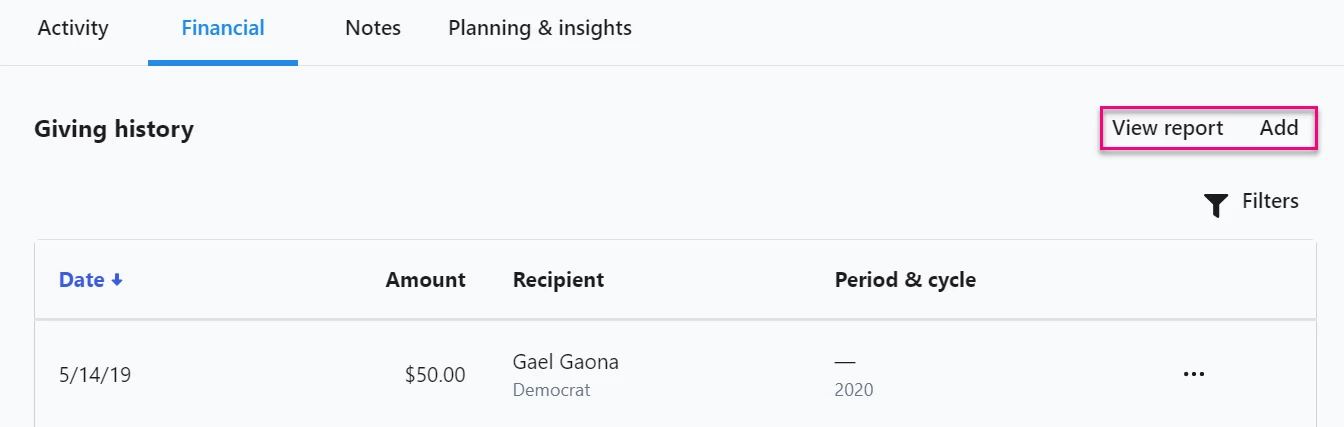
Use filter to populate Giving History by recipient, source code, and amount.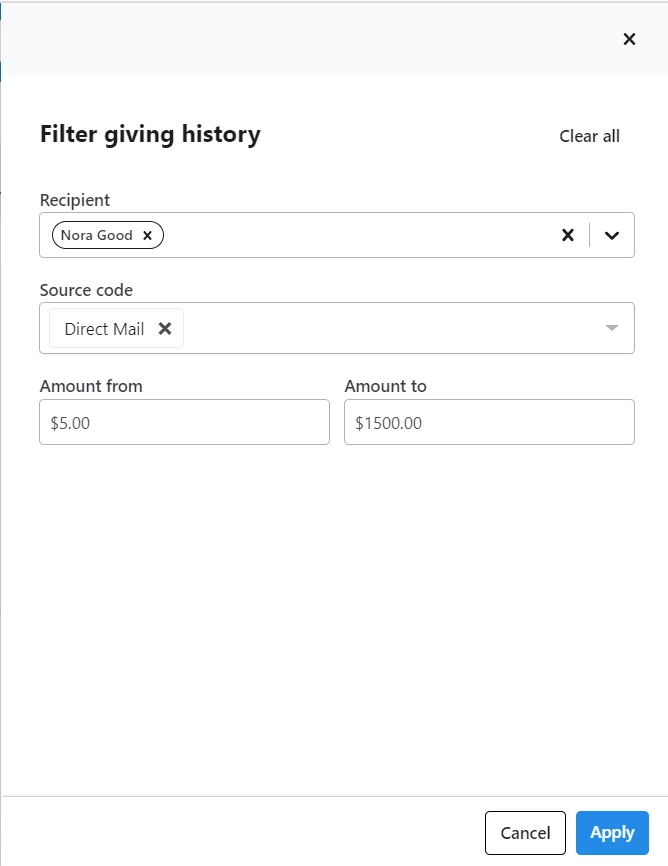
Bulk uploading
You can bulk upload giving history entries by using Apply Giving History and mapping the columns in your file.
Read more about using Bulk Uploader and Bulk Apply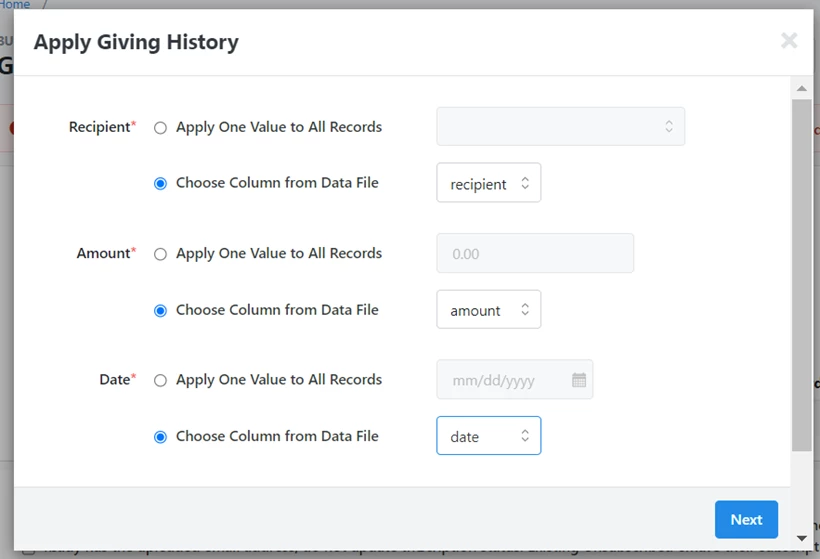
Adding Giving History to call sheets
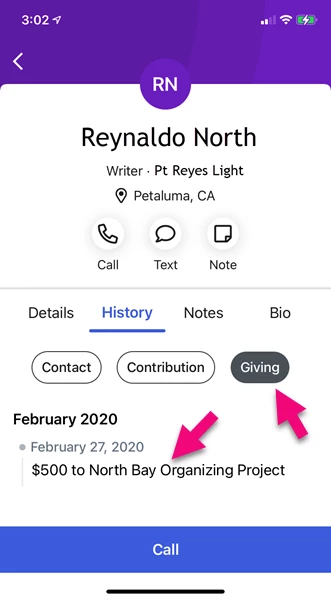
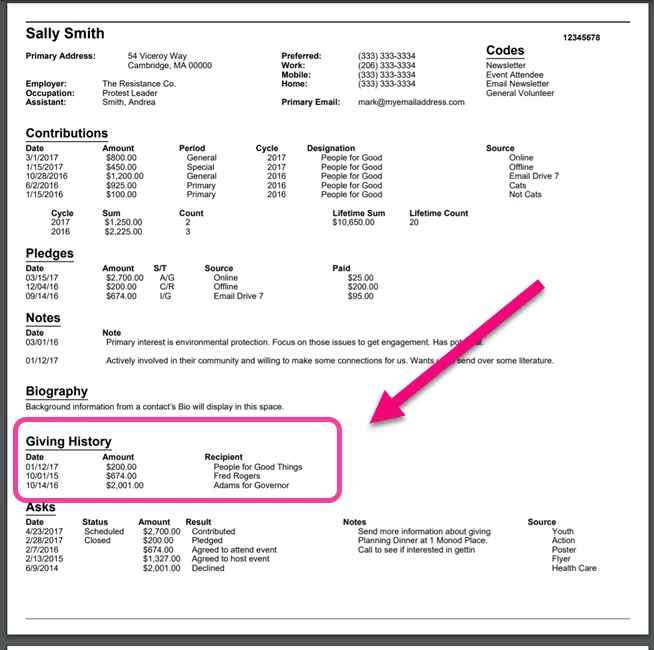
You can include the Giving History in your Call Time Mobile app and in your PDF Call Sheets so your callers will have more context for making their calls.
Read more about managing Call Time Mobile
Searching and reporting on Giving History
Giving History is available for searching in Create a List, making it easy to find everyone who gave to particular organizations or on particular dates in your contact list.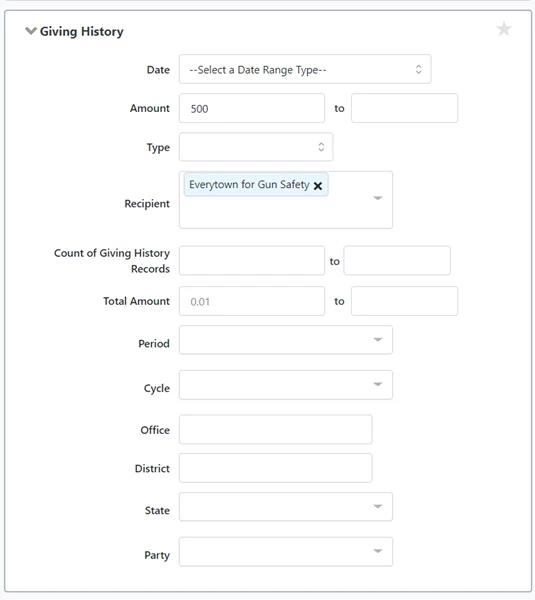
You can also use the Giving History report to see the giving history for an individual or for a group of contacts.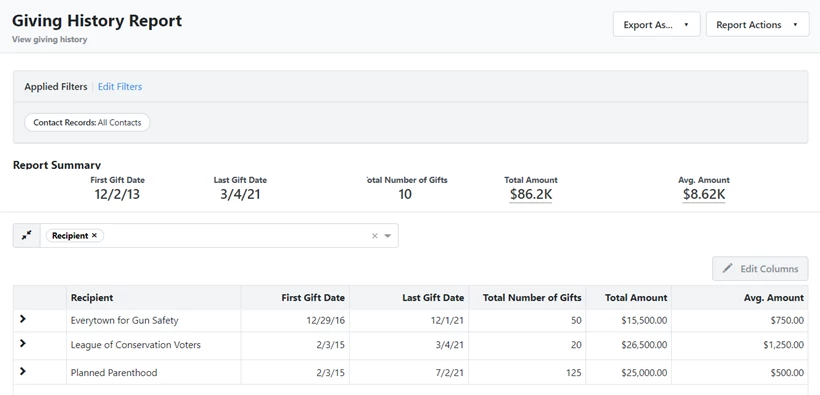
How do I how to: add and use giving history? | How does how to: add and use giving history work in EveryAction? | Why can't I how to: add and use giving history? | Where do I how to: add and use giving history in EveryAction? | What is how to: add and use giving history in EveryAction? | How to how to: add and use giving history? | Can I how to: add and use giving history in EveryAction?