



Overview
This article explains how shared contributions appear on a contact record.
Step 1: Review the Contributions Section
-
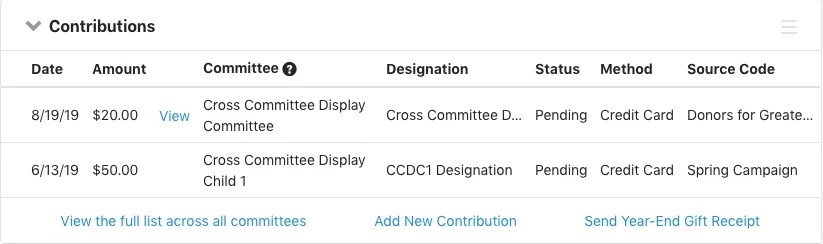
You will see the most recent contributions in the Financial tab.
-
There will be a Committee column showing where each contribution was recorded
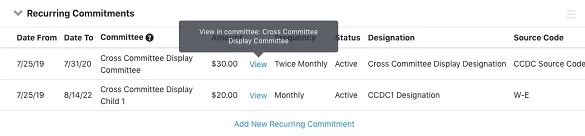
Note: Only contributions from committees you can access appear.
Step 2: View or Edit a Contribution
-
Click View next to a contribution
-
If the contribution belongs to another committee, EveryAction automatically switches you to that committee.
Step 3: View the Full Contribution List
Select: Contributions > View the full list across all committees
You see a full Contribution List with:
- Filters
- Sorting
- Edit Columns
- Export to Excel
Note: This is the only report that shows multi-committee giving in one view.
What else do you need help with?