



Note: These instructions are designed to help you log in to your Network for Good account - if you are trying to log in to your Disbursement Portal, check out the related guide here!
Step 1: Check your e-mail
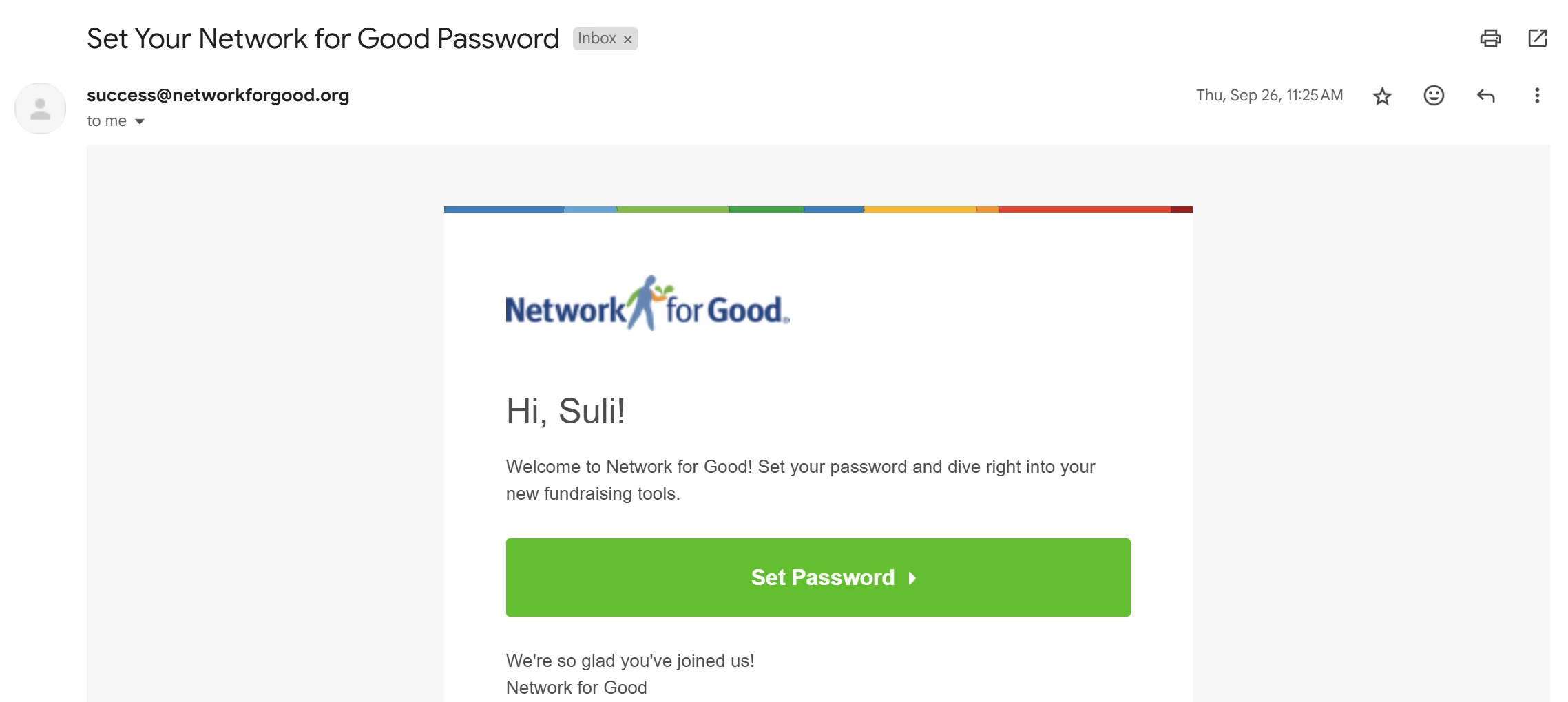
When you sign up for an account on Network for Good, you will receive an email with a link to help you get started by clicking the 'Set Password' button.
Step 2: Set your password
You will be taken to the log-in page for Network for Good, where you can set your password.
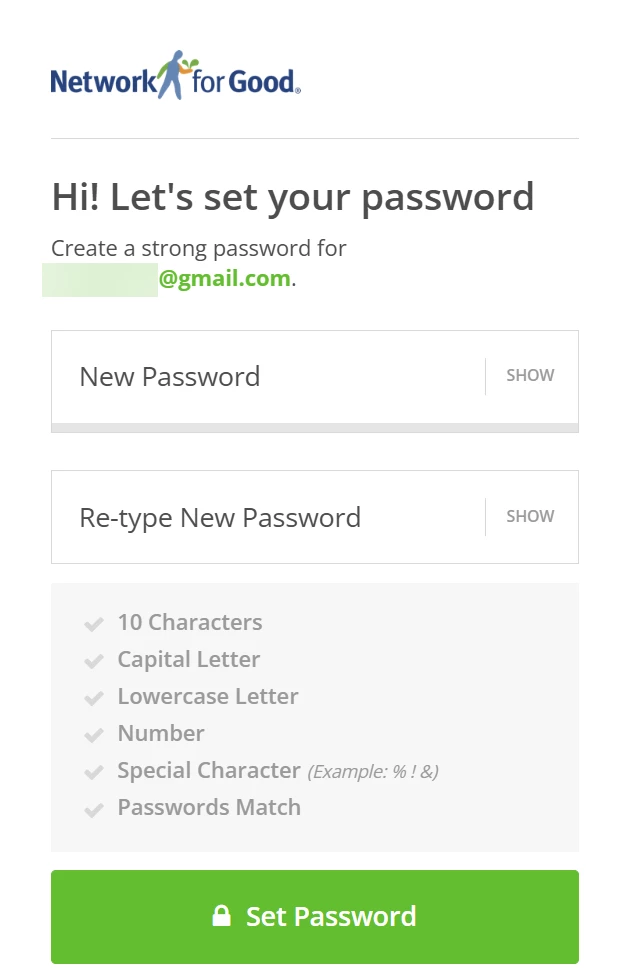
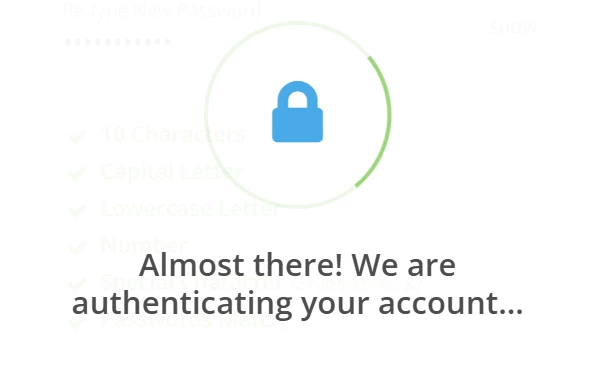
After clicking the 'Set Password' button, the system will work to authenticate your account. This may take a few moments.
Step 3: Check your text messages
An authorization code will be sent to the phone number you provided.
Step 4: Authenticate your account
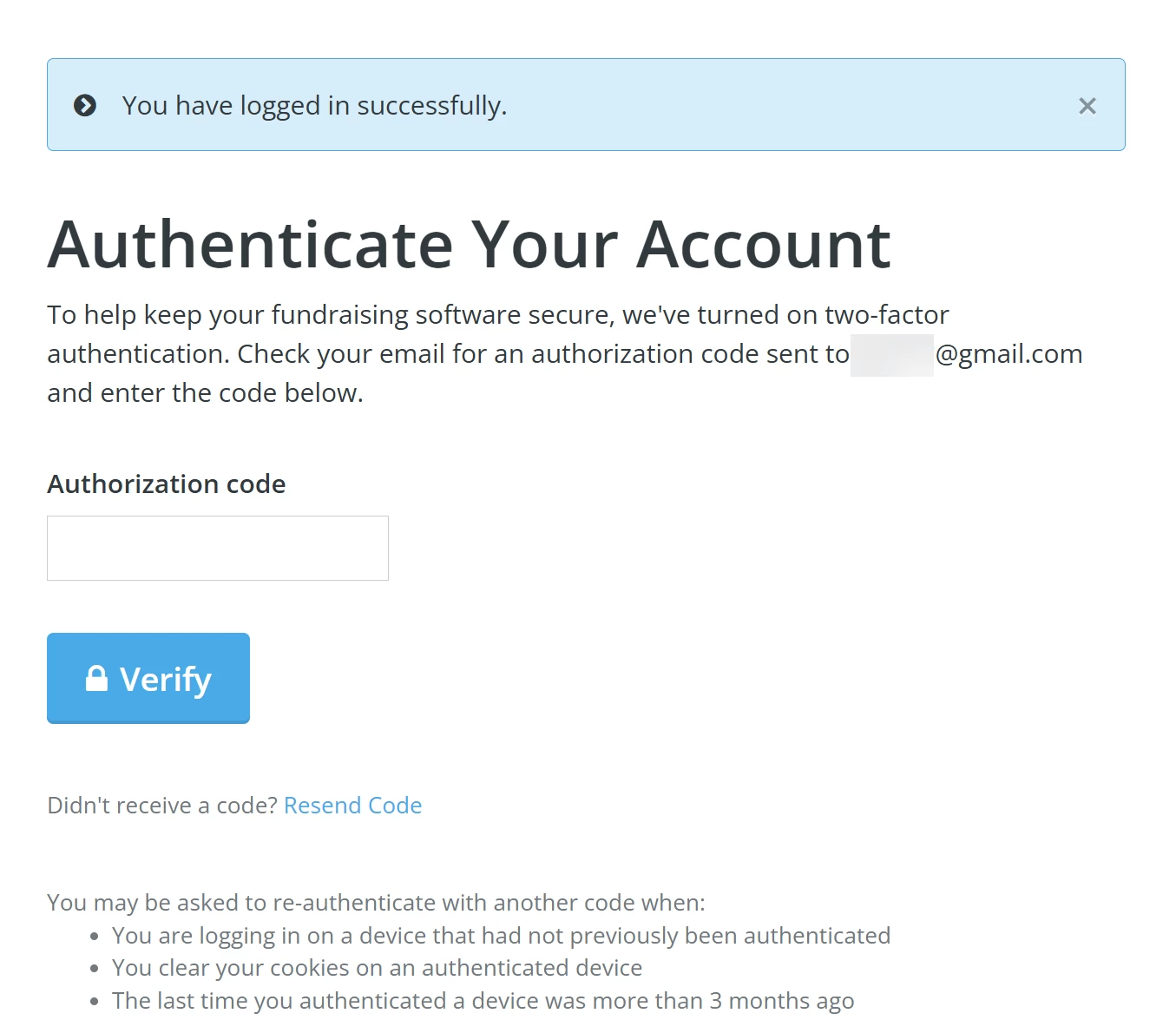
Enter the authorization code you received and click the 'Verify' button to log in and access your account!
Tip: We recommend you bookmark this direct sign-in link.
What else do you need help with?
How do I log into my Network for Good account?
Not quite what you were searching for?
Navigate back to the Feature Overview.
How do I sign up for a Network for Good set up session? | Where do I register for Network for Good onboarding training? | How do I get help setting up my fundraising page in Network for Good? | Is there a live training to help me send my first email blast? | When are the Network for Good group set up sessions? | How do I join a live onboarding session with a specialist? | Where can I find Network for Good training webinars?