



Step 1: Access the Login Page
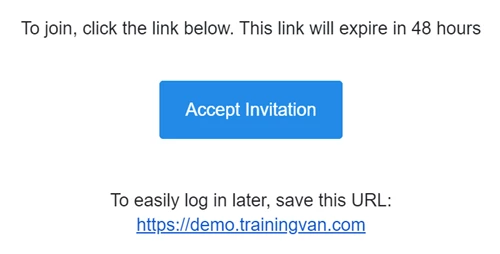
Navigate to the login URL provided in your Welcome Email. This URL includes your organization’s unique site name (e.g., https://[YourOrgName].everyaction.com).
Step 2: Enter Your Credentials
On the login page, enter the email address associated with your account. Type in your password. If this is your first time logging in, use the temporary password included in the Welcome Email.
Step 3: Set Up Two-Factor Authentication (2FA) (If Required)
If prompted, set up 2FA for additional security:
-
Download an authentication app like Google Authenticator or Authy.
-
Scan the QR code displayed on the screen using the app.
-
Enter the one-time code generated by the app into the field provided.
Note: Save your recovery codes securely in case you lose access to the authentication app.
Step 4: Accept the Terms of Service
If this is your first time logging in, review the Terms of Service. Click Agree to proceed.
Troubleshooting Tips
-
Forgot Your Password? Click the Forgot Password link on the login page and follow the instructions to reset it.
-
Expired Welcome Email? Contact your System Administrator or email help@EveryAction.com to request a new invitation.
-
Need Assistance? Submit a Support Request Ticket from the Main Menu or call the support team at (202) 370-8050.