



Display the donor’s selected currency in confirmation messages using a merge field.
Step 1: Use the Merge Field
-
In both the Thank You Page and Thank You Email, insert the merge field Contribution Currency.
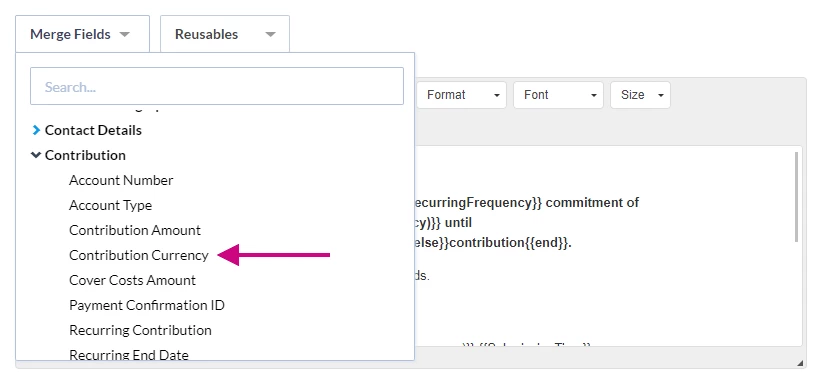
-
This field is included in the default message text.

Step 2: Confirm Output
-
The donor will see their Contribution Amount displayed in the currency they selected when completing the form.
What else do you need help with?
To learn how to set up and manage International Payments, see the following help articles: