


Terry Yau
Explorer
August 3, 2026
Solved

Creating Line Graph (Over Time) in Native Reporting

  • August 3, 2026
  • 4 replies
  • 51 views

Hello, all! 

I’m currently trying to build a report that includes a graph that shows various assessment scores over time. Within the graph’s editing window, there is no option to have a date/time data field as a column. 

I found a slight workaround by placing the date field as the first column in the report, and it generates my desired graph: 
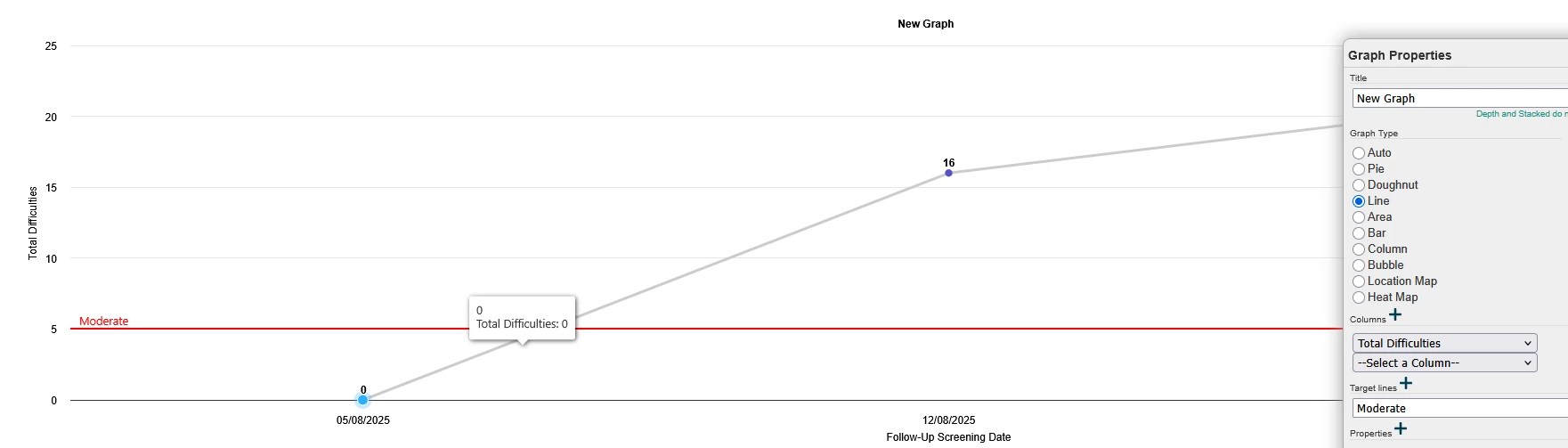
 However, if I add a second score field, it automatically un-converts the x-axis from the date field.
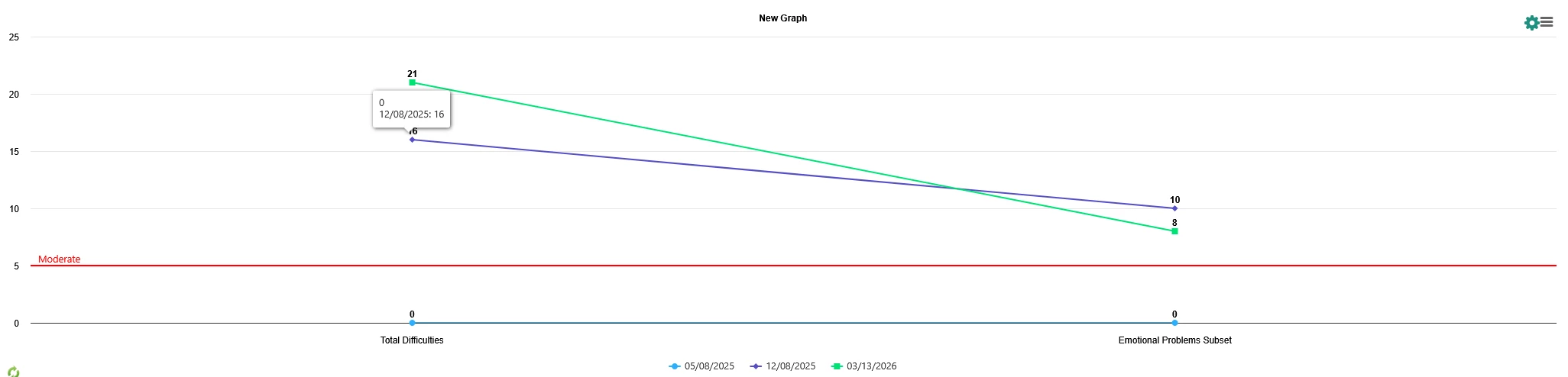
 

I’m not sure if I’m missing something, or if this type of graph isn’t available in Apricot’s native reporting? Any guidance would be much appreciated! Thank you! :)
Best answer by Naomi Katz

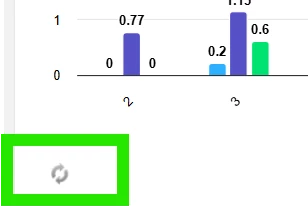
I’m not sure if this will fix the issue but there’s also a tiny swap icon in the bottom left of graphs on the edit side. I just learned about it and have been building native reports for 3+ years. Try that.


4 replies

danewagenhoffer
Explorer
August 3, 2026

Have you tried the impact hub thing? It is better for graphs. I like to just export my data and use tools that are better suited for me. I think excel has some graphing capabilities?

Molly Kraus
Bonterran
August 4, 2026

Hi Terry - I would recommend checking out Impact Hub for more flexibility and advanced options for line graphs, such as: 

  • Missing data handling - controls for how gaps appear when a date has no data
  • Reference lines - both adding constant lines with a static value or calculated lines based on selected fields and aggregation
  • Drill downs on date hierarchies so viewers can click and dig deeper into time periods
Naomi Katz
Active Advisor I
Active Advisor I
August 11, 2026

I’m not sure if this will fix the issue but there’s also a tiny swap icon in the bottom left of graphs on the edit side. I just learned about it and have been building native reports for 3+ years. Try that.


Terry Yau
Terry YauAuthor
Explorer
August 11, 2026

This worked perfectly! Thank you so much :)