


How do I view what version of Apricot I'm running?
Accessing Apricot Settings
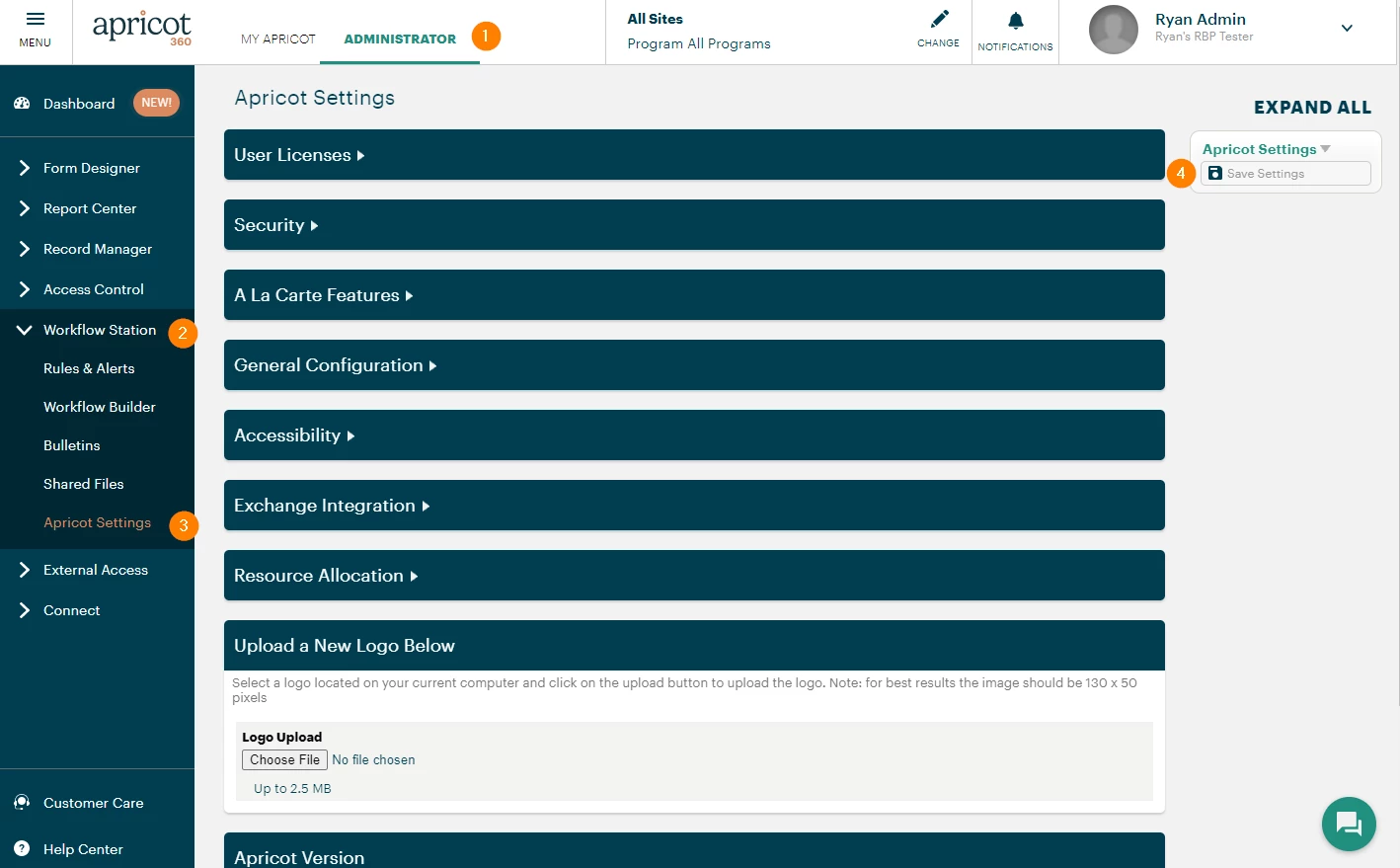
-
Select the "Administrator" tab.
-
In the left-hand menu, click Workflow Station.
-
Select "Apricot Settings."
-
If you make any changes, select "Save Settings" before leaving the page.
Apricot Version
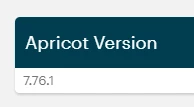
This is where you can find out what version of Apricot you are running. Please note, most upgrades occur automatically and there is no opting out.
How Do I Find What Version of Apricot I’m Running? | Where Can I See My Apricot Version Number? | How Do I Check My Apricot Software Version? | Why Does My Apricot Version Matter? | How Do I Know If I’m on the Latest Version of Apricot? | Where Is the Version Displayed in Apricot? | How Do I Update My Apricot Version?