

How do I set up bidder numbers?
A Bidder Number is a unique number assigned to each bidder that helps both you and the bidder identify their bids while an auction is active, especially when anonymity may be key.
Bidder numbers are automatically assigned in numerical order as individual participants sign up, but if you would like to use your own bidder numbers, we've detailed how in the steps below.
Step 1: Create a new bidder record
Bidder numbers are created at the same time you (or your bidders) create a bidder account, so you'll need to start by creating a new bidder record.

If you need a refresher on how to create a new bidder, click here.
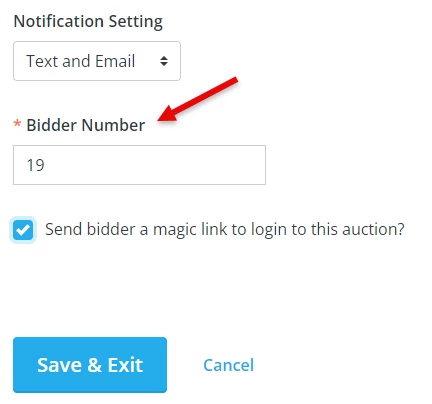
Step 2: Enter your preferred bidder number in the "Bidder Number" field
When you have reached the "Add your bidder's information" screen, you should be able to update the "Bidder Number" field to whatever bidder number you'd like to assign to that participant.
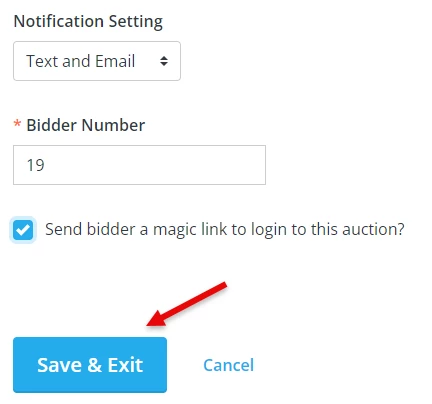
Step 3: Click "Save & Exit" to finalize the update made to the bidder's record
What else do you want to do?
-
How do I guide a bidder in recovering a forgotten bidder number?
-
How do I guide a bidder in bidding on an item?
Not what you're looking for?
Go back to the Feature Overview.