


What is Bonterra Central?
Bonterra Central is your new home for Apricot resources. It brings your help articles, training, events, product updates, and community forums together in one place — so you spend less time hunting for answers and more time doing the work that matters.
This article gives you a quick look at what's available in Bonterra Central and how you'll get started.
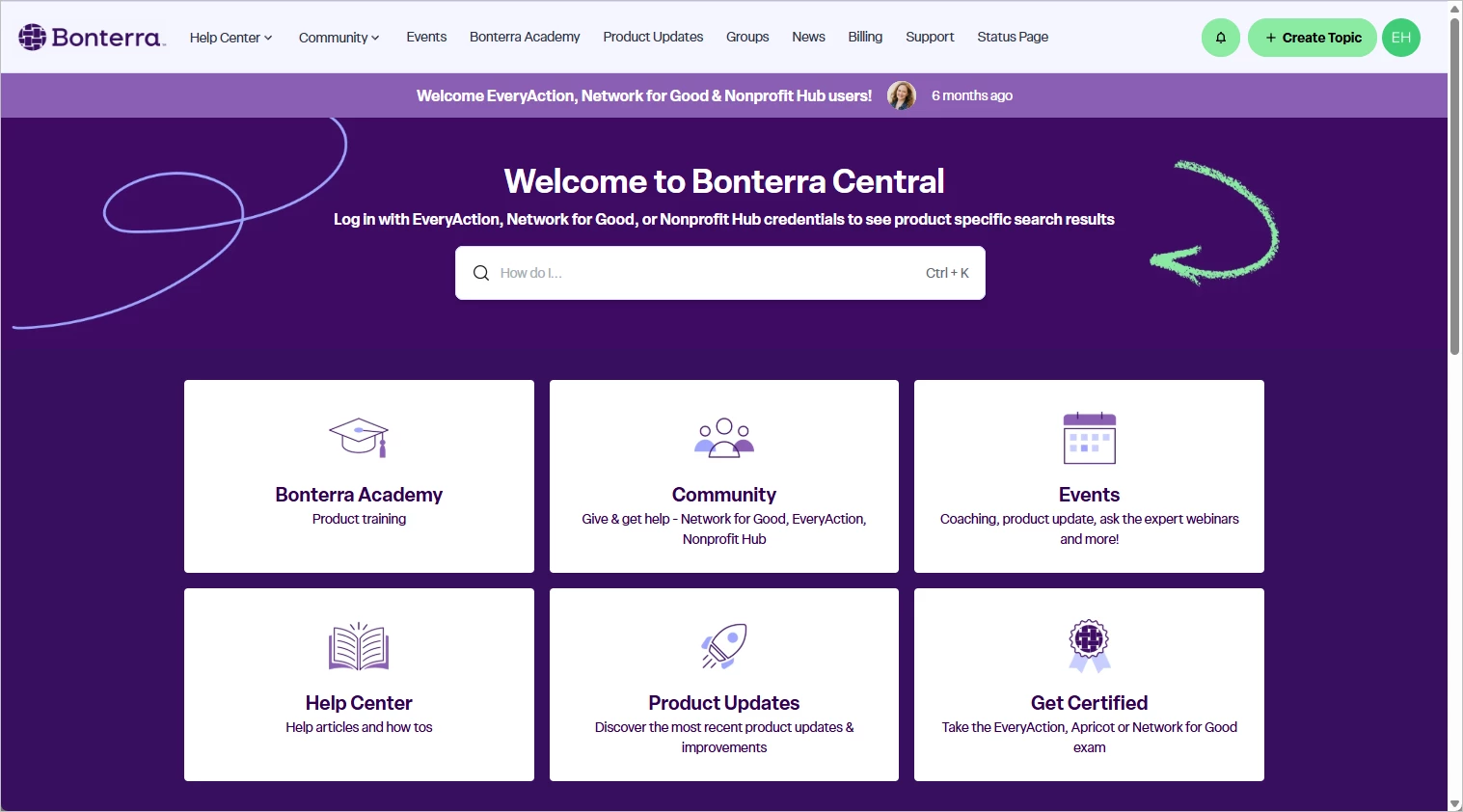
What's in Bonterra Central
Help Center
Browse help articles and how-to guides for Apricot features and workflows. The Help Center is the starting point for most questions — search from anywhere in Bonterra Central to find what you need.
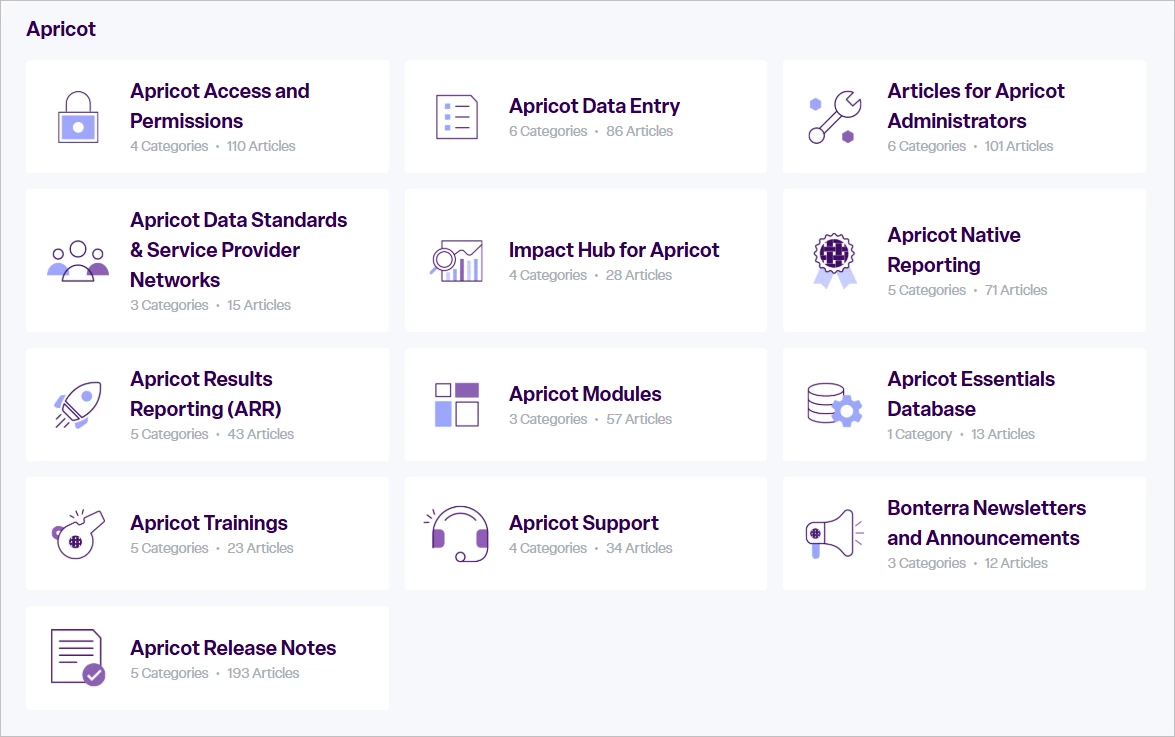
Important: Updated help content and product updates have moved to Bonterra Central. Existing Intercom help article links will stop working once the transition is complete. If you've saved or bookmarked any help content, update those links to the new URLs in Bonterra Central.
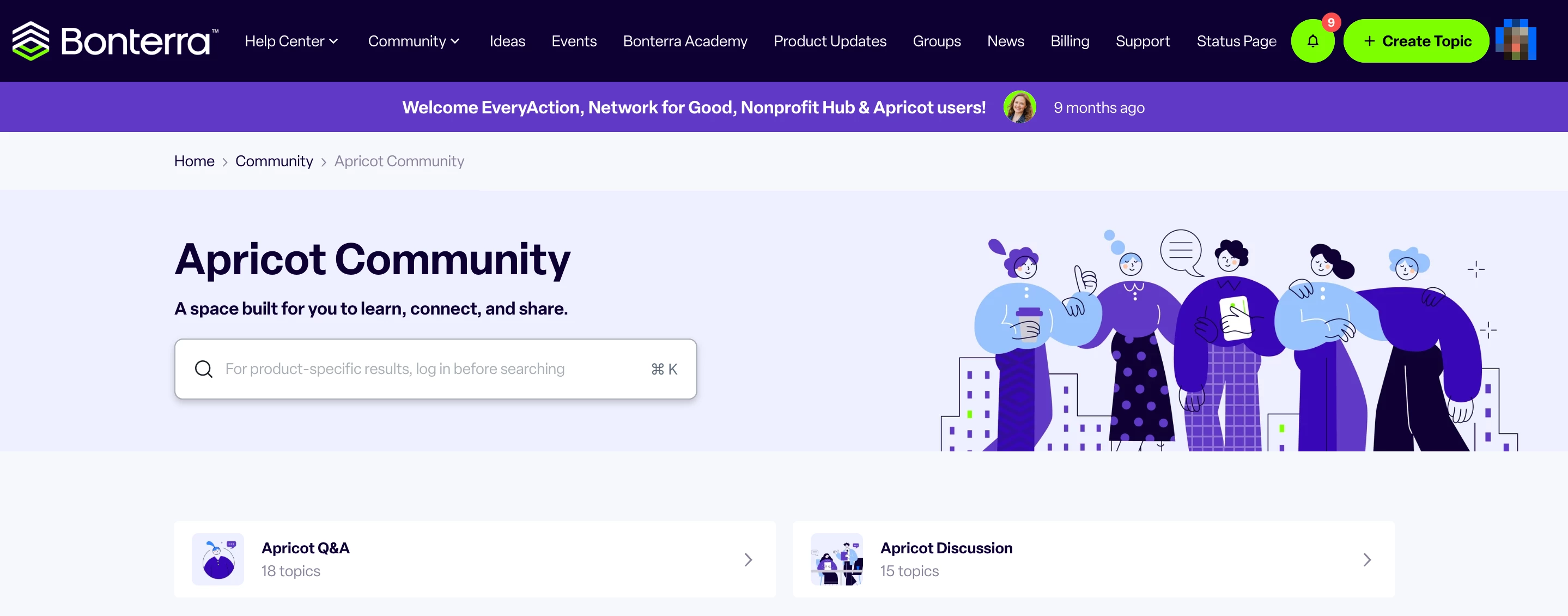
Community forums
Apricot Community provides a dedicated space to ask questions, share tips, and connect with other Apricot users.
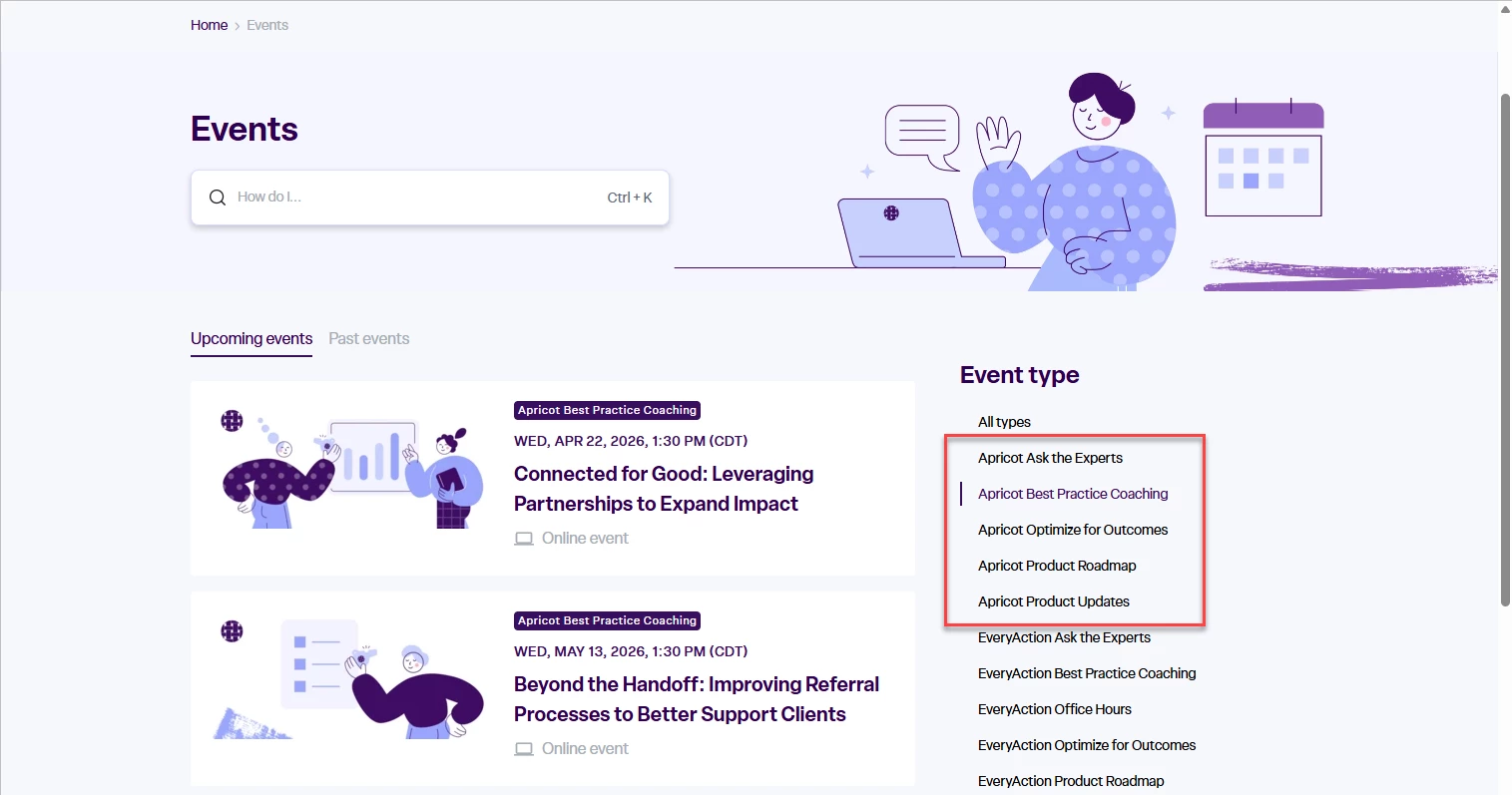
Events
View upcoming webinars, coaching sessions, and ask-the-expert events. You can also access recordings of past sessions directly from the events listing.
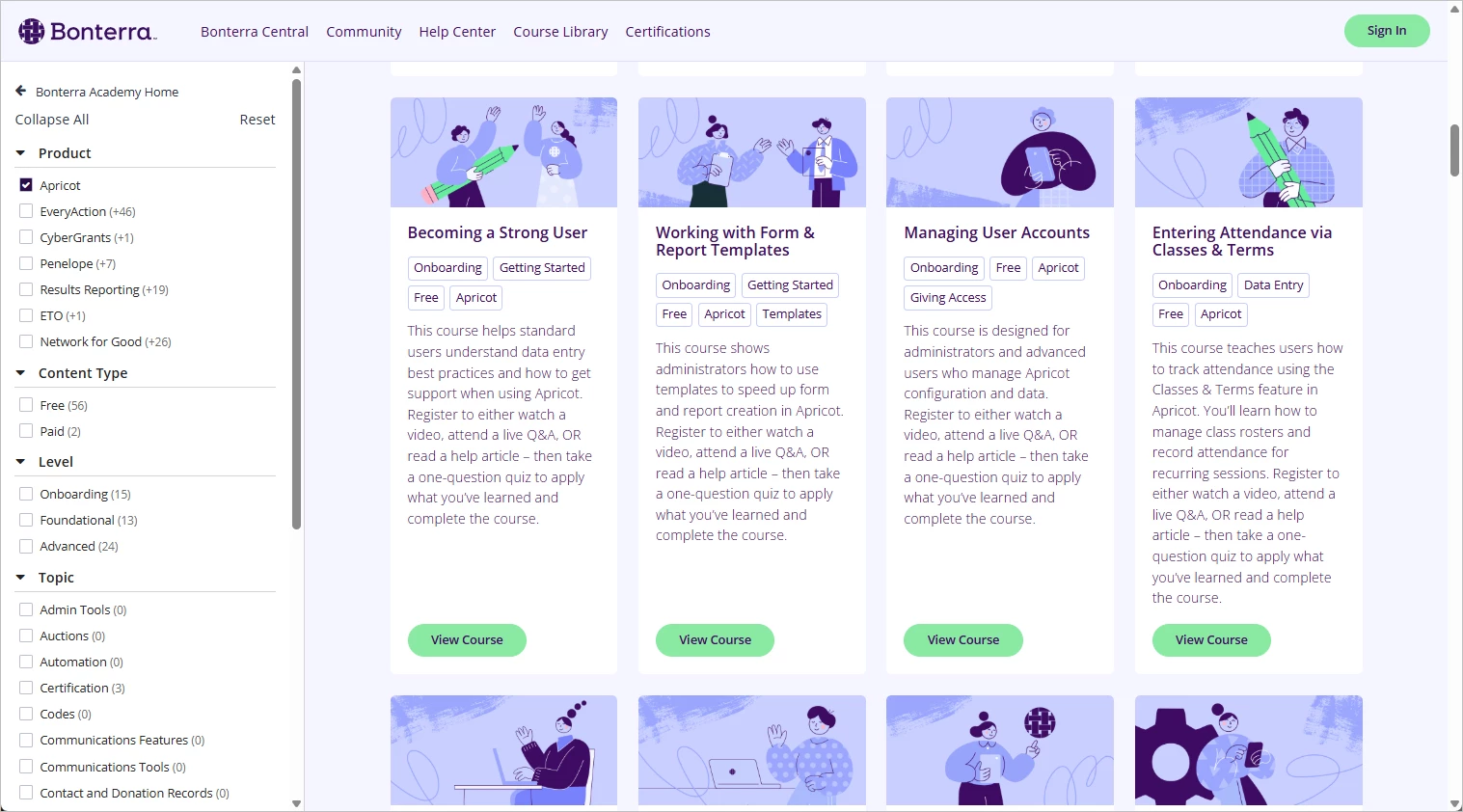
Bonterra Academy
Access instructor-led training, on-demand video recordings, LMS courses, and certifications all in one place. Whether you're onboarding or going deeper on a feature, Academy has you covered.
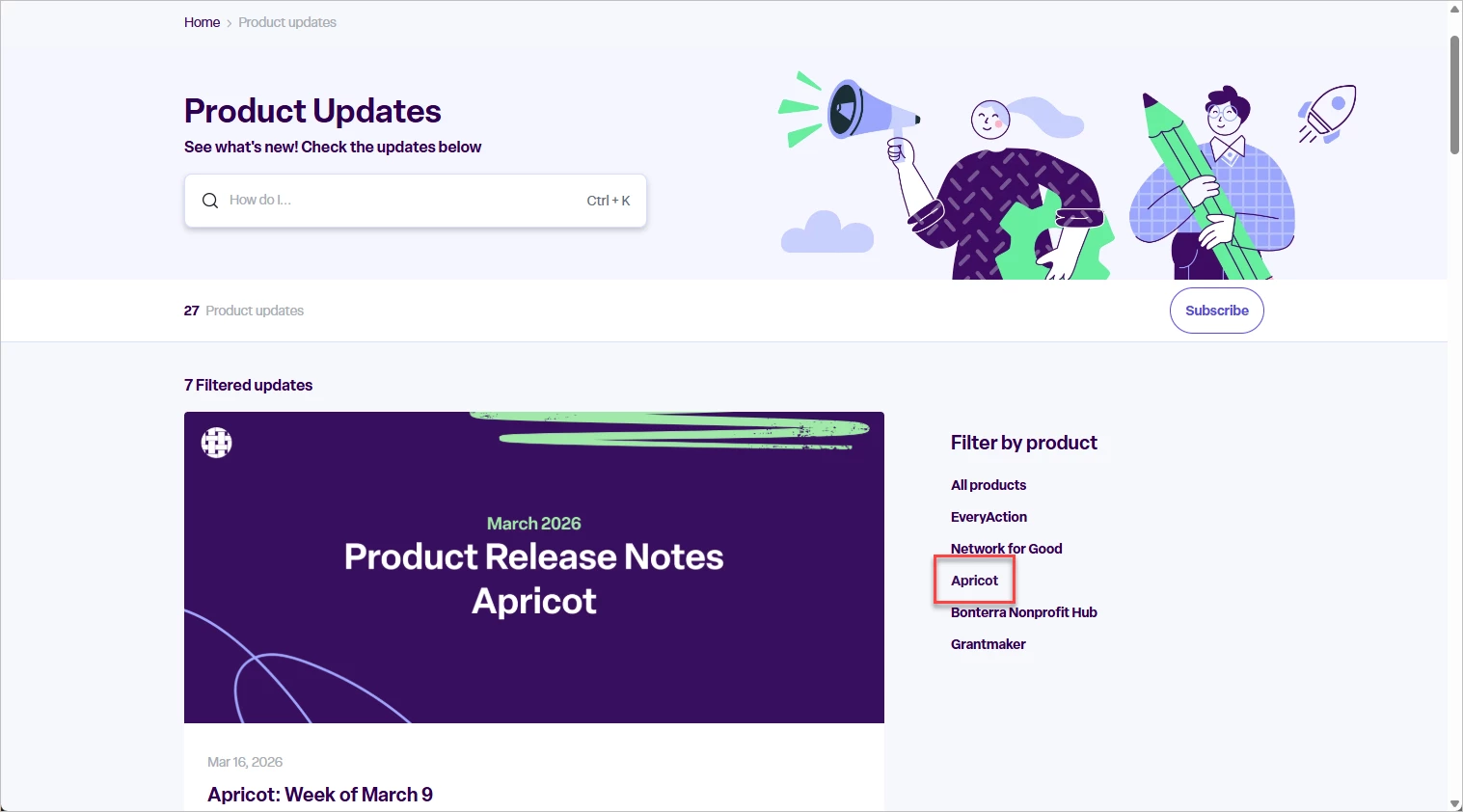
Product updates
Stay current on the latest Apricot releases and improvements. Product update posts are searchable and accessible right from Bonterra Central.
How to access Bonterra Central
Click on the following URL to access Bonterra Central: https://community.bonterratech.com/
Follow the steps below to login:
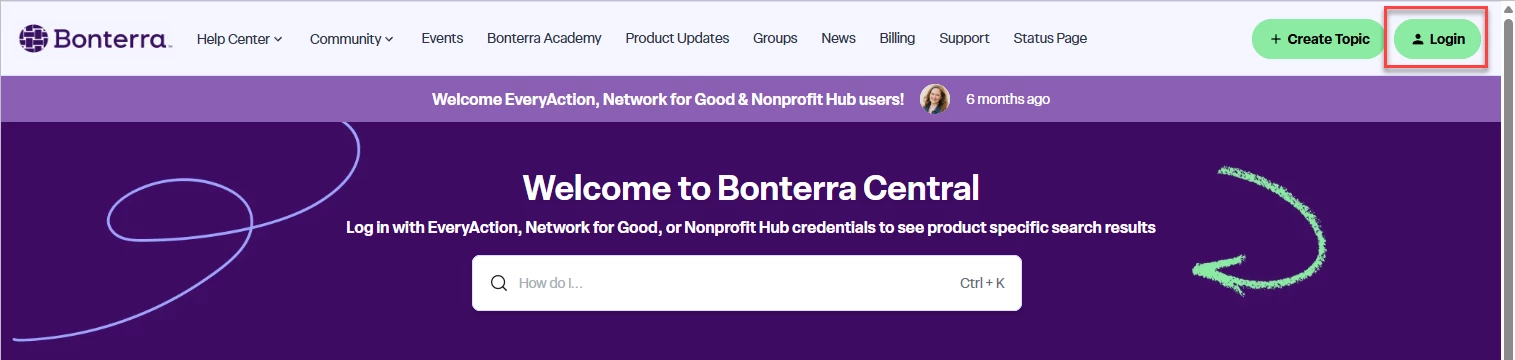
Step 1: Click Login
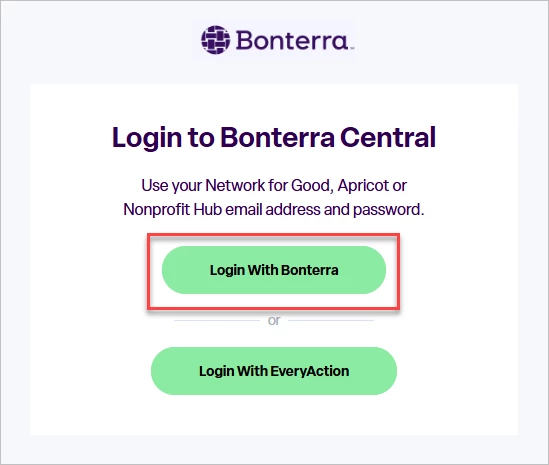
Step 2. Select Login With Bonterra
Step 3. Log in or sign up
Already have a Bonterra account? (U.S./non-SSO users)
If your organization is in the U.S. and does not use single sign-on (SSO), log in using your Bonterra account — the same credentials you use for Apricot's new login experience.
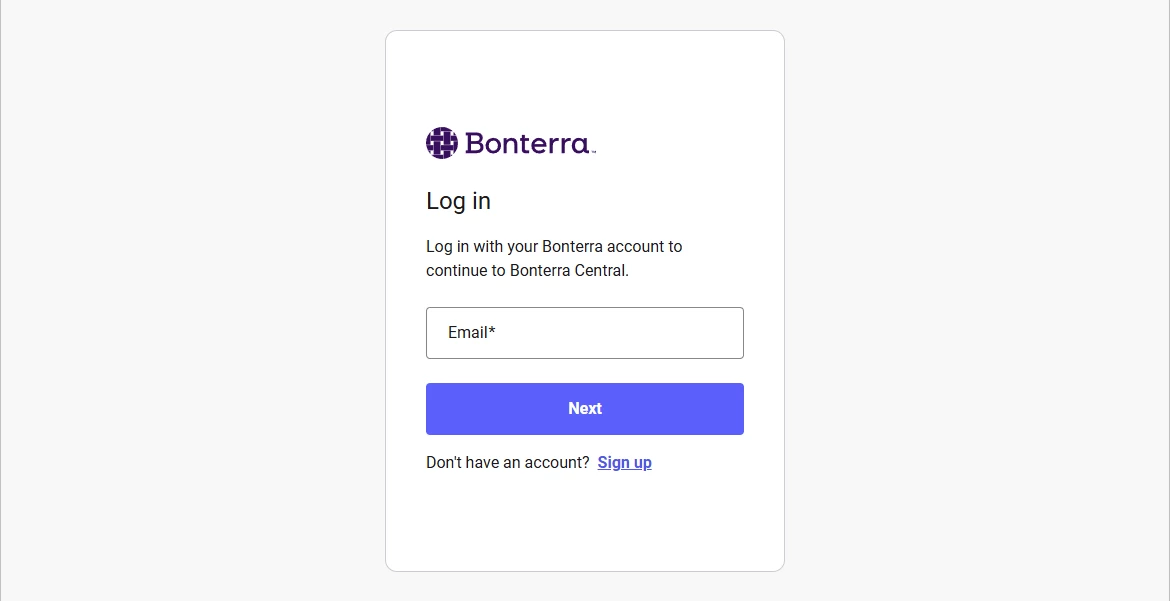
Creating a Bonterra account for the first time? (Outside U.S. or SSO users)
If your organization is outside the U.S. or uses SSO, instead click Sign up and enter the email address associated with your Apricot account.
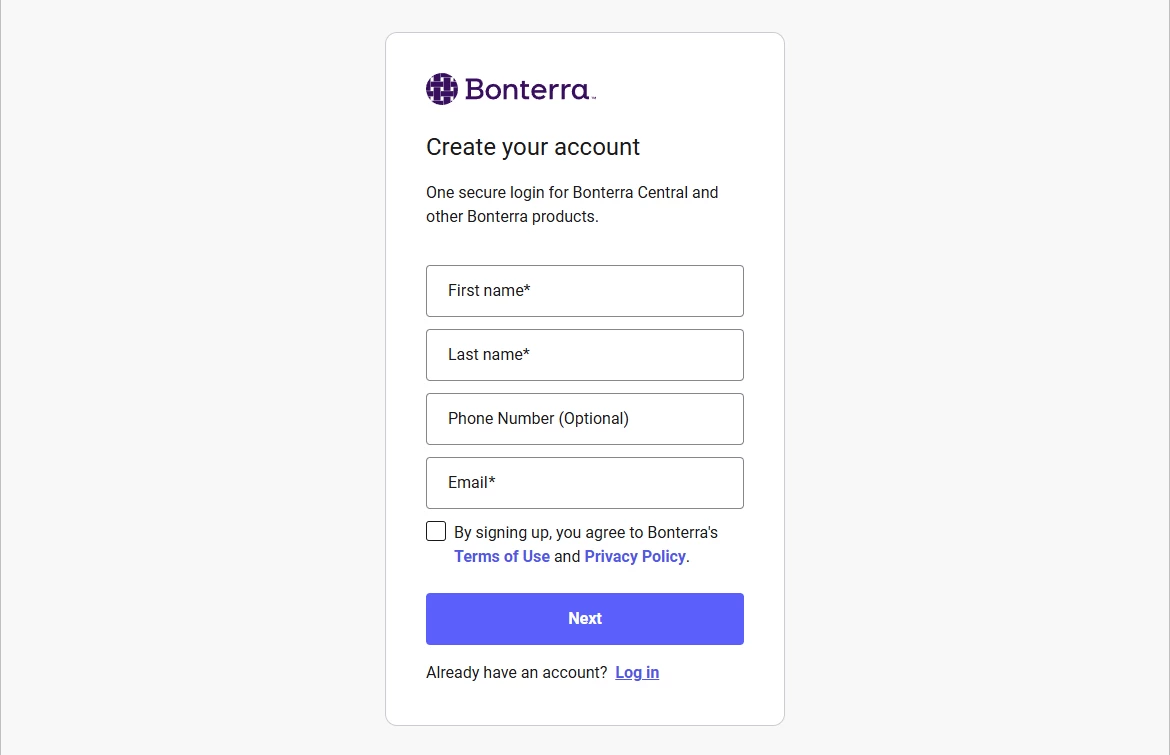
Once you're logged in, you'll have everything you need in one place — help articles, training, events, and more. Visit community.bonterratech.com to get started.
What is Bonterra Central? | Where can I find Apricot help articles, training, and events in one place? | How do I log in to Bonterra Central? | When does Bonterra Central launch for Apricot users? | Will my Apricot help center bookmarks still work after the move to Bonterra Central? | Can I access Apricot training and certifications in Bonterra Central? | How do SSO users sign in to Bonterra Central?
How do I copy an action plan? | How does copy an action plan work in EveryAction? | Why can't I copy an action plan? | Where do I copy an action plan in EveryAction? | What is copy an action plan in EveryAction? | How to copy an action plan? | Can I copy an action plan in EveryAction?