

Corporate Donations
What is a Corporate Donation?
A Corporate Donation is a donation made directly to a nonprofit from your company. These funds come out of your pre-funded Giving Account (just like matches or Donation Credits do). Corporate Donations can be made to any nonprofit on the Deed platform.
If you have a question about nonprofit eligibility, please reach out to your Partner Success Manager!
How to Make a Corporate Donation?
To make a corporate donation, you must first make a Corporate Donation Budget Rule.
If you have not yet created a Budget and a Corporate Donation rule, please read How to Create a Budget!
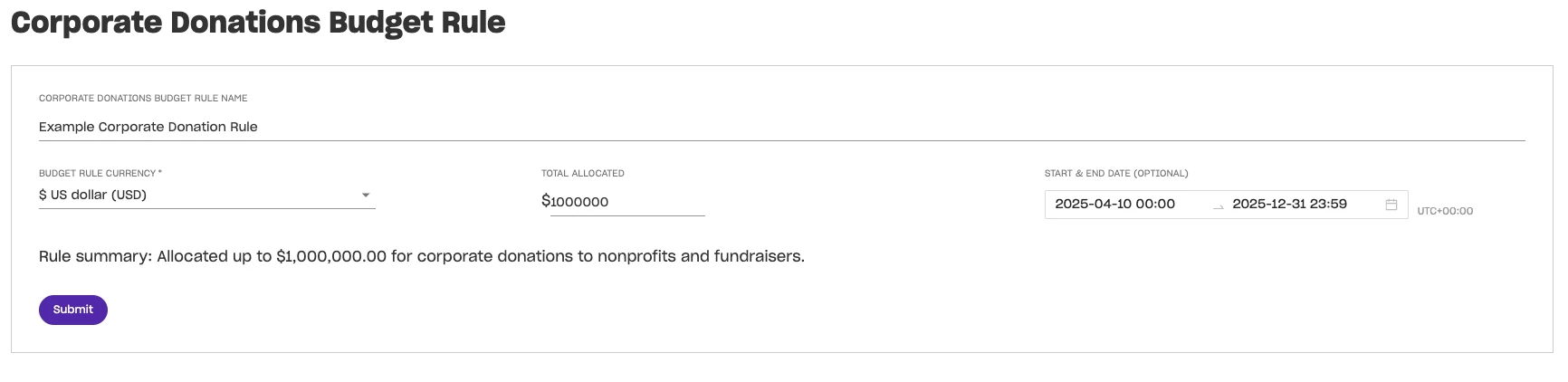
Once you have your budget set up, navigate to Donations > toggle to Corporate Donations > Make a Corporate Donation.

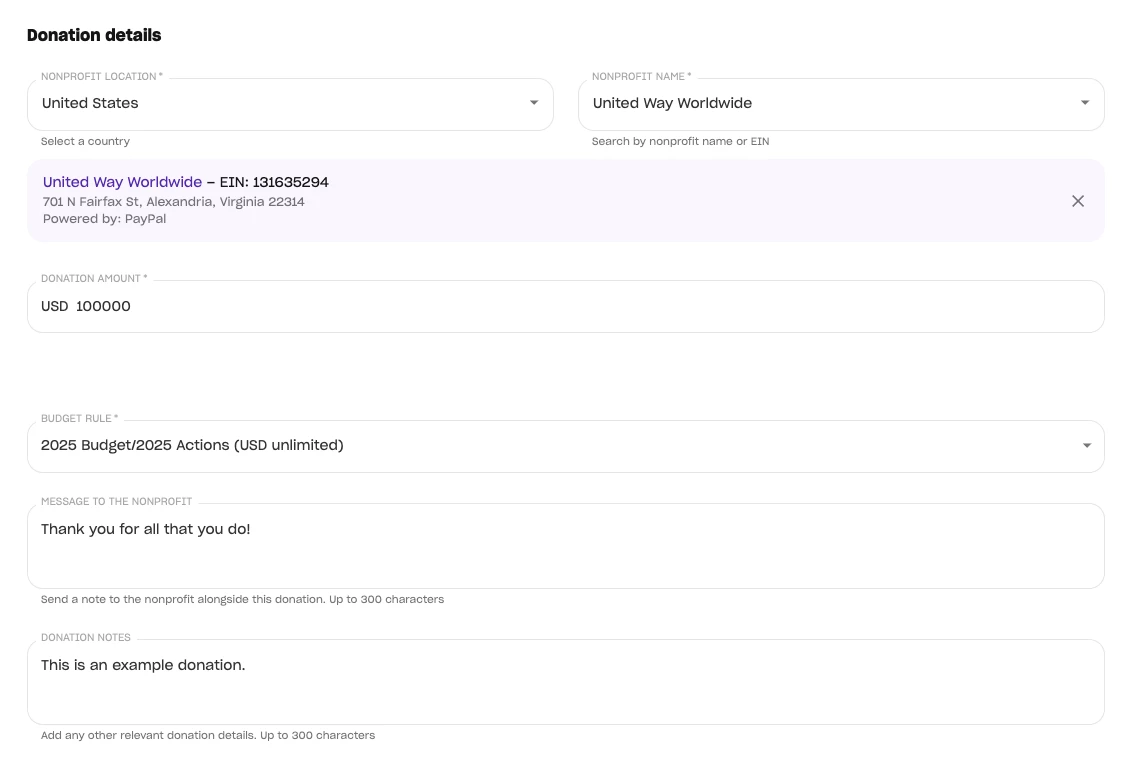
Once there, simply fill in all required information. and donate! Required fields include:
- Nonprofit Country
- Nonprofit Name
- Donation Amount
- Budget Rule
- Message to the Nonprofit (they will receive this notice and it can include designations, etc.)
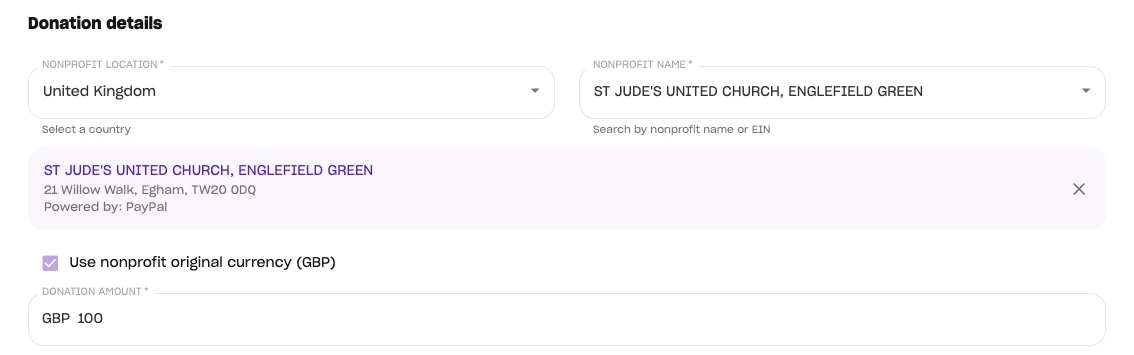
Note: If you are donating to a non-US org, you can choose to have the donation made in the nonprofit's native currency.
Full Donation Disbursement Timelines can be found here.
How do I corporate donations in Deed? | How does corporate donations work in Deed? | Why can't I corporate donations in Deed? | Where do I corporate donations in Deed? | What is corporate donations in Deed? | How to corporate donations in Deed? | Can I corporate donations in Deed?