

How do I guide my donor through updating their payment information?
If your donor's card has expired or they need to update their payment details for any reason, you can reference or share the steps outlined in this article to help guide them through the process.
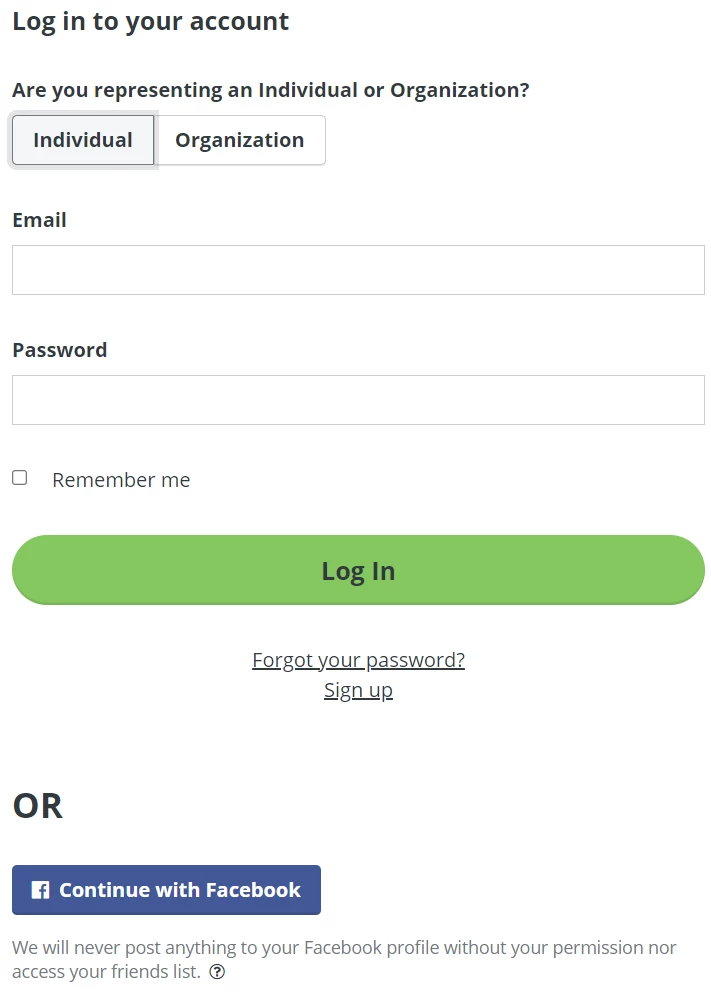
Step 1: Log in
Navigate to one of your organization's donation pages (it does not matter if it is the one you made your recurring donation to).
Click the 'Log In' link in the upper-right corner of the page.

Use the e-mail address and password you created when you made your first donation to log into your donor account.
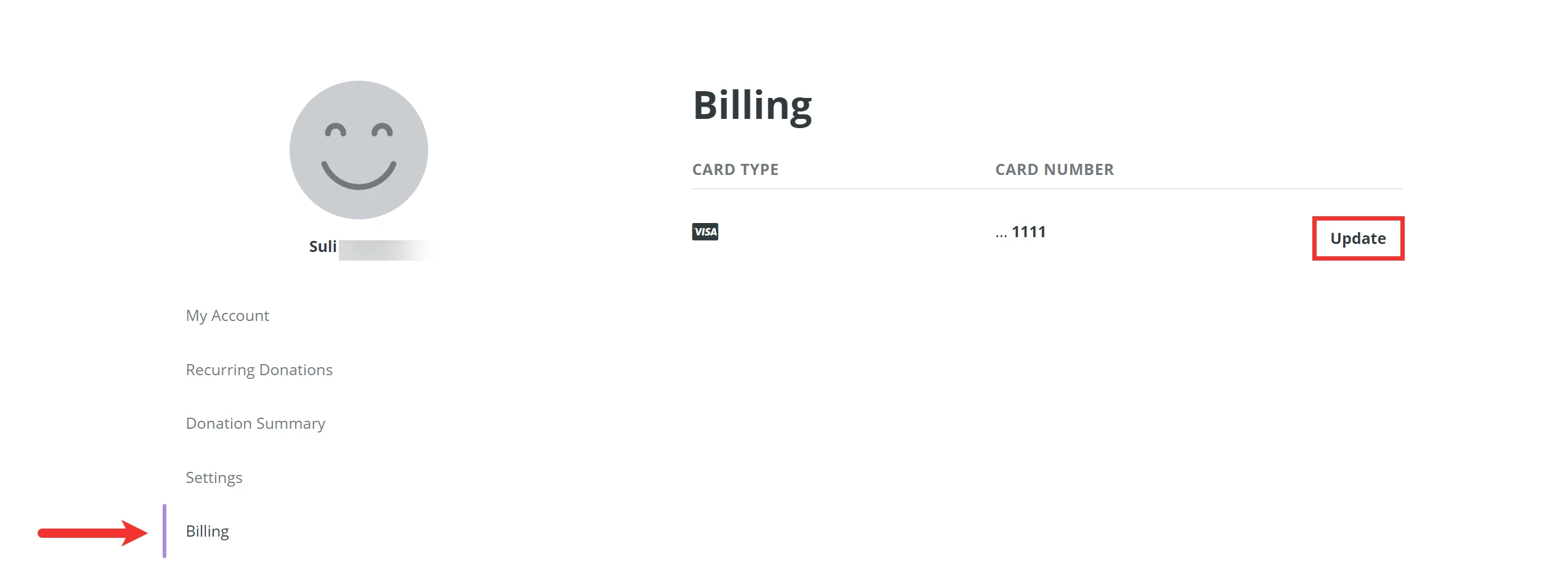
Step 2: Navigate to 'Billing'
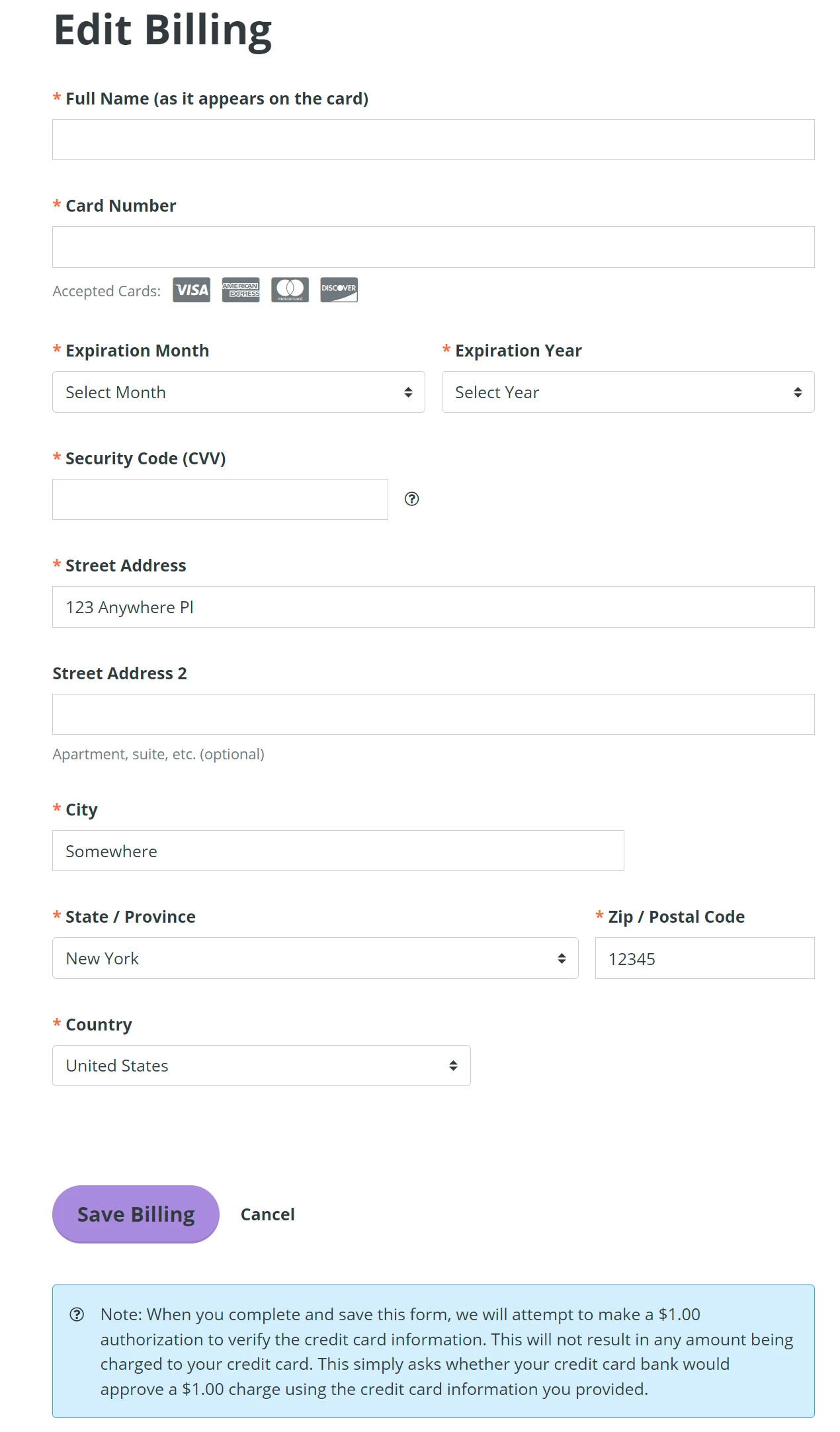
Step 3: Edit your payment information
How does a donor update their credit card for a recurring gift? | How do I update my payment method in my donor account? | Why did my recurring donation fail due to an expired card? | Where is the Billing section in my donor login? | How do I log in to update my payment details? | Can donors update their own credit card information? | How do I change the card on file for my monthly donation?