How does a new donor complete a donation?
Note: These steps are designed to assist first-time and one-time donors. If you have an existing donor account, check out this article for guidance!
Step 1: Navigate to your organization's donation page
To make your gift, visit the organization's donation page.
Step 2: Choose your donation amount, frequency, and other donation details
Organizations will typically have suggested donation amounts to choose from - in some cases, you can even enter a custom amount.
Here are some examples of how options to donate may appear:
a)
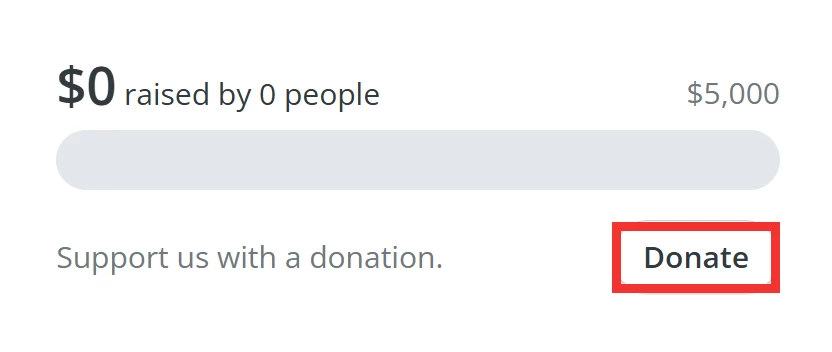
b)
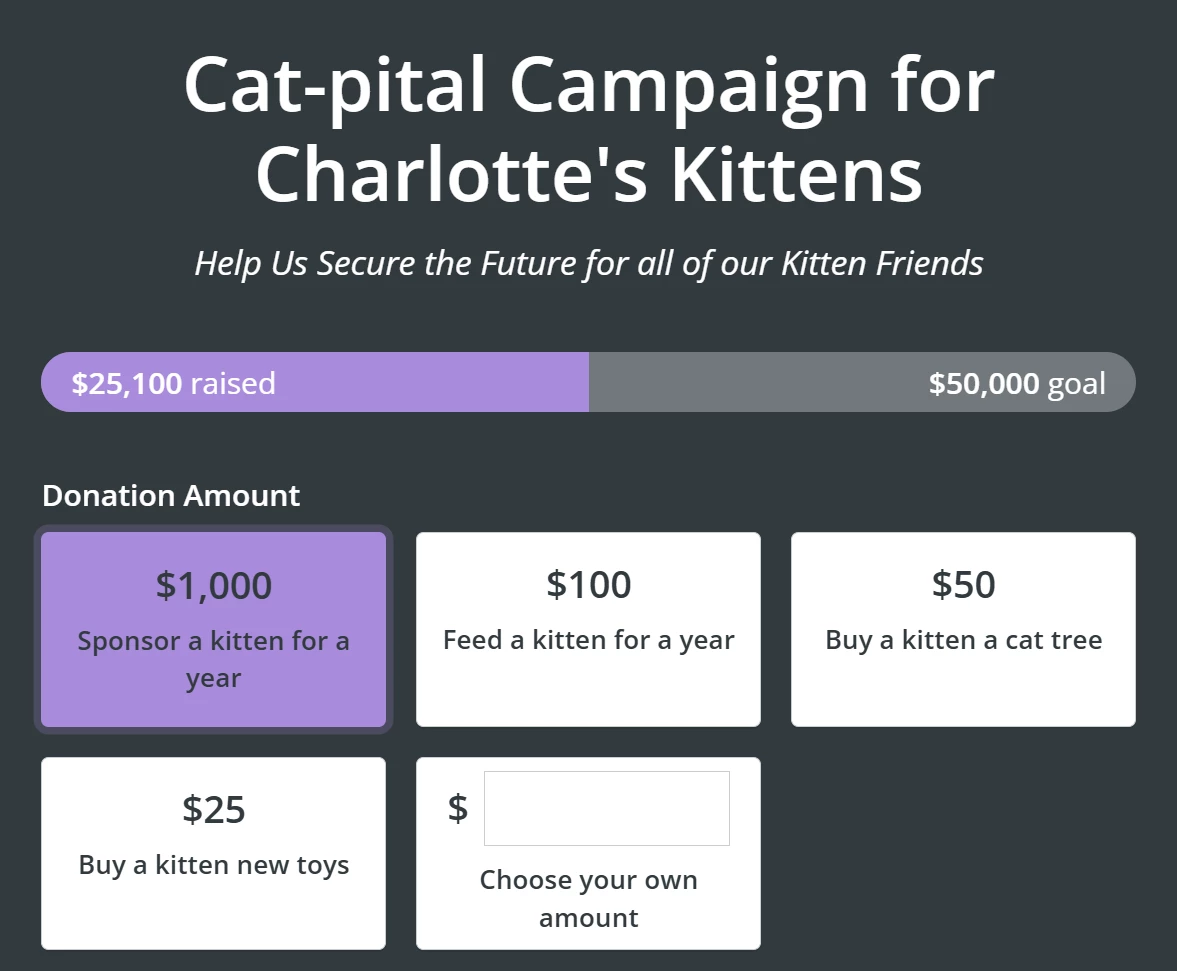
Next, choose the frequency of your donation, which will be set as a 'One-time' donation by default. You can click to expand the drop-down list of options and select 'Monthly', 'Annually', and 'Weekly'. Options depend on the organization.
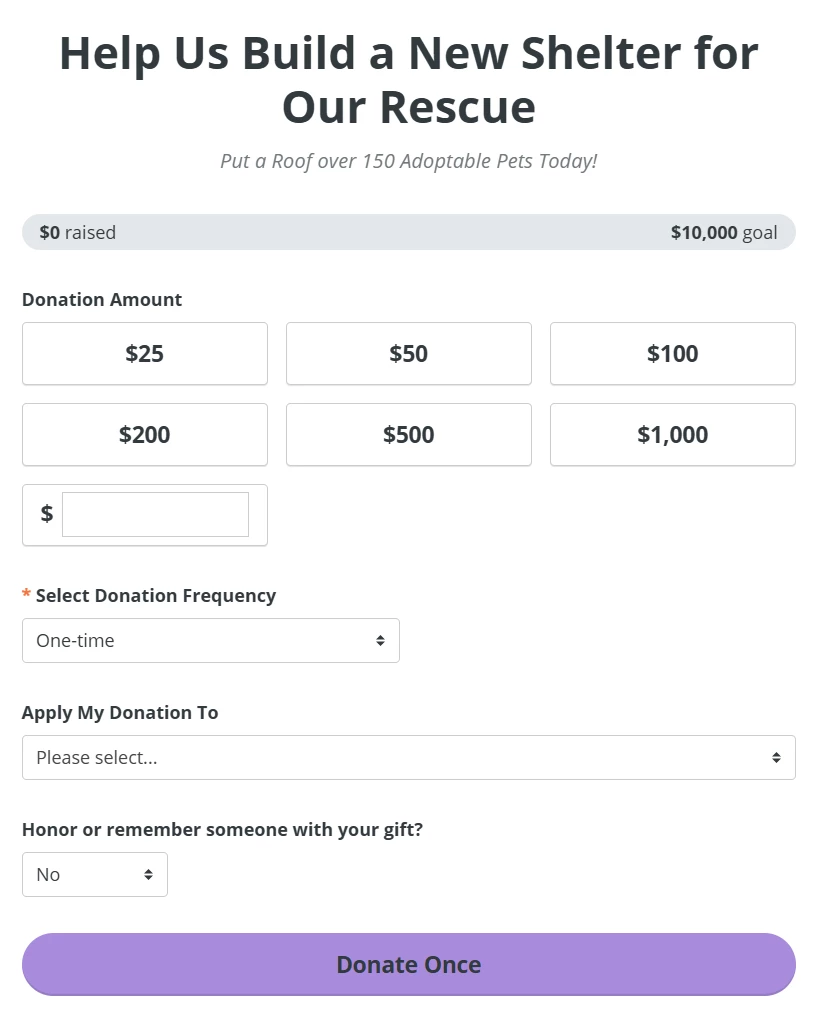
Click the 'Donate' button to continue. The text on the button will change to reflect the frequency you chose previously. For example: 'Donate Monthly' or 'Donate Annually'.
Step 3: Enter your information
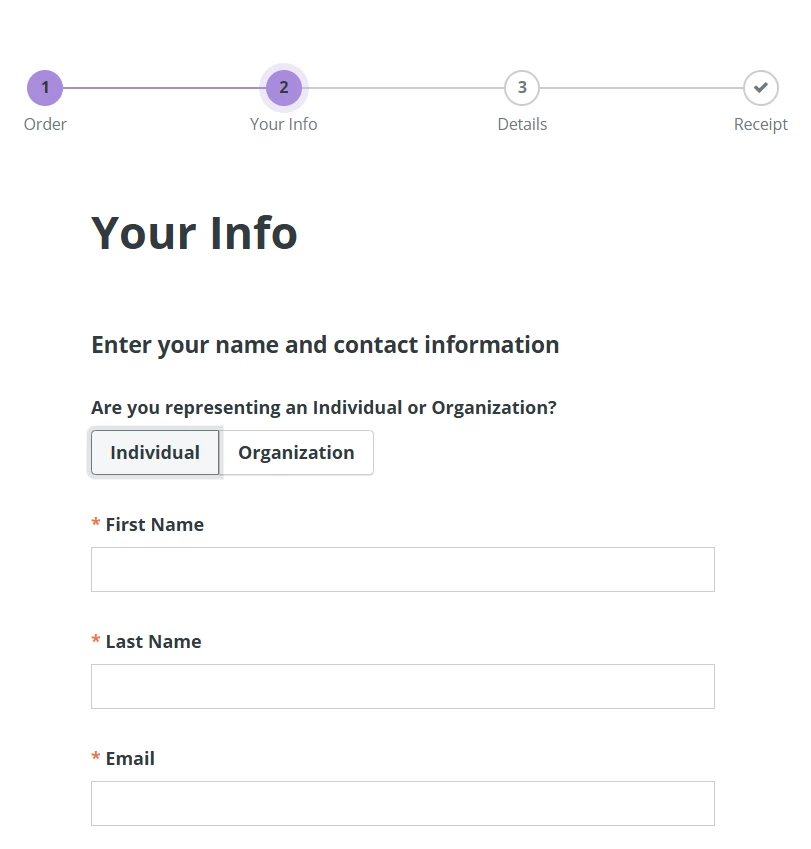
On the next page, specify if you represent an Individual or Organization.
Clicking 'Individual' will prompt you to enter your First Name, Last Name, and Email.
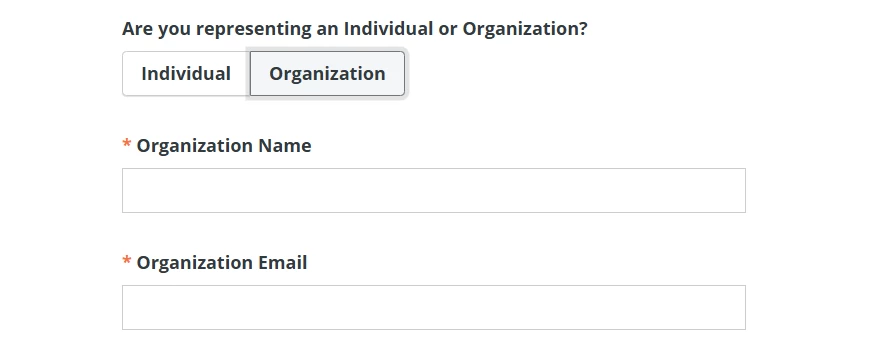
Clicking 'Organization' will prompt you to enter your Organization Name and Organization Email.
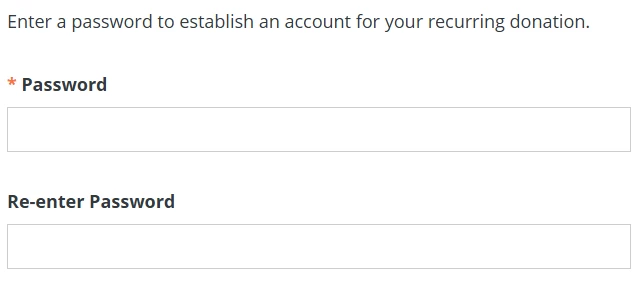
If you set up a recurring donation, you will be asked to enter a password to create a donor account.
Click 'Continue' to progress to the next step.

Step 4: Review your order
On this page, you can review your order and choose if you want to cover the transaction fees. Certain organizations will also have the option to check if your company will match your donation. Read more about the 'Double the Donation' feature here!
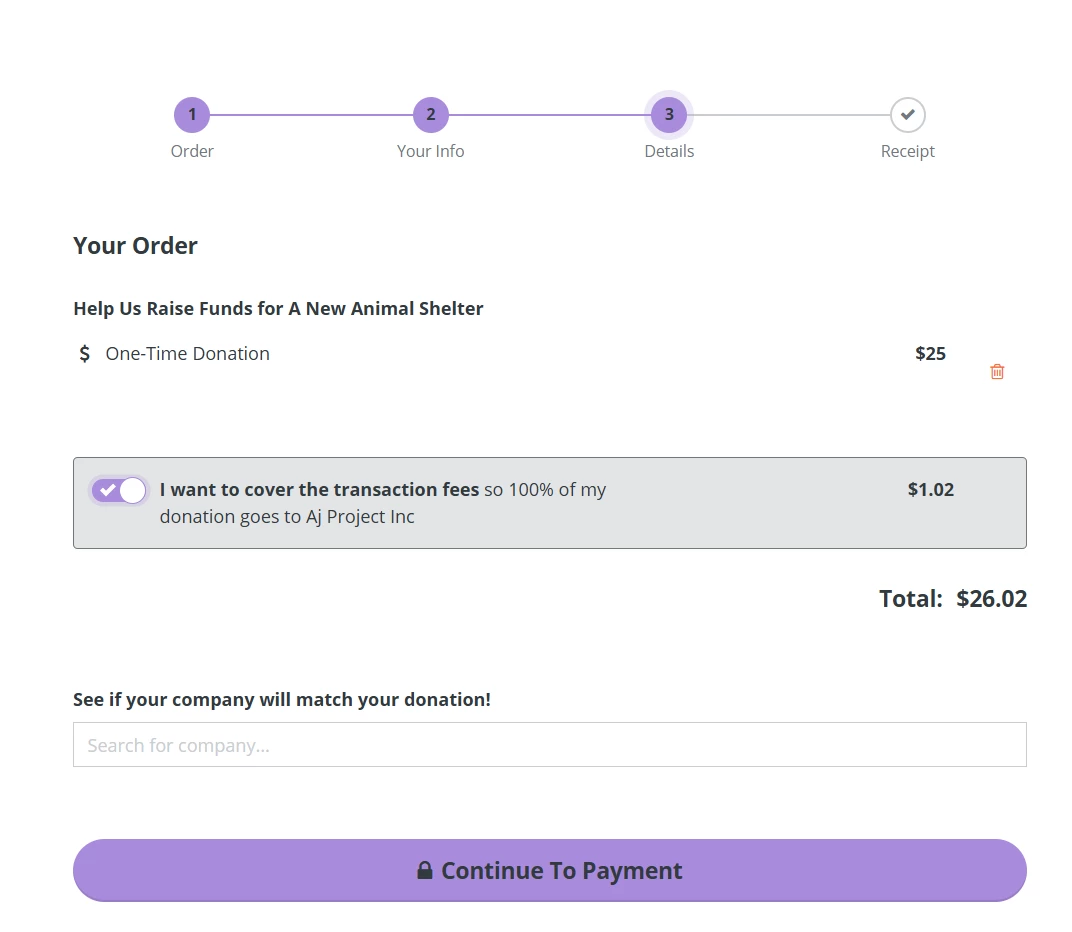
When you are ready, click 'Continue to Payment'.
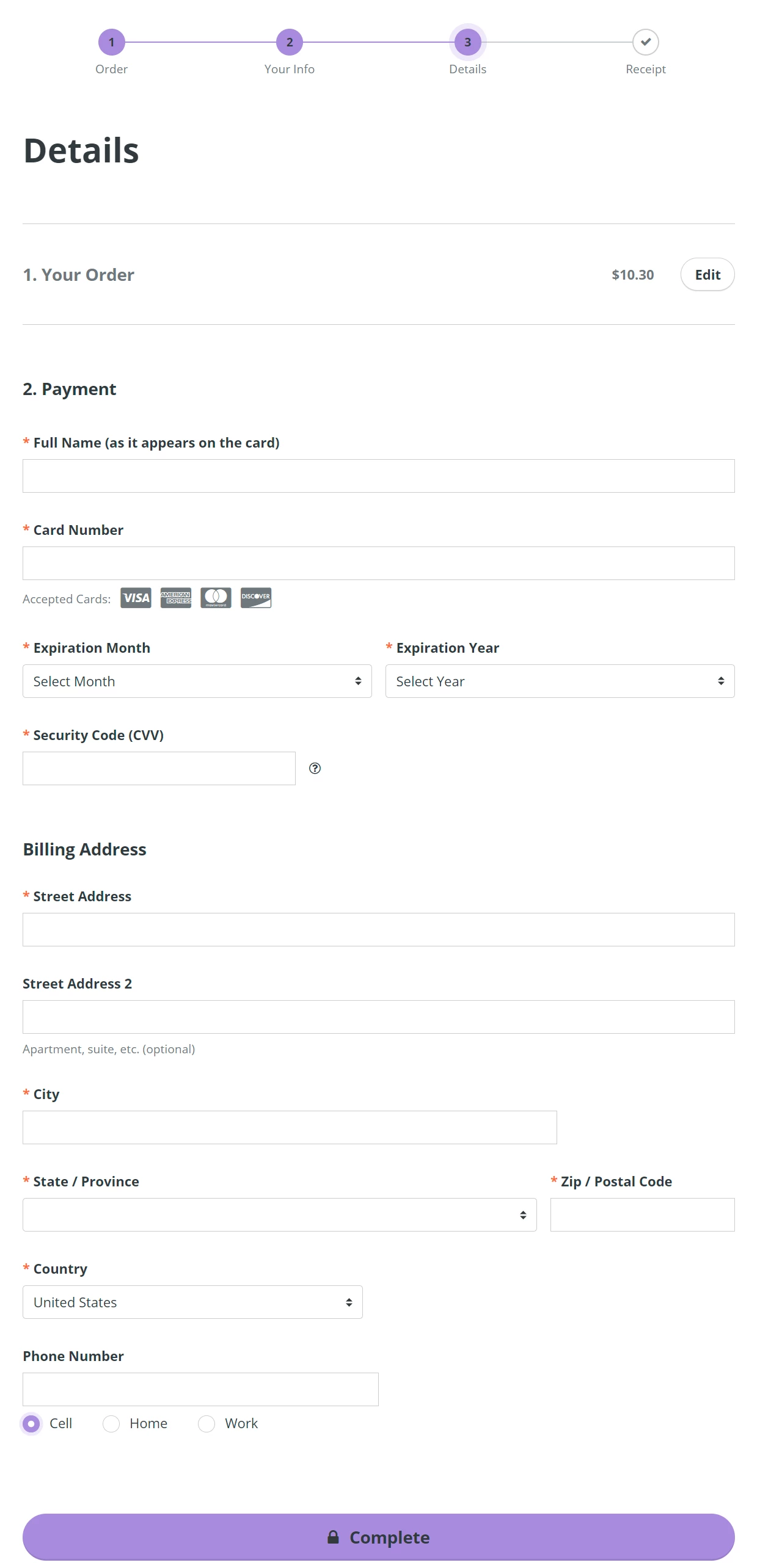
Step 5: Review your details and select your payment
In this section, you will have another chance to edit details about your donation(s). Enter your payment details and billing address before clicking 'Complete'.
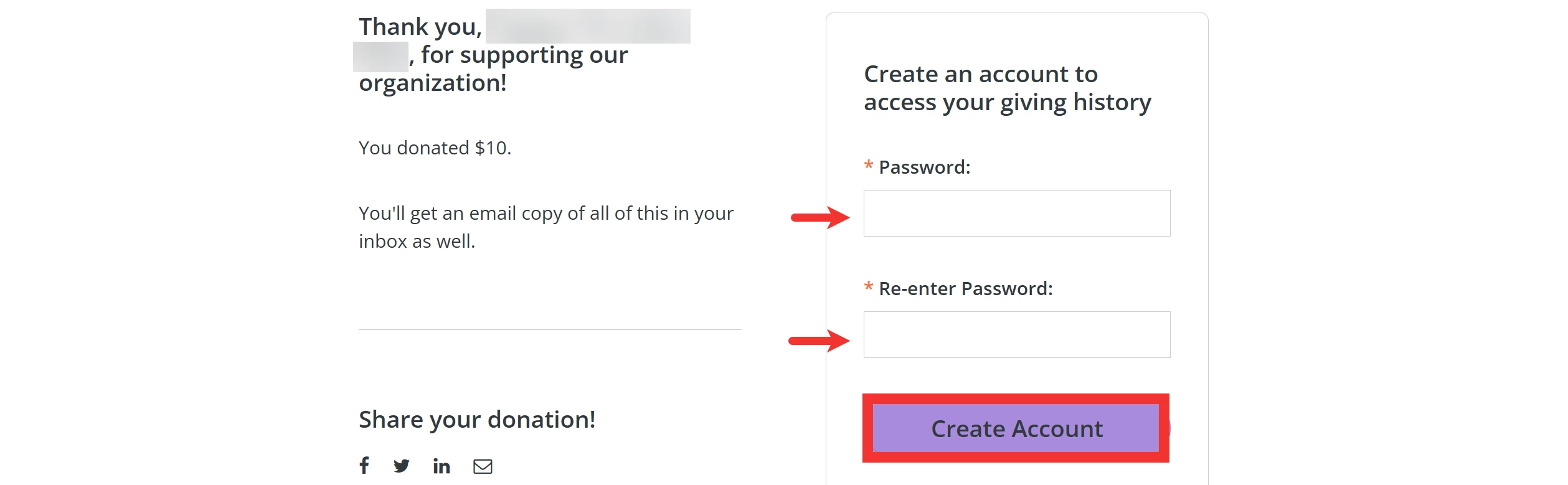
Step 6 (OPTIONAL): Create your donor account
On the 'Receipt' page, you can create an account to access your giving history anytime!