

How do I use the available filters in the 'Fundraising Email Gallery'?
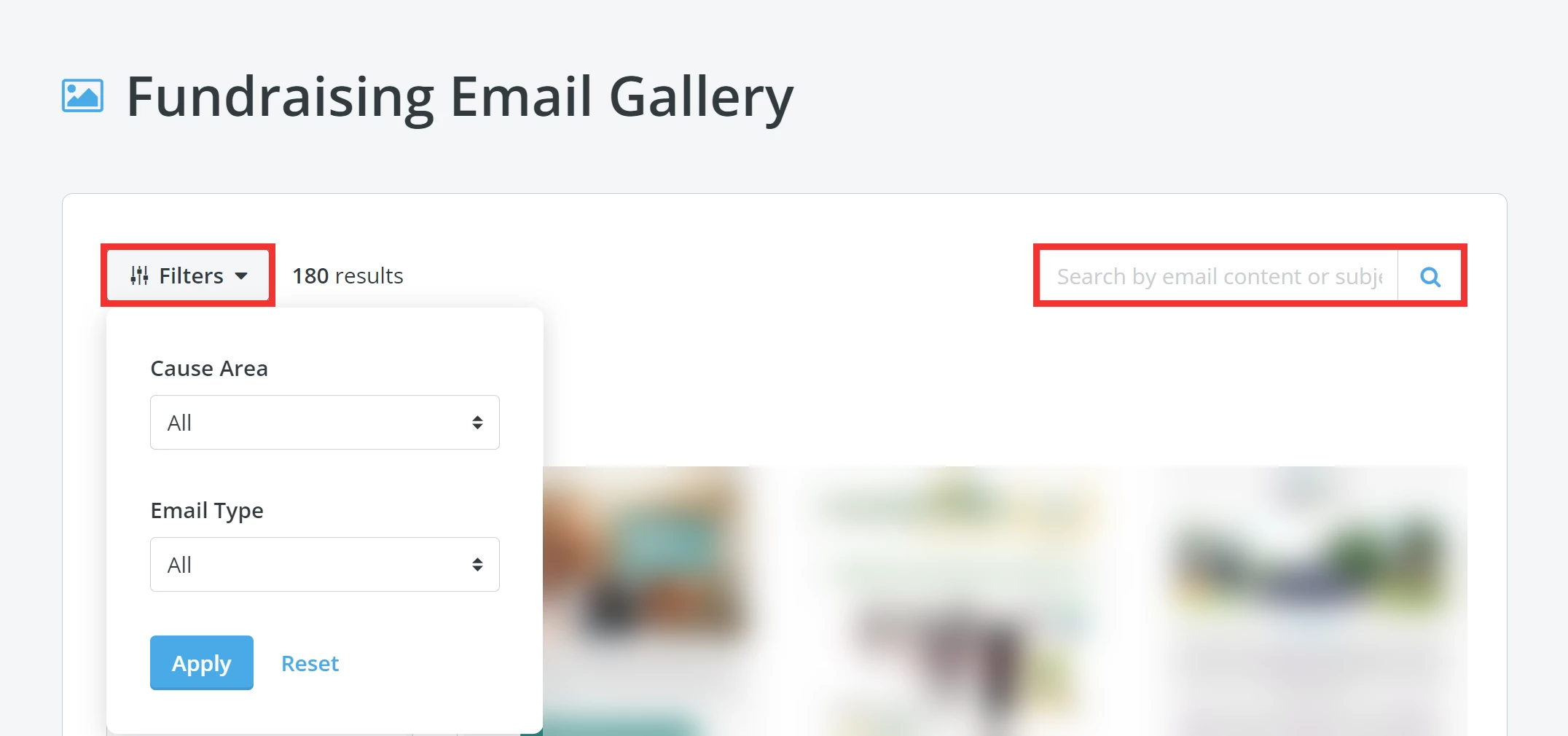
There are 2 filters you can use when searching for an e-mail template best suited for your organization's needs:
-
Category: This filter can help you find the same e-mail type you want to send, such as a newsletter, appeal, or event invitation.
-
Cause Area: This filter can help you find templates based on the sector of the non-profit that the e-mail is from - such as education, health, or human services.
Tip: You can also use the search bar to search the gallery using the e-mail name, subject, or content within the message.
What do the labels on the e-mail blasts mean?
Labels indicate how well the original e-mail performed after being sent to a specific audience. The "engagement" labels refer to the open and click rates, while the "fundraiser" label indicates the dollar amount in donations the e-mail raised overall.
Example of a label attached to an e-mail:
How do I interpret donortrends scoring models? | How does interpret donortrends scoring models work in EveryAction? | Why can't I interpret donortrends scoring models? | Where do I interpret donortrends scoring models in EveryAction? | What is interpret donortrends scoring models in EveryAction? | How to interpret donortrends scoring models? | Can I interpret donortrends scoring models in EveryAction?