

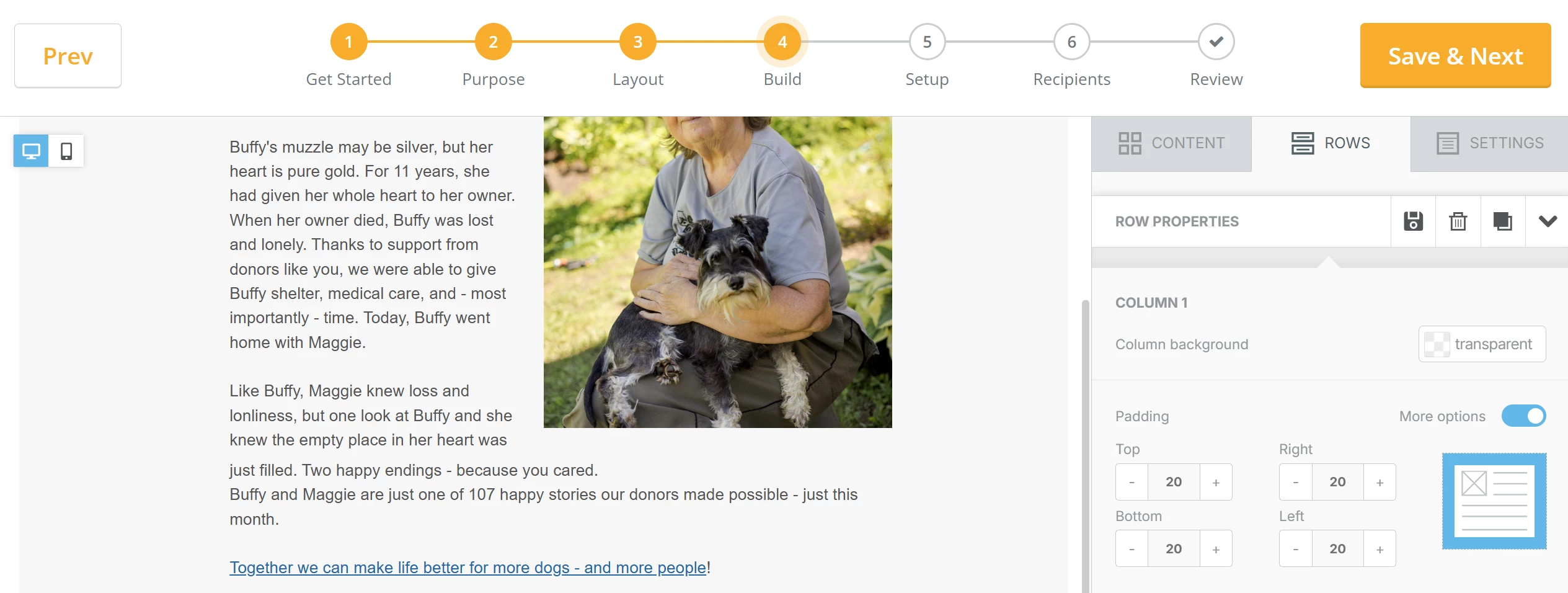
How do I wrap text around images in an e-mail blast?
Step 1: Make space to reposition your content
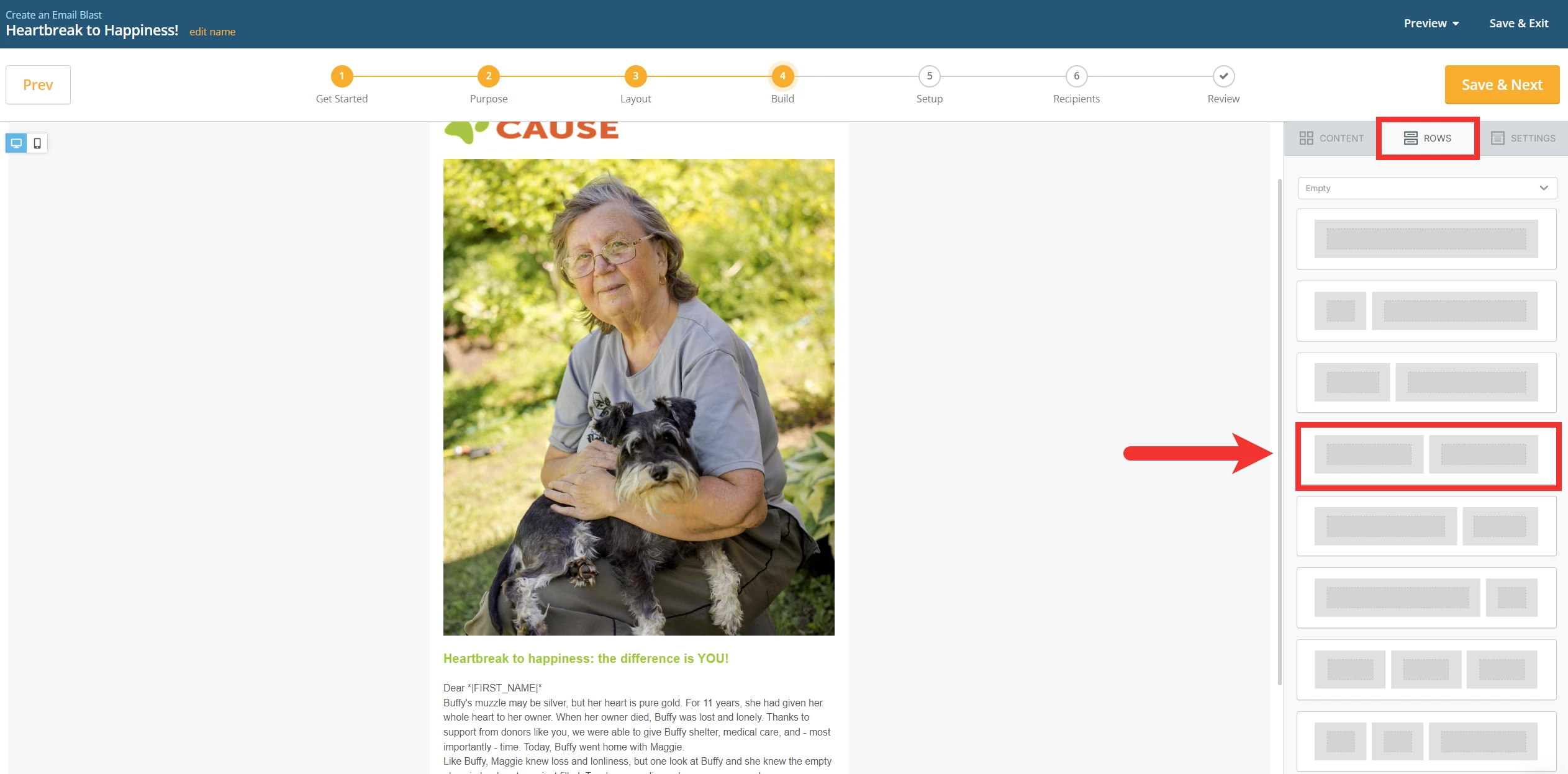
First, drag a “two-block” row from the 'Rows' tab on the right side of your screen into your e-mail blast draft.
Step 2: Drag your content into the new space you created
Next, drag your image into one of the blocks you just added and your corresponding text into the other.
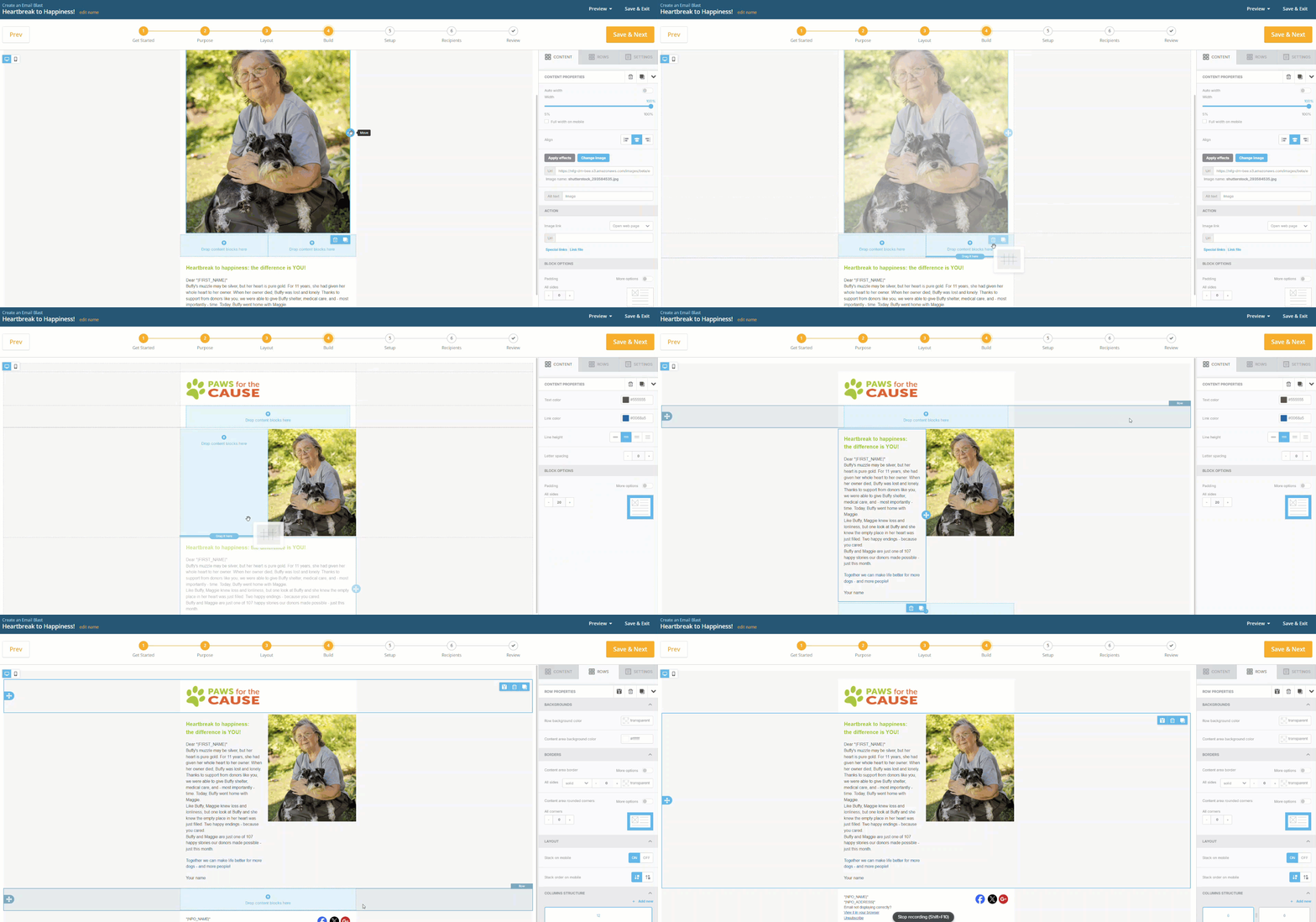
Note: Select each row and click the trash bin icon to delete the blocks your content was originally in.
Step 3: Create a new space for excess text
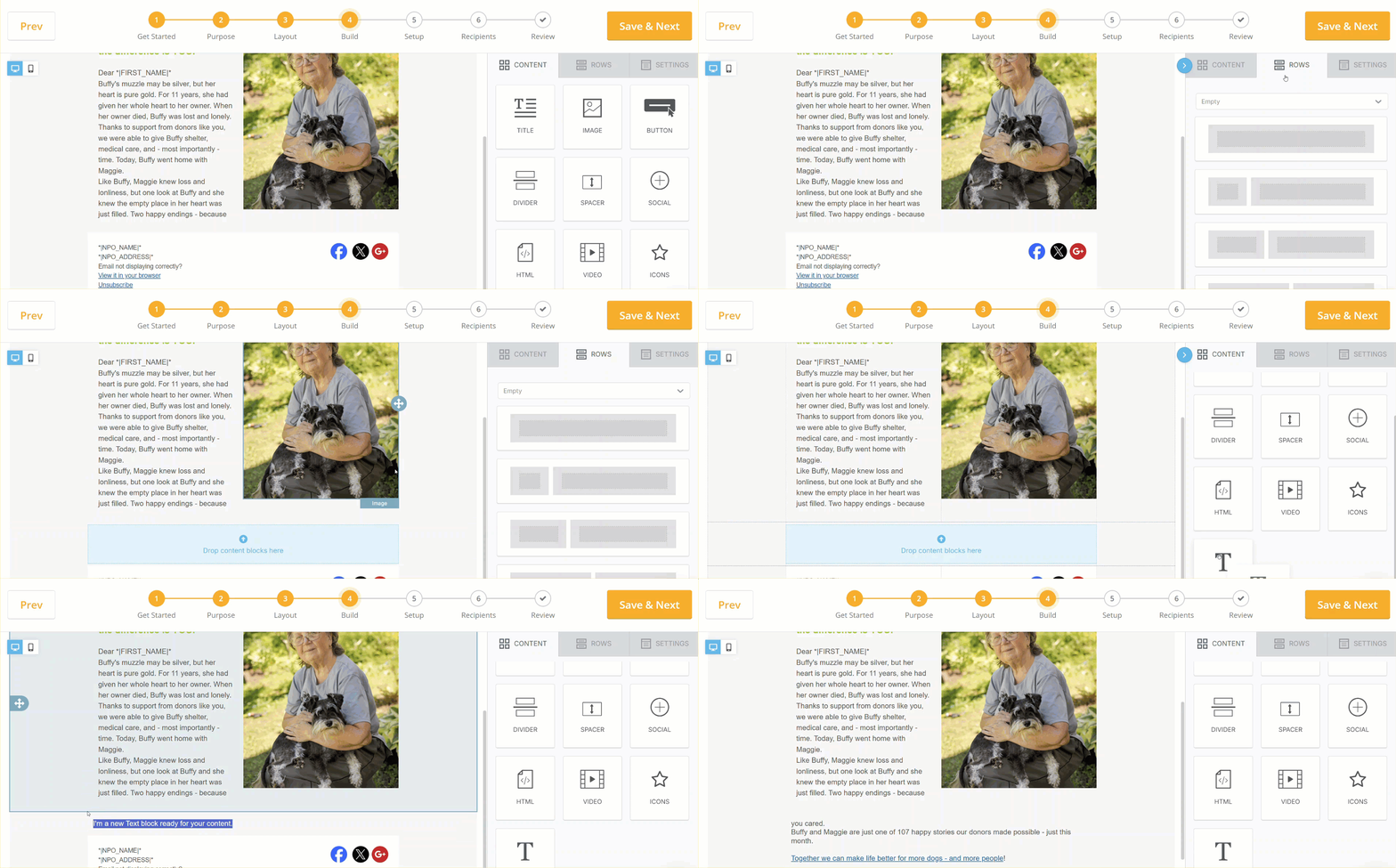
Next, add a “single-text block” row below that “two-block” row by dragging it over from the 'Rows' column on the right and then copy and paste the excess text into that single text block.
Step 4: Wrap your text
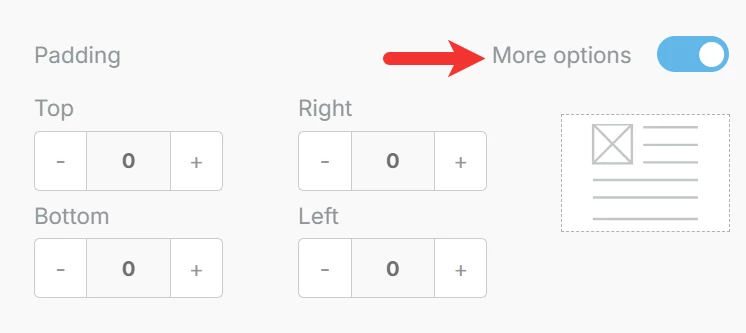
Finally, adjust the margin and padding options for those text blocks by clicking directly on each row you created and lining up your text until you are satisfied with how it appears!
How do I place text next to an image in an email blast? | How do I use a two-column layout in Email Blasts? | Why won’t my text wrap around an image? | How do I adjust padding and margins in an email block? | How do I move images and text into separate columns? | Can I create side-by-side content in an email? | How do I fix formatting around images in Network for Good emails?