

How do I hide past Events pages from the "My Campaigns" page?
If your organization hosts a lot of events, you might have noticed that some of those older events are still reflecting on your “My Campaigns” page long after the event has concluded.
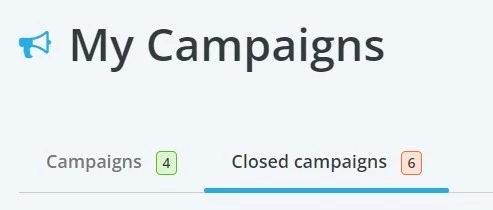
If you’re finding that those events are causing confusion, or just cluttering up your “My Campaigns” page, you have the ability to move those older events to a separate, “Closed Campaigns” section instead.
Step 1: Log into your Fundraising Pages account
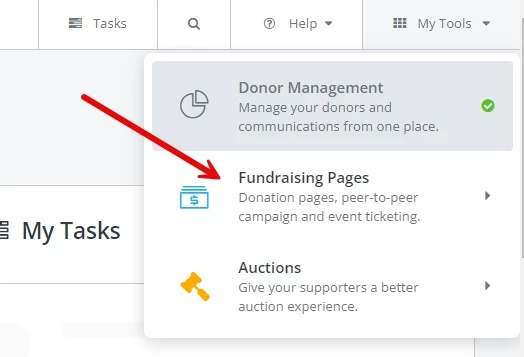
If you’re currently in Donor Management, you should be able to access Fundraising Pages by clicking on the “My Tools” dropdown menu in the top right corner, and selecting the option for “Fundraising Pages.”
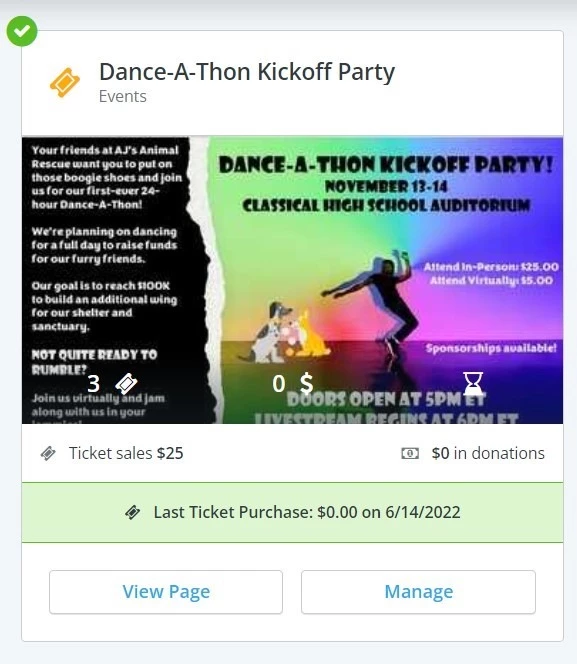
Step 2: Locate the tile for the event that you'd like to hide from view
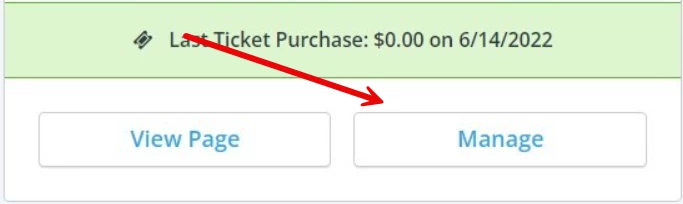
Step 3: Click on the "Manage" button for that Event page's "tile"
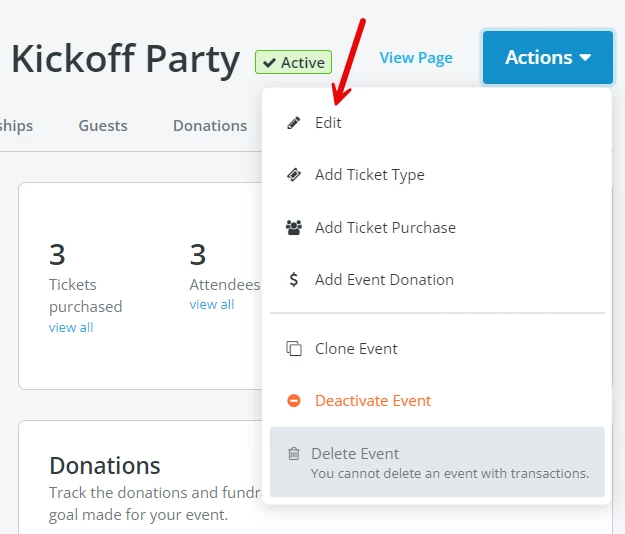
Step 4: Click on the "Actions" button from the Event Overview, then select "Edit" from the drop-down menu
Step 5: Scroll down to the section titled "What is this event's basic information?"
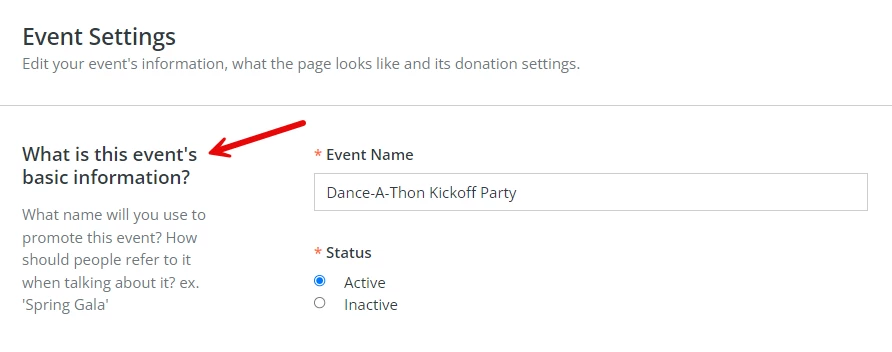
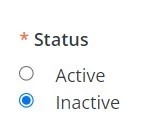
Step 6: Select the option for "Inactive" under the "Status" field
Step 7: Click on the blue “Save & Exit” button in the upper right corner

Your selected page should now be hidden from your My Campaigns page, and the page should reflect as “Inactive” when viewing the page details.

You can still find that page in the “Closed Campaigns” section of your Fundraising Pages dashboard, if you need to view or edit the page once more.
If you need to make the page active once more, you can follow the same steps above – simply select “Active” under the “Status” option before saving.
What else do you want to do?
- How do I create an Events page?
- How do I copy or duplicate an existing Events page?
- How do I cancel my upcoming event?
- How do I process a refund request for an event?
Not what you're looking for?
Go back to the Events Pages Feature Overview.
How do I hide old events in Network for Good? | How do I move an event to Closed Campaigns? | How do I mark an event as inactive? | Why are past events still showing on My Campaigns? | How do I remove an event from my Campaigns dashboard? | How do I archive an event page? | How do I make an event active again after hiding it?