


How do I reset a Results report to its default style?
-
Save, Close, and Reopen your report
-
Select the clipboard icon to the left of "Edit"
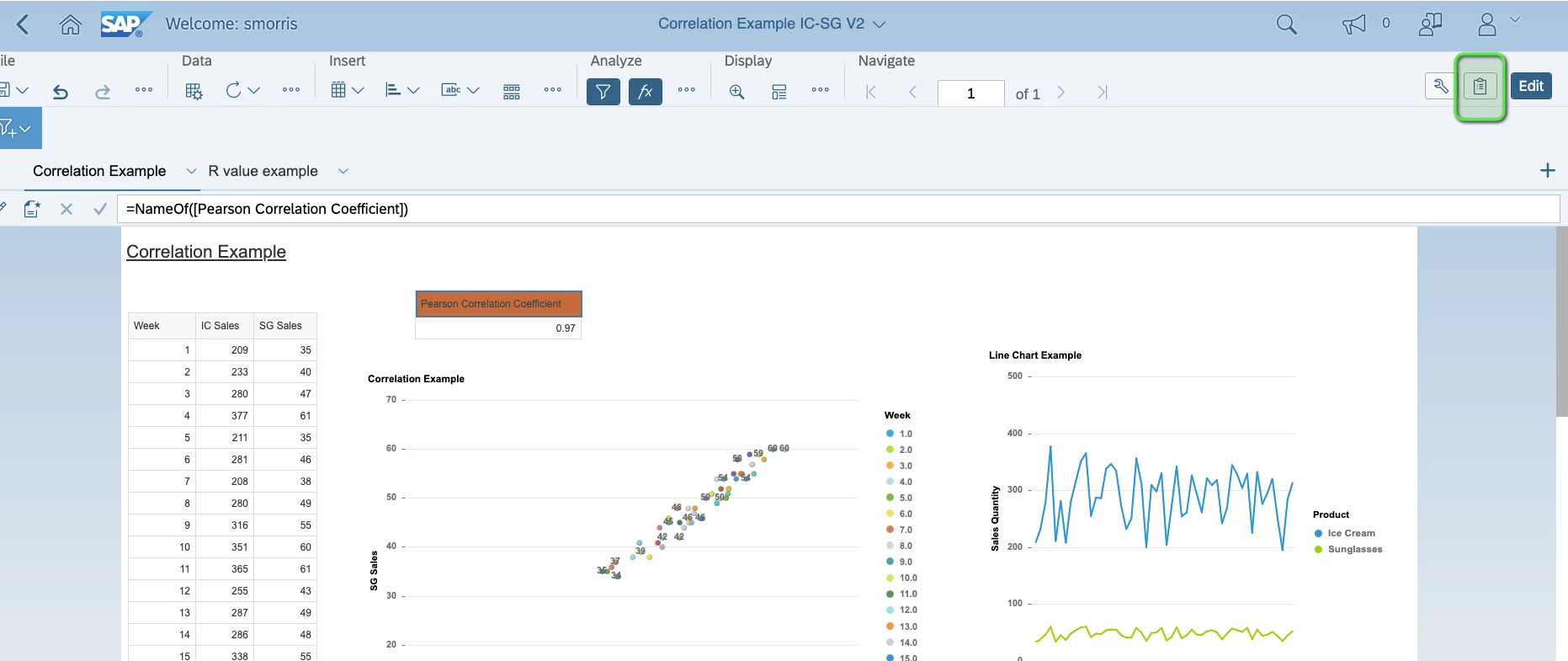
-
Choose Default Style > Reset Default

-
After hitting apply, save and close the report. Once you reopen you should be able to then set cell headers.
How do I reset a Results report to default style | How do I restore original formatting in a Results report | How do I undo custom formatting in a report | How do I apply default style to a report | How do I revert a report to its original layout | How do I reset cell headers in a report | How do I restore a report after formatting changes