How to Check Your Internet Speed
If you are concerned with slowness in Apricot, here is how you can ensure you have the internet speeds required to run the software.
To ensure that you are able to access Apricot optimally, it is recommended that you use a network with an internet service that provides at least 17 Mbps of download, and 15 Mbps of upload speed.
Checking your Internet speed
Step 1 – Navigate to a web search engine (Google, Bing, Yahoo!, etc.)
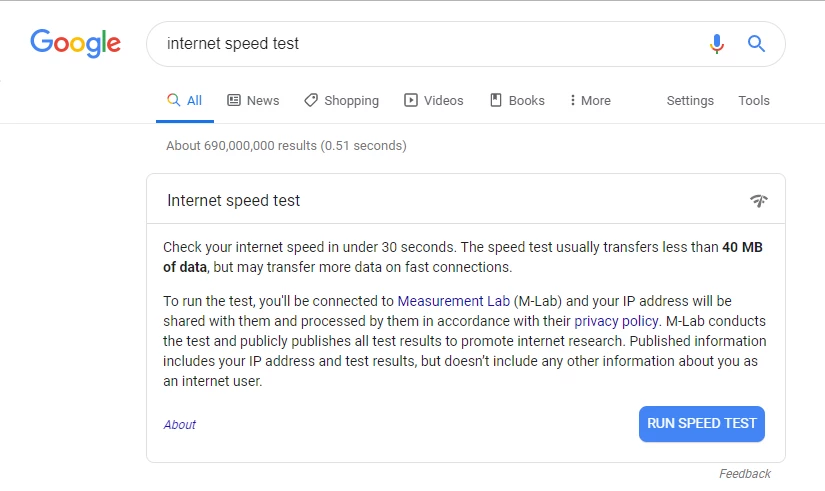
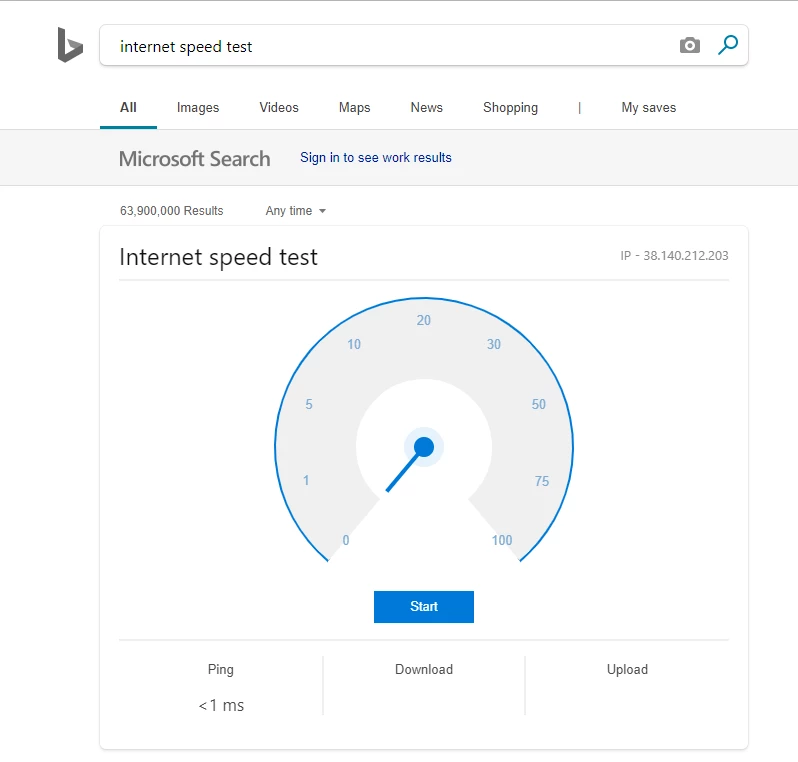
Step 2 – Search "internet speed test"
-
This search, depending on your browser and web search engine, will prompt you with an in-browser test that will provide you with live information of your internet speed. In these cases, simply click "Run Speed Test" or "Start", as shown below.
-
Some search engines may not prompt you with an in-browser test. In these cases, simply navigate to a website designed to test your Internet speed.
Upload speed: the rate that data is transferred from your computer to the Internet.
Download speed: the rate at which data is transferred from the Internet to your computer.
Mbps: stands for "megabits per second," a unit used to measure Internet speed.