

How do I sign in to Deed Grants?
Bonterra’s Deed Grants is a secure platform built to streamline and support efficient grant management workflows while connecting customers with a large network of pre-vetted nonprofits.
Once setup is complete, customers can begin using this feature by following the steps below to sign into their account.
Step 1: Access the Deed Grants log in page
Navigate to the Deed Grants log in page using this link:
https://grants.bonterra.network/
Step 2: Enter the site
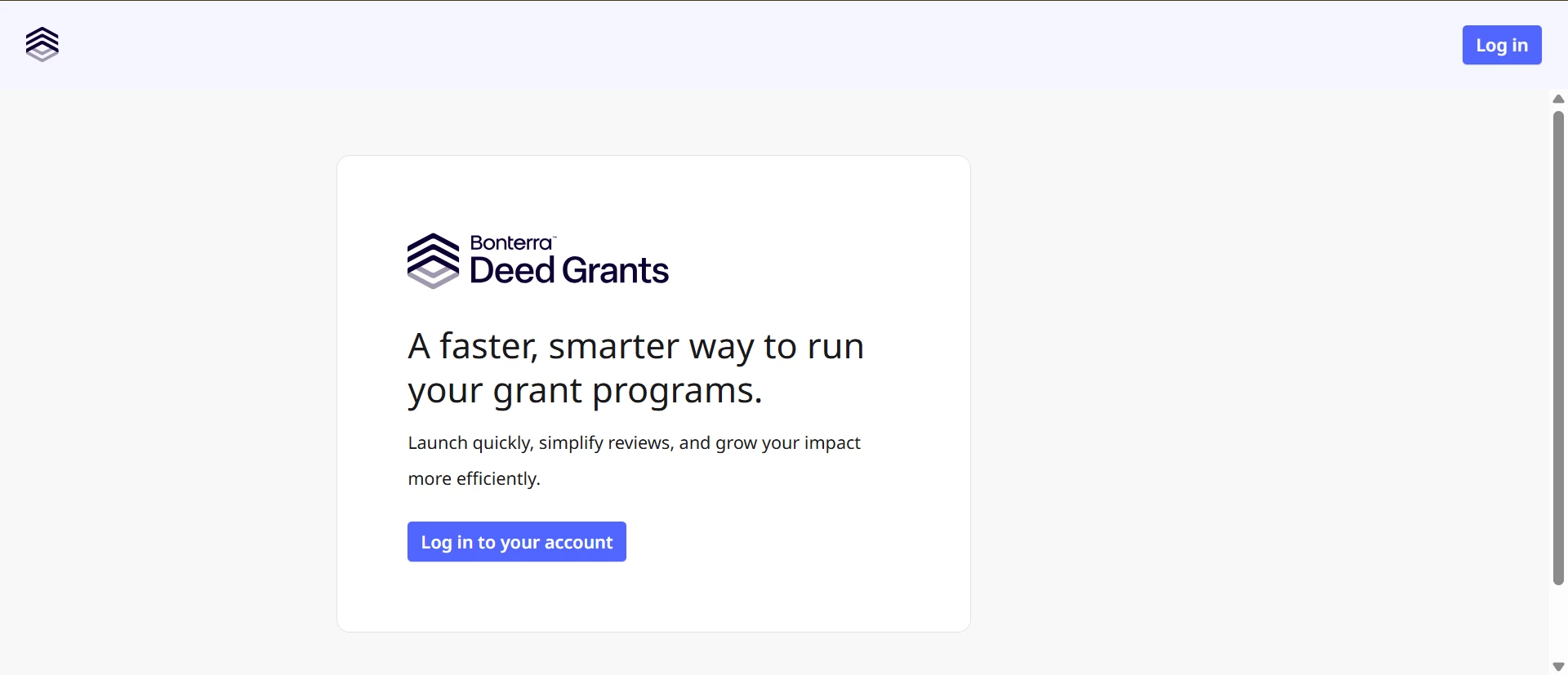
Click the link to “Log in to your account” located in the center of the page or the “Log in” button in the top right corner of the screen.
Step 3: Enter Your Credentials
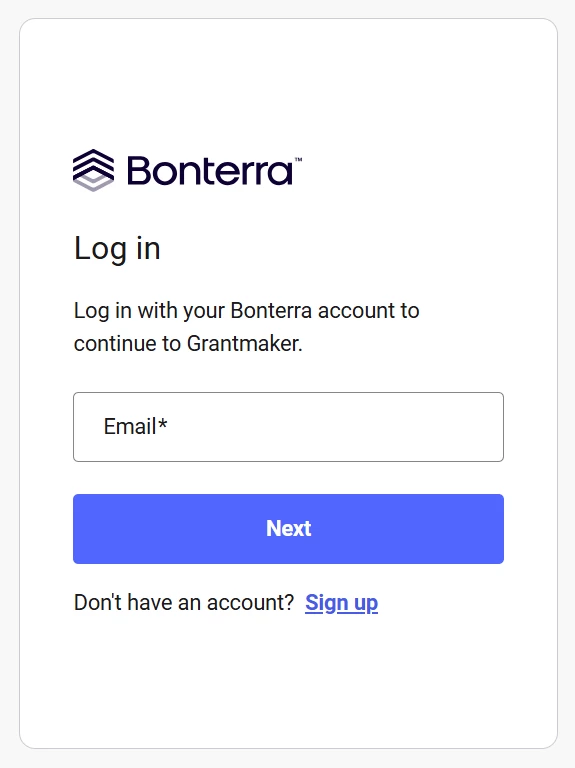
If you're a registered team member, enter your email address and click “Next”.
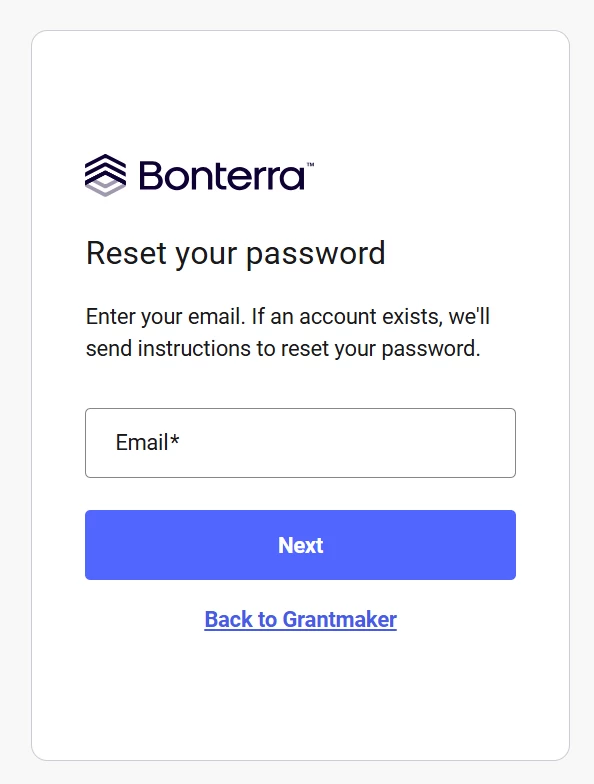
Enter your password or if you forgot your password, click the “Reset password” link, enter your email address, and click “Next.” A message will be sent to you with a code to reset your password.
Step 4: Invite a member (Admin Only)
New members must be invited by an existing Admin through the Deed Grants interface.
- Once signed in, an Admin can navigate to Setup and select the Teams tab.
- Click the “+Invite member” link.
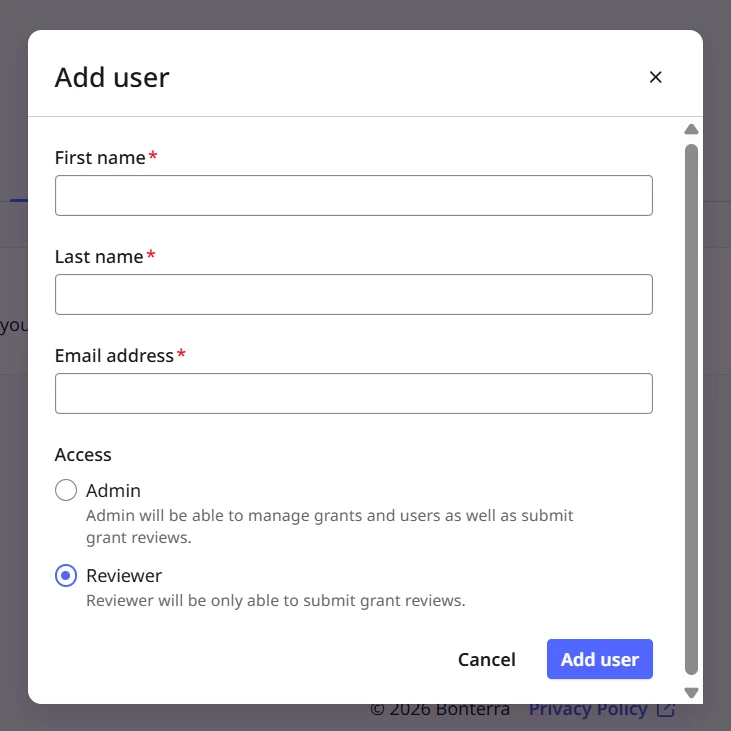
- Enter the new user's:
- First name
- Last name
- Email address
- Select their role:
- Admin – can manage grants and users, and submit grant reviews
- Reviewer – can only submit grant reviews
- Click Add user
The new team member will receive an email with instructions on how to sign up and log in to Deed Grants.