

How do I map my data for a self-import?
Step 1: Access the self-import tool
From your 'Donor Management' Dashboard, click the 'Contacts' or 'Giving' tab on the left navigation panel.
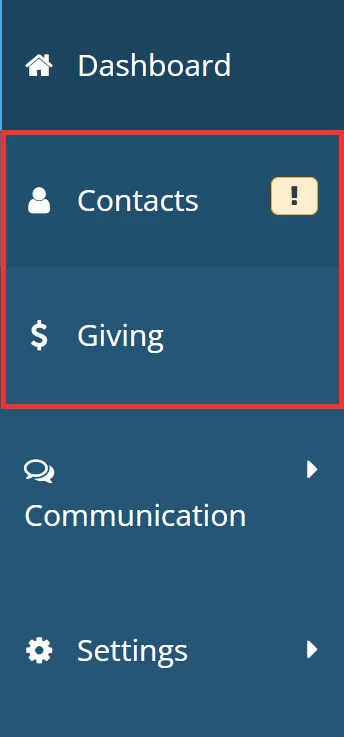
From whichever page you are directed to, click the 'Import' link in the upper right of the page.
a) Contacts

b) Giving

Step 2: Begin your import
Click on the 'Begin Your Import' button in the banner near the top of the page and follow the instructions in this article as you progress through the importer.

Step 3: Map your fields
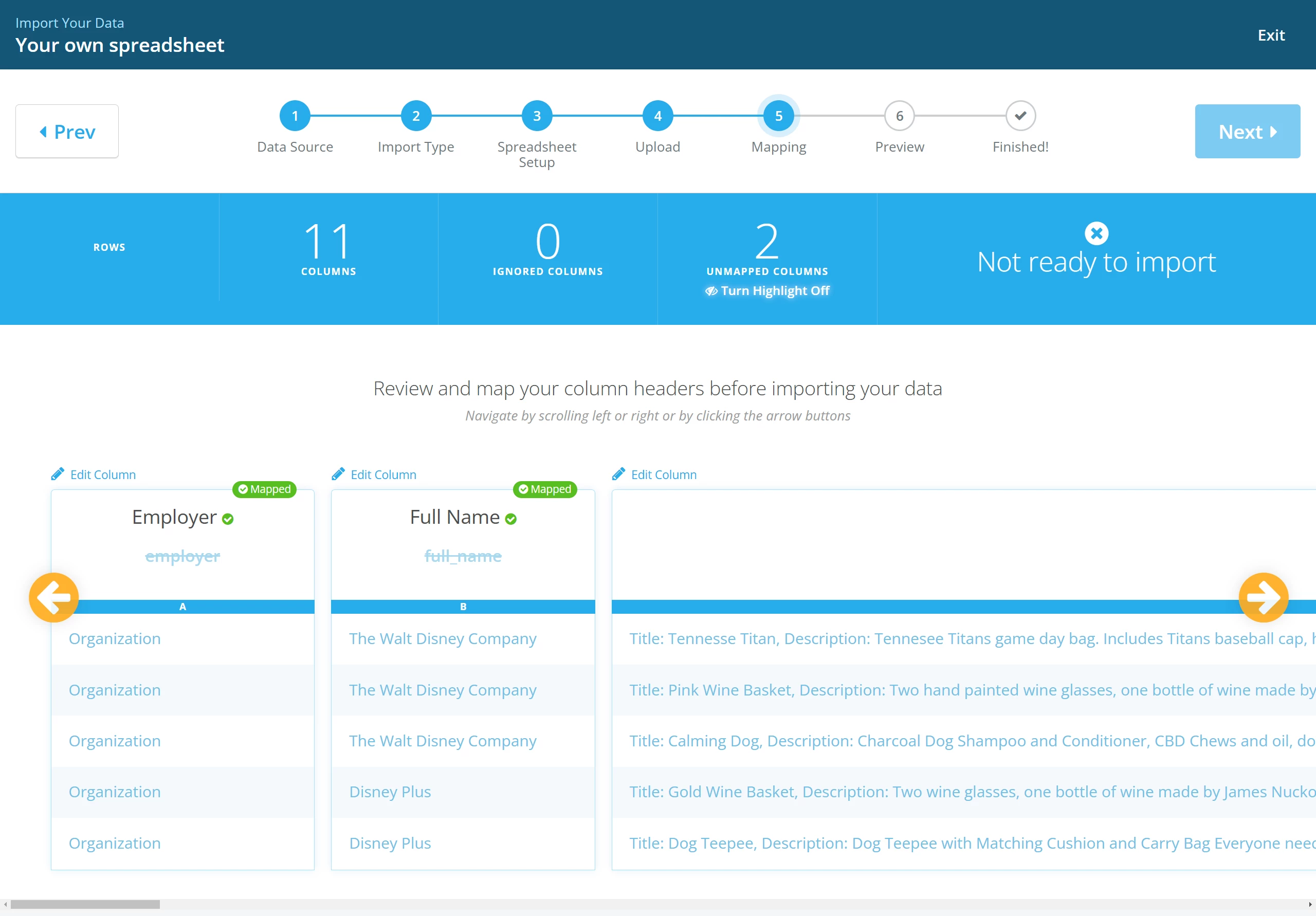
Once your file has been uploaded, you will be prompted to map your fields.
Some columns will be automatically mapped by 'Donor Management' - but, we recommend double-checking that everything looks accurate!
A brief overview of your import file will appear on this page, similar to the one below:
Step 4: Re-map any columns if necessary
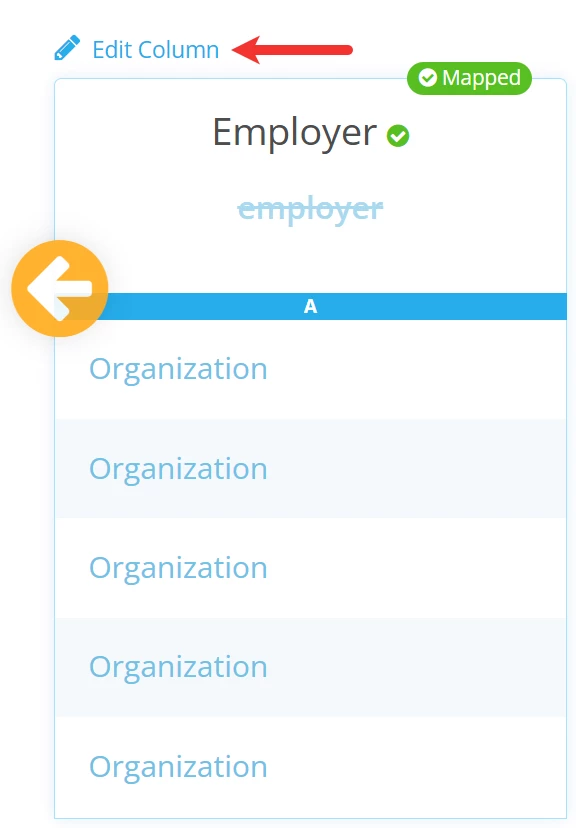
You can re-map a column by clicking the 'Edit Column' link above the respective column.
Then, you can select the correct Header from the drop-down list of options.
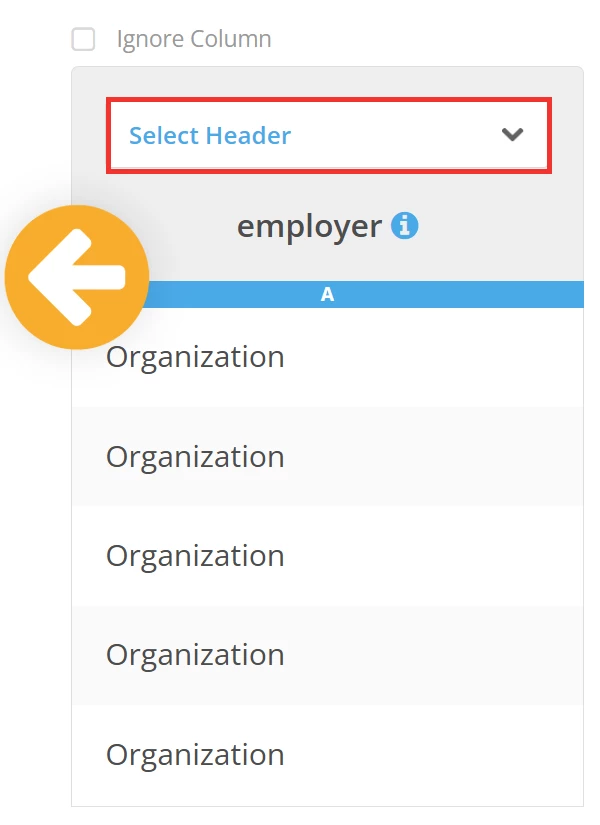
If you would rather not import certain data into 'Donor Management', check the box next to 'Ignore Column'.?
Once you have finished mapping all of your data, click the 'Next' button to move on to the final steps of the import process!
What else do you need help with?
Not quite what you were searching for?
Navigate back to the Feature Overview.
How do I map columns during a data import in Donor Management? | Why are some fields automatically mapped? | How do I change or edit a mapped column? | What does Ignore Column mean during import? | How do I fix incorrect field mapping? | Where do I match my spreadsheet headers to Donor Management fields? | Why isn’t my data mapping correctly?