

How do I map my list?
Step 1: Navigate to My Folders
-
Start on the EveryAction home page.
-
From the left-hand menu, go to Contacts > Searches & Lists > My List.
-
Or use Search for a page and type My List.
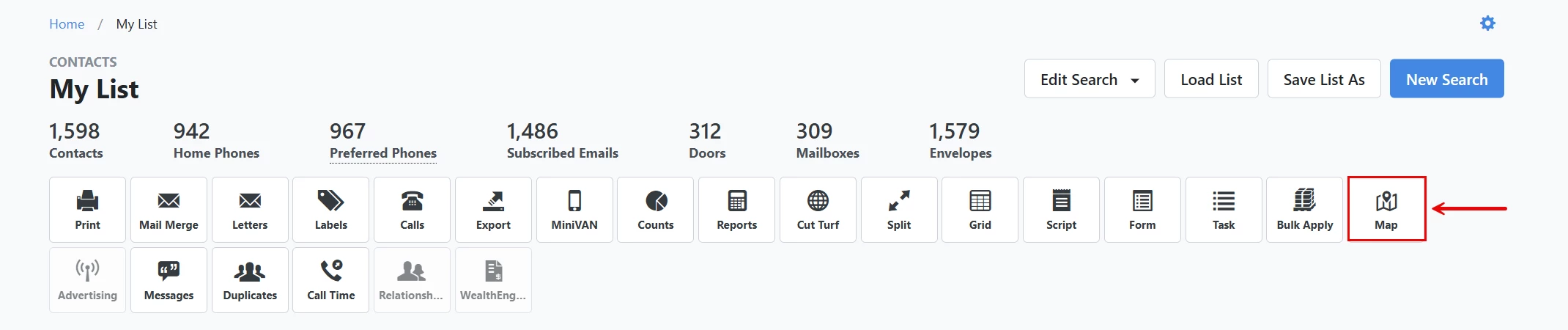
Step 2: Click on 'Map'
Click the 'Map' button in the banner near the top of your 'My List' page. This feature will allow you to view and print a map with all addresses plotted.
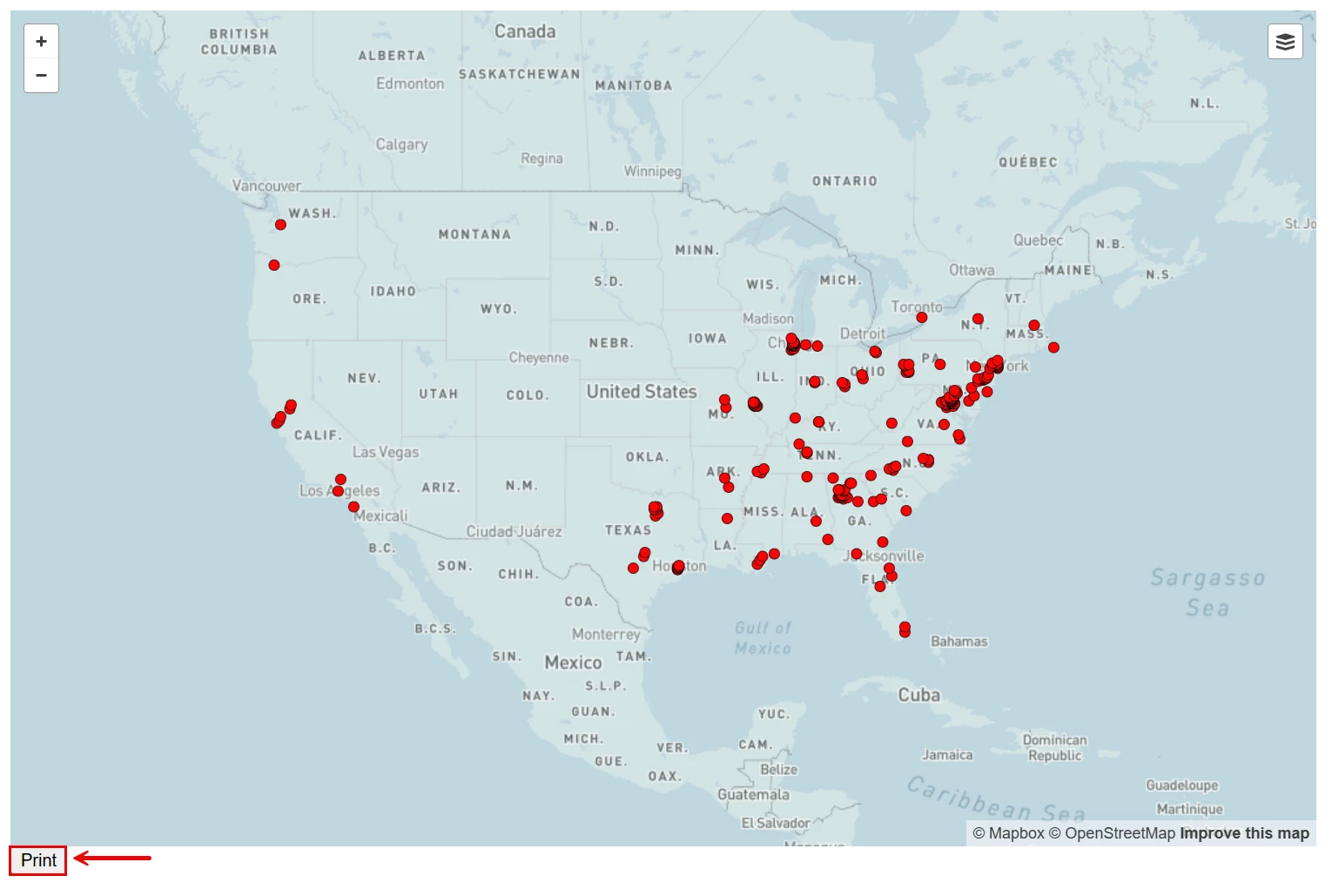
Step 3: Select Print (Optional)
The map will automatically display. You can print the map by selecting 'Print' at the bottom of the page.
Not quite what you were searching for?
- Navigate back to the Lists and Saved Searches Resource Index.
How do I map my list? | How does map my list work in EveryAction? | Why can't I map my list? | Where do I map my list in EveryAction? | What is map my list in EveryAction? | How to map my list? | Can I map my list in EveryAction?