


How do I set up Stripe Connect in EveryAction?
Before you begin
Before connecting, you must have an active Stripe account. If you do not yet have an account, you will first need to contact your Account Executive or Support, who can help you set up your account. You can then use Stripe Connect to set up your own Stripe gateway account in Bonterra CRM within minutes.
You'll also need a designation set up within your committee prior to setting up Stripe Connect.
Step 1: Connecting your Stripe account
- Once a Stripe account has been created, from the homepage, navigate to the left-hand menu. Click Administration > Payment Gateways.
- Or search in the Sidebar for the Payment Gateways option to get started.
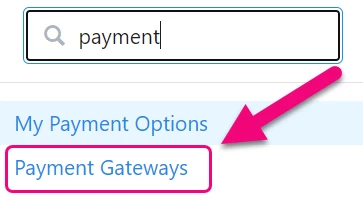
Step 2: Select "Connect"
On the next page, select the Connect option to begin the Stripe Connect setup. If you do not see this option, please contact Support.
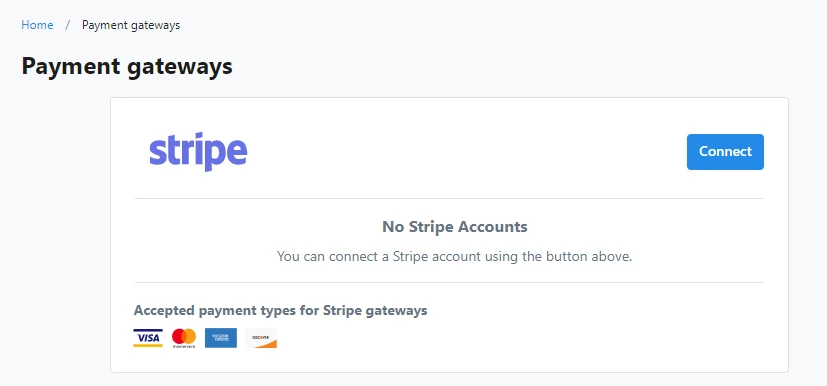
Step 3: Give Bonterra CRM access to Stripe
Log in to your Stripe account. Once logged in, you will be asked to give Bonterra CRM access to your Stripe token. If you have multiple Stripe accounts under the same email address, you will need to choose which account you want to connect.
Once you Connect my Stripe account, you’ll return to the Payment Gateways page.
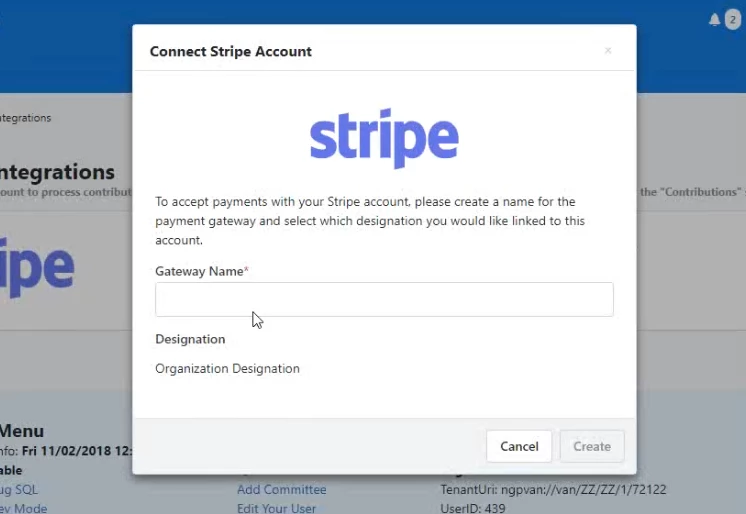
Step 4: Name your Gateway
Select the gateway name and the Designation you want to connect to Stripe. The gateway name cannot exceed 50 characters in length. If there is only one designation within your Bonterra CRM committee, it will be selected by default.
Once these steps have been completed, the gateway will be listed as connected on the Payment Gateways page with your email, gateway, and designation information.
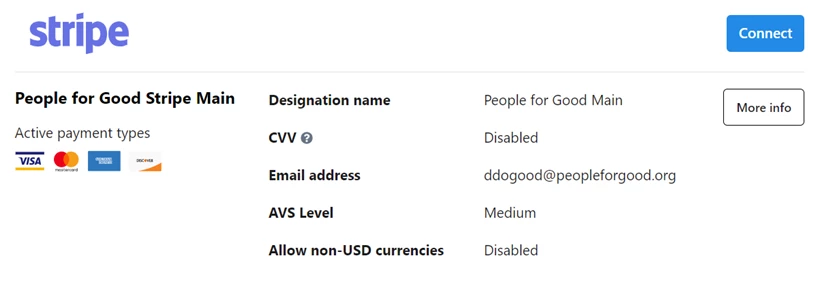
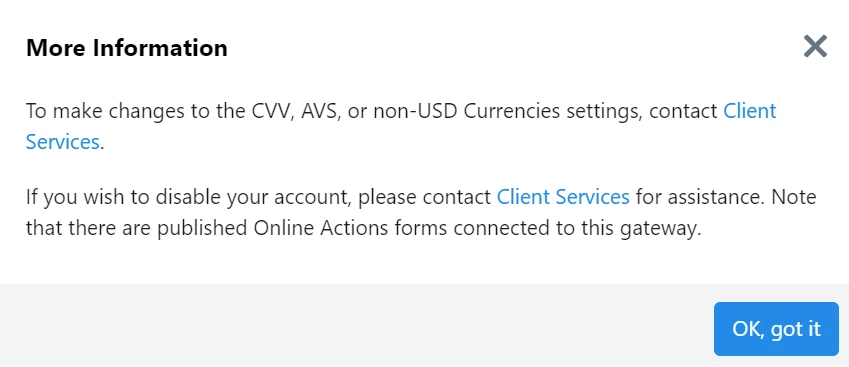
Choosing the More Information option will let you know if there are any Online Actions forms connected to the designation or if any recurring commitments are linked to the Stripe Connect account. You'll also see instructions for changing or disconnecting the gateway, if necessary.
Not quite what you were searching for?
-
Navigate back to the Miscellaneous Resource Index.
How do I set up stripe connect in everyaction? | How does set up stripe connect in everyaction work in EveryAction? | Why can't I set up stripe connect in everyaction? | Where do I set up stripe connect in everyaction in EveryAction? | What is set up stripe connect in everyaction in EveryAction? | How to set up stripe connect in everyaction? | Can I set up stripe connect in everyaction in EveryAction?