

📬 NFG Newsletters are now in Bonterra Central
We have some news for you, NFG members! 👋 Your monthly newsletter now lives in Bonterra Central, where you’ll find all the latest updates in one place. We know a change like this can leave you wondering where to look, so we’ve made it simple. You’ll find the latest updates in one place, and you can revisit whenever you need it.
How do I find my Network for Good newsletter in Bonterra Central?
Step 1: Open the newsletter section
Sign in or Sign up to Bonterra Central. In the top navigation, select Newsletters.

Step 2: Go to the newsletter hub
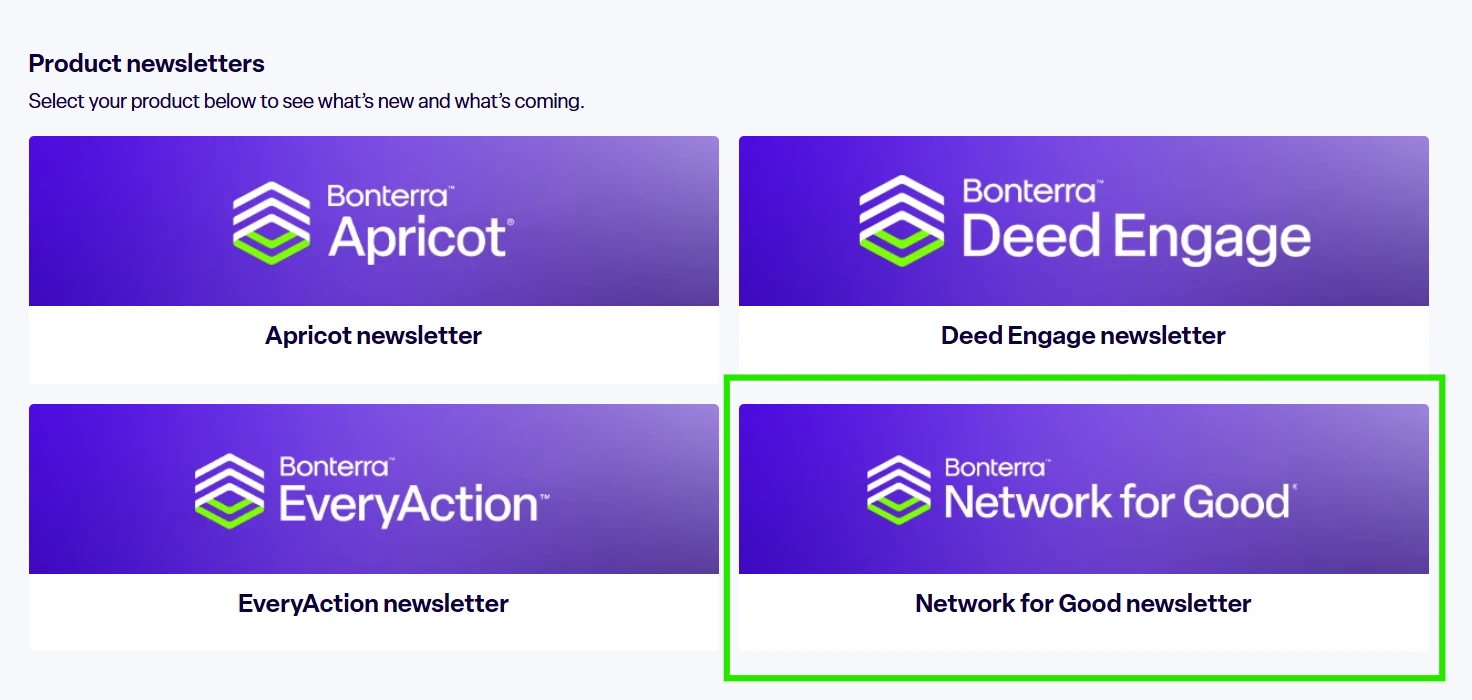
From the Newsletters menu, select the NFG newsletter hub.
The hub shows these sections:
-
Featured topics
-
Upcoming Events
-
What’s new
-
What’s coming
-
Important dates
Step 3 (optional): View previous newsletters
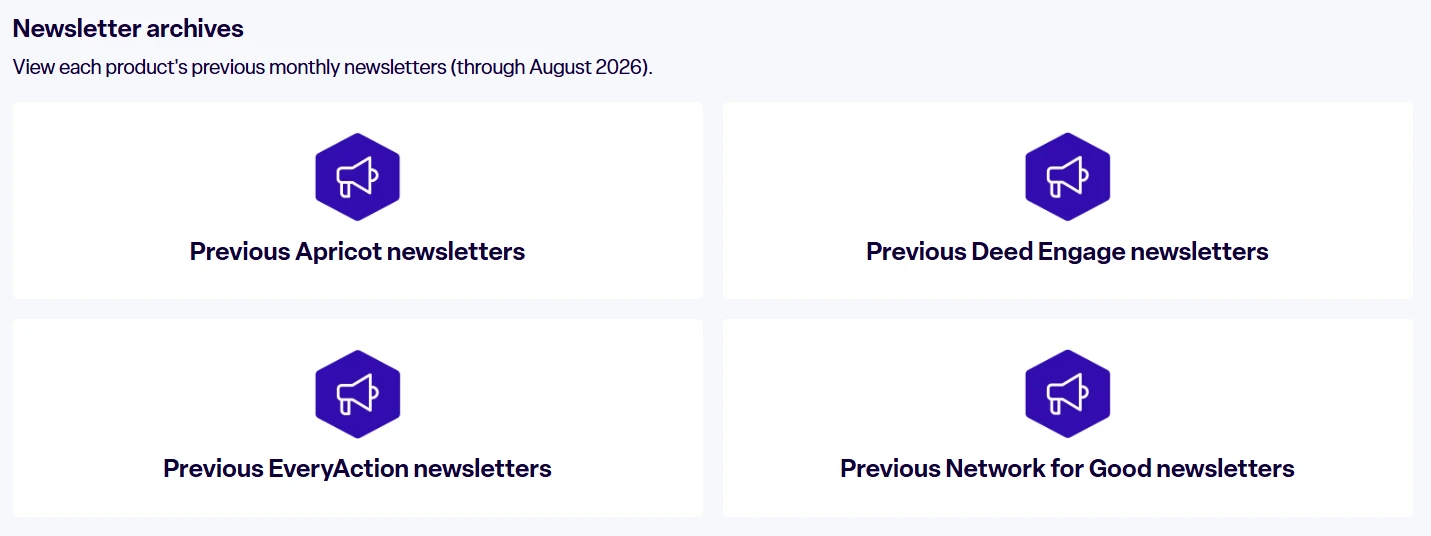
Want to look back at earlier updates? Scroll to the bottom of the newsletter page and select Archives. The archives link takes you to the Help Center, where you can find past content. (through August 2026).
Step 4: Check back for updates
Visit the newsletter hub anytime to catch the latest updates!
Let us know what you think! 💬
We’d love to hear your thoughts on the newsletter. Reply to this post and tell us what you find most useful, and what you’d like to see featured for NFG. Your feedback helps us make sure you stay up to date with Bonterra news and the updates that matter most to you.