

How do I access my Onboarding Checklist in Network For Good?
Ready to get started setting up your account? Check out our detailed walkthrough below to help you access Next Steps via our Resource Center!
Step 1: Click on the Resource Center Icon
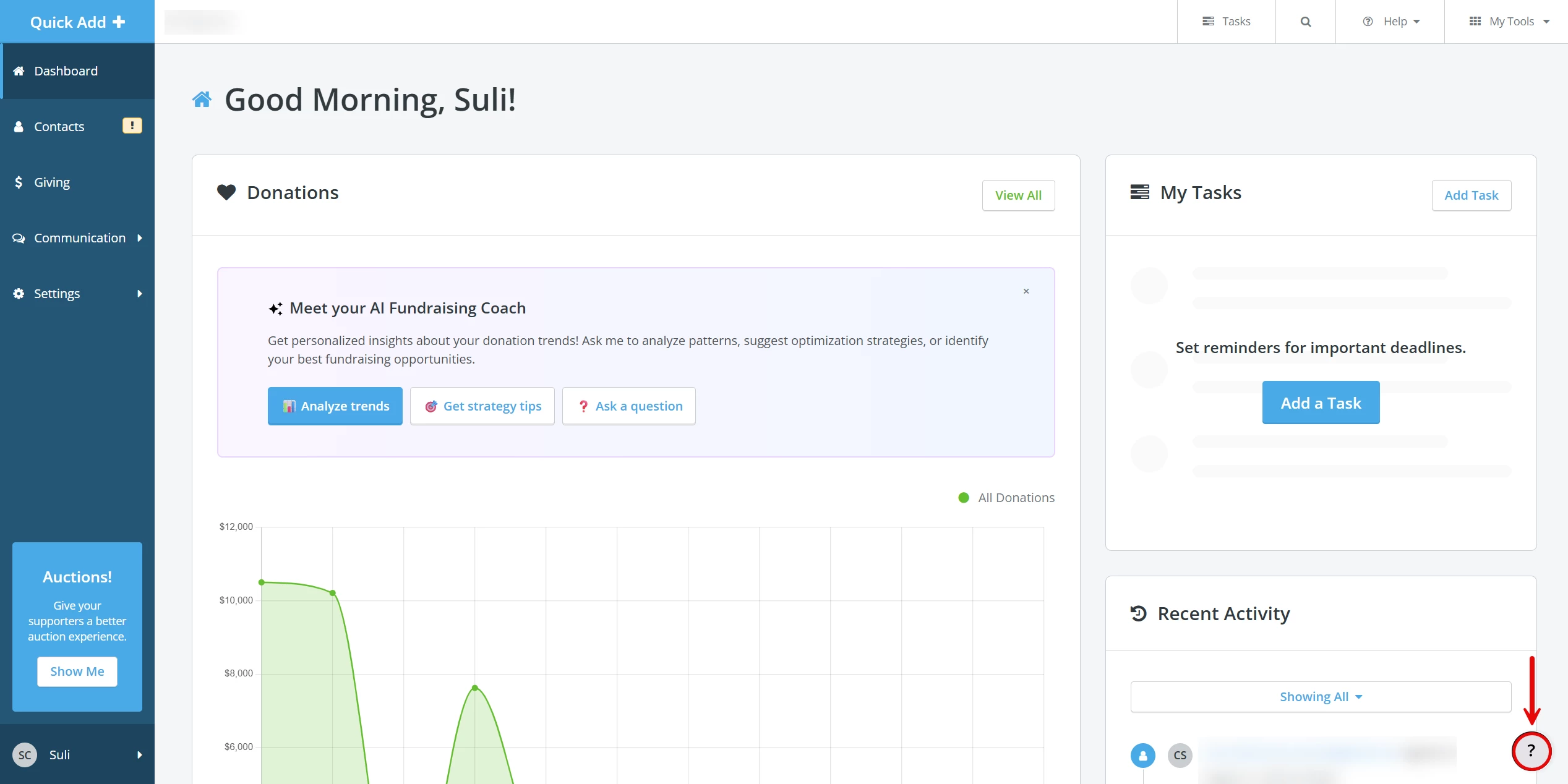
Click the Help icon ('?') in the lower right corner of any page within the platform to access the Resource Center.
Step 2: Select 'Get Started'
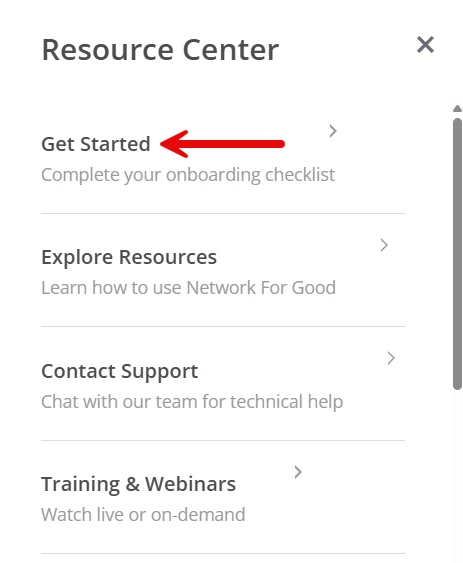
A pop-up window will appear with tabs to navigate the Resource Center. Click on 'Get Started'.
Step 3: Work through your Onboarding Checklist
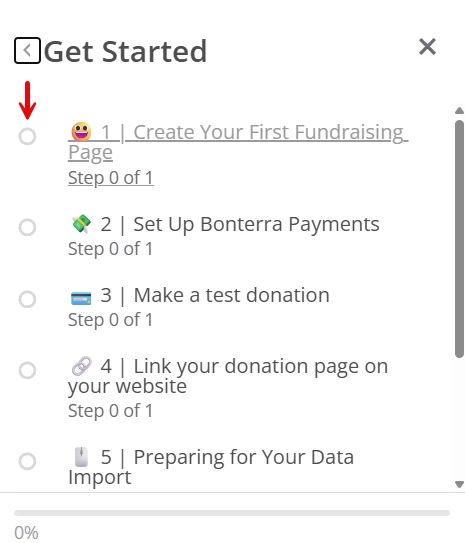
Click the radio button next to (or the link for) the checklist item you wish to complete.
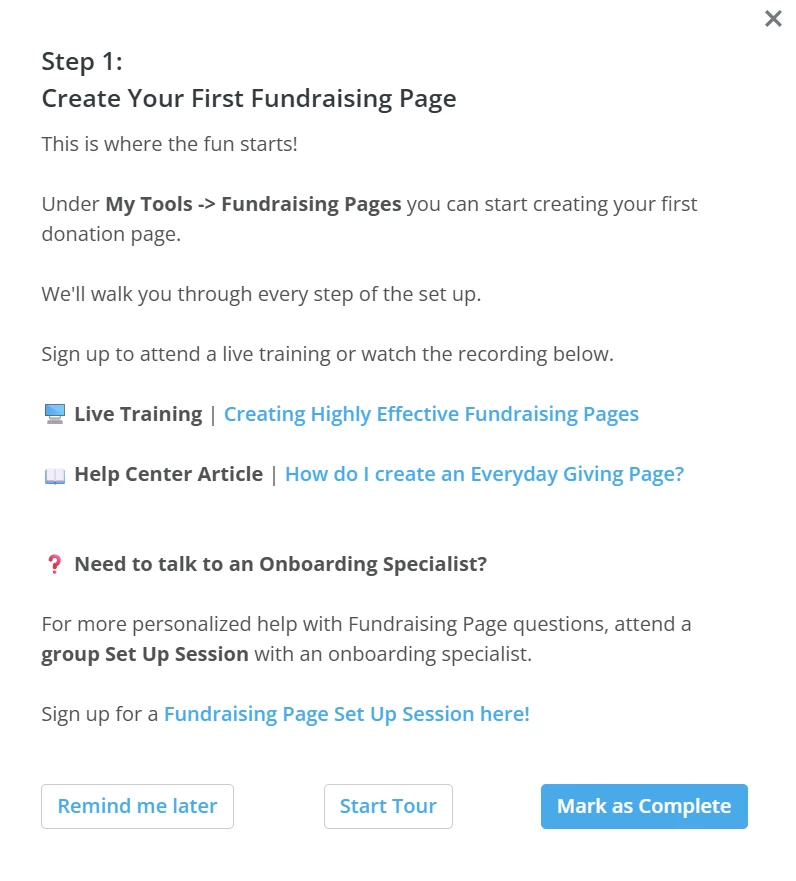
Another pop-up window will appear with additional steps. Use the buttons at the bottom to set a reminder to complete this at a later time, start a tour, or manually mark the item as 'Complete'.
How do I find my onboarding checklist in Network for Good? | Where is the Get Started checklist in Network for Good? | How do I access the Resource Center in Network for Good? | Why can’t I see my onboarding tasks in Network for Good? | How do I complete items on my Network for Good checklist? | How do I set a reminder for onboarding steps in Network for Good? | Where do I track my setup progress in Network for Good?