How do I set up Bonterra Payments as my payment processor?
Before You Begin
Note: If you are not the individual who started the setup process within the platform (typically an administrator or business representative within your organization), please wait until the individual with appropriate management access is available.
We highly recommend you complete this setup process in one session. It should only take about 15 minutes. Before you begin, please have your organization's bank account and details ready.
Step 1: Navigate to 'Fundraising Pages'
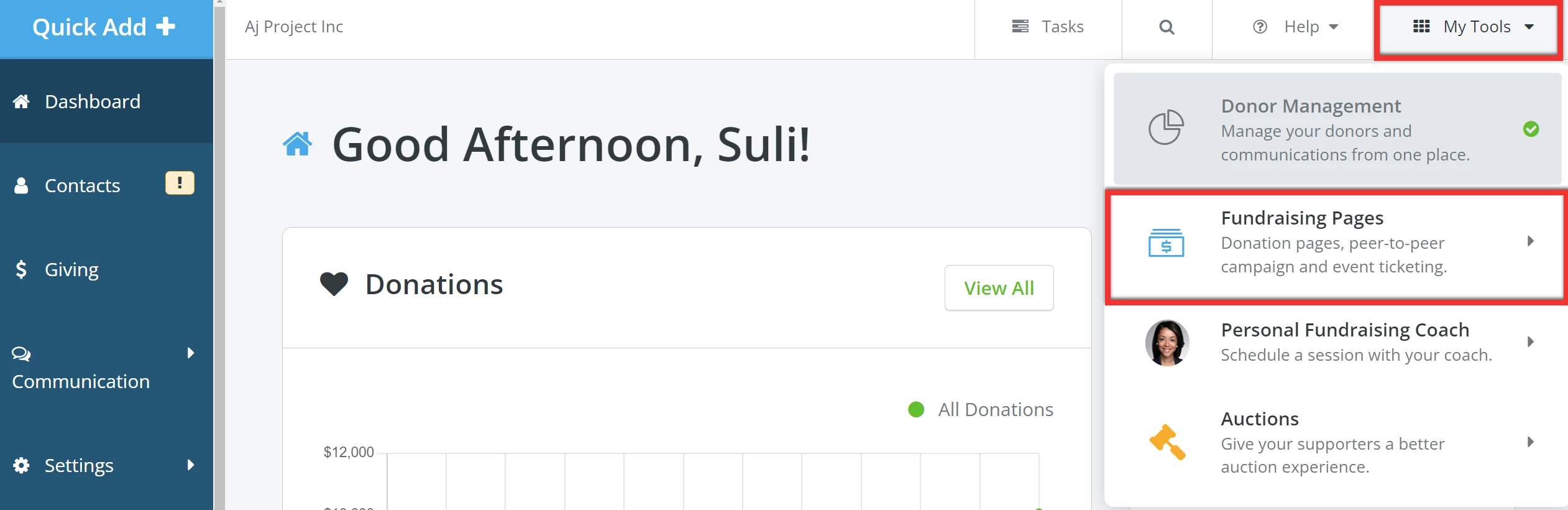
From your 'Donor Management' Dashboard, click 'My Tools' in the upper right corner of the page and select 'Fundraising Pages' from the drop-down menu.
Step 2: Get started
Click the 'Get Started' button in the banner towards the top of your 'My Campaigns' page to get started.

Note: Bonterra Payments is powered by Stripe. To learn more, check out our related guide.
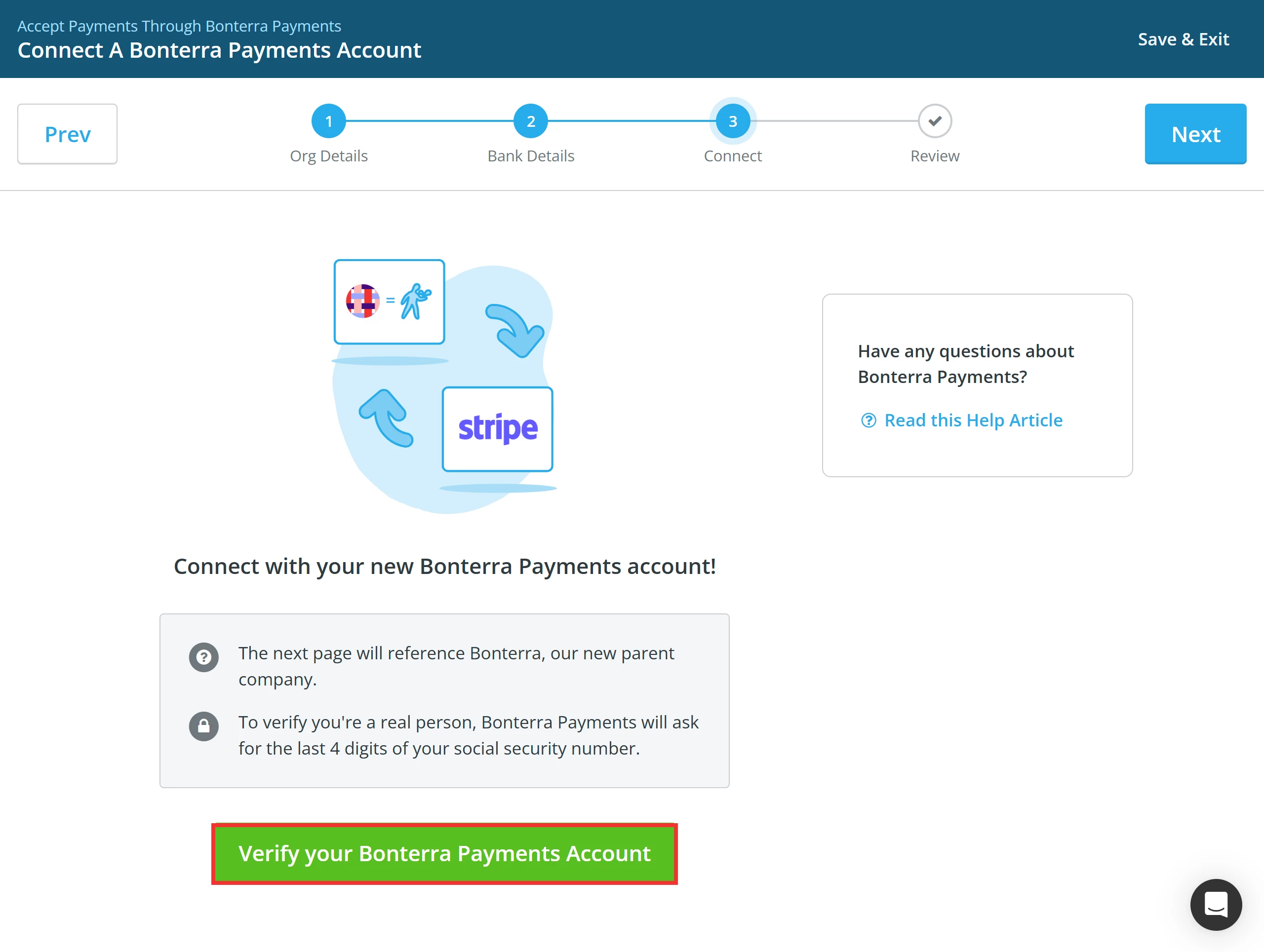
Step 3: Enter the information required by Stripe
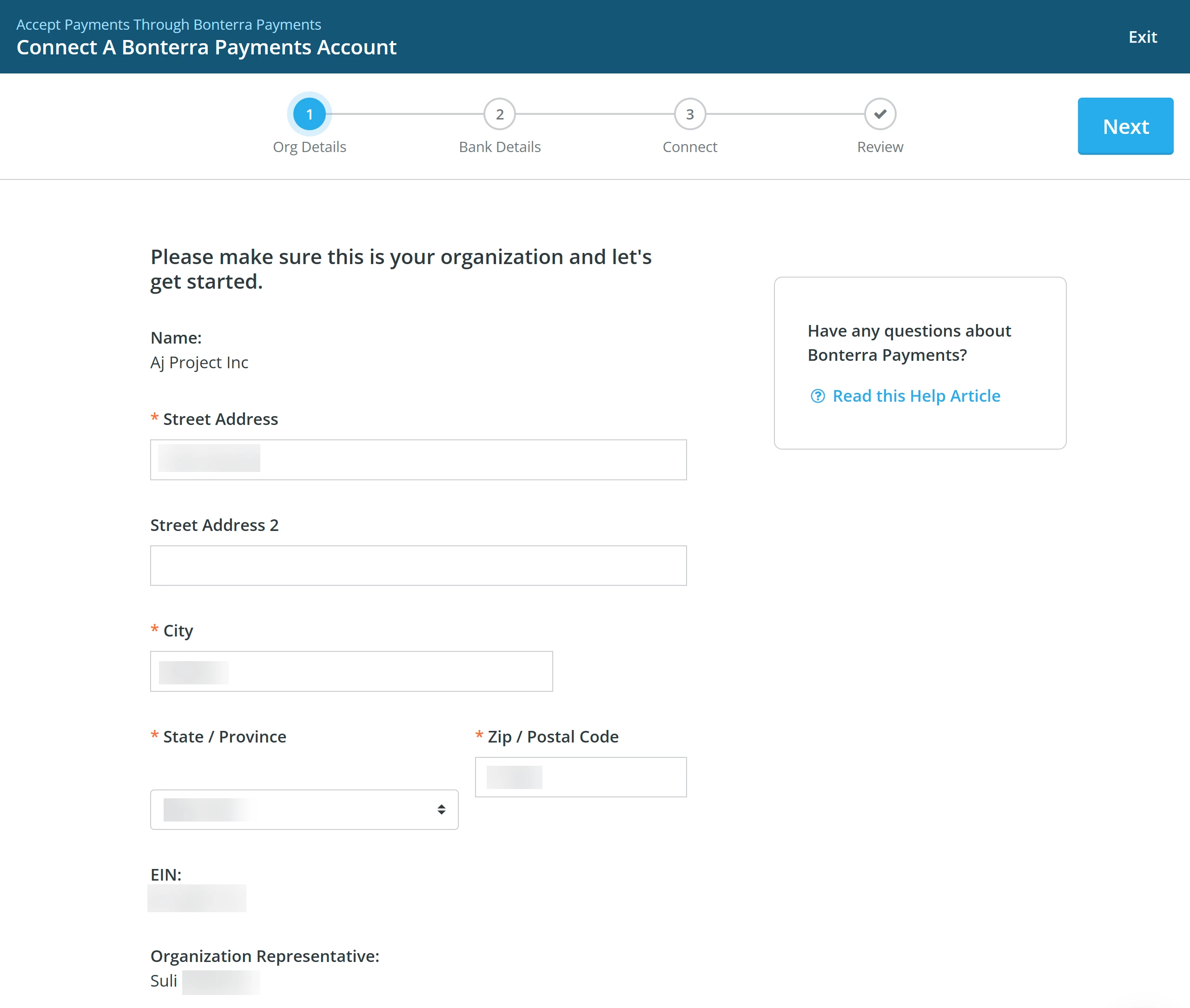
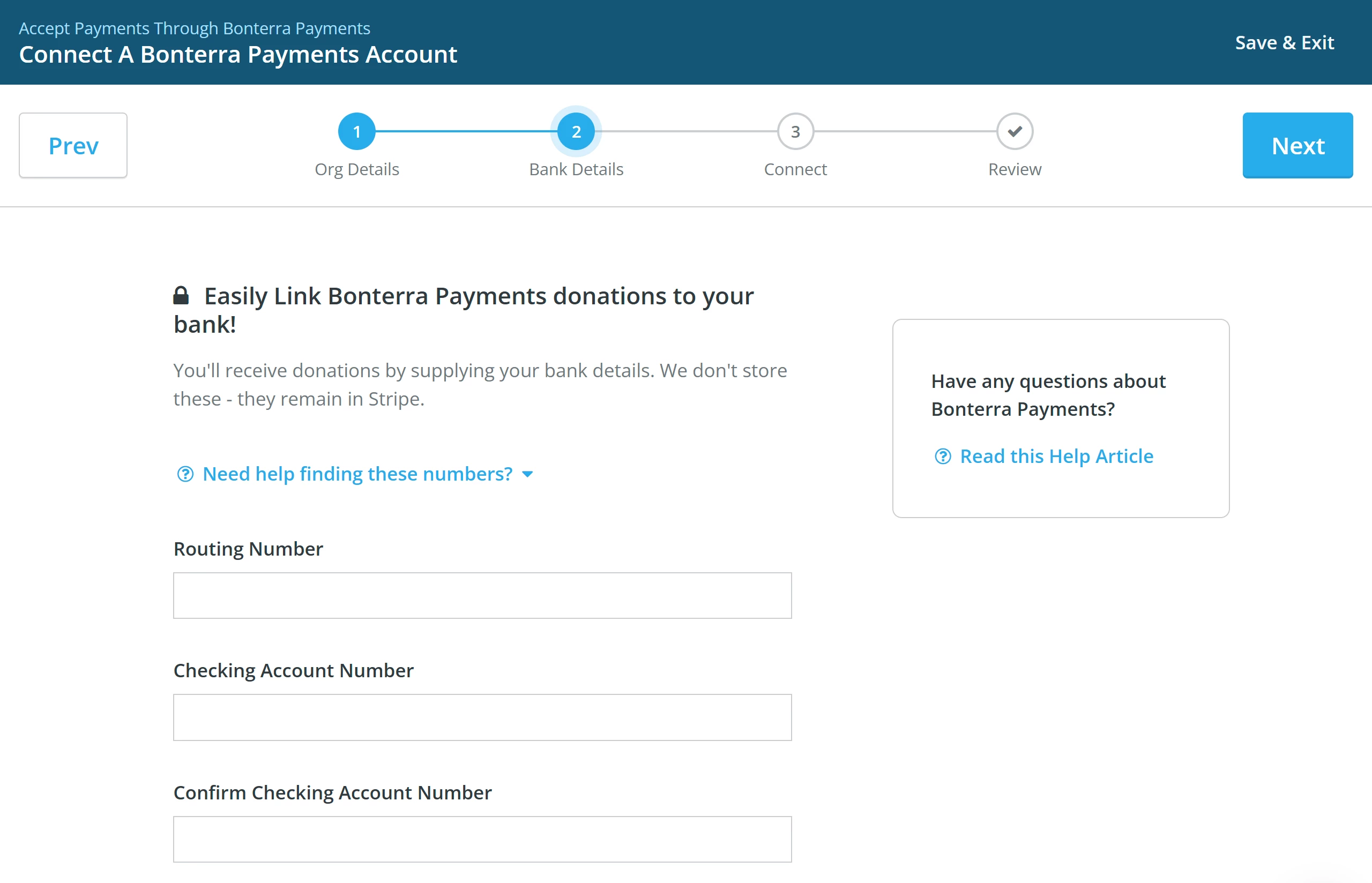
In either case, you should be directed to our Bonterra Payments onboarder.
Here, you will be prompted to enter your Business address.
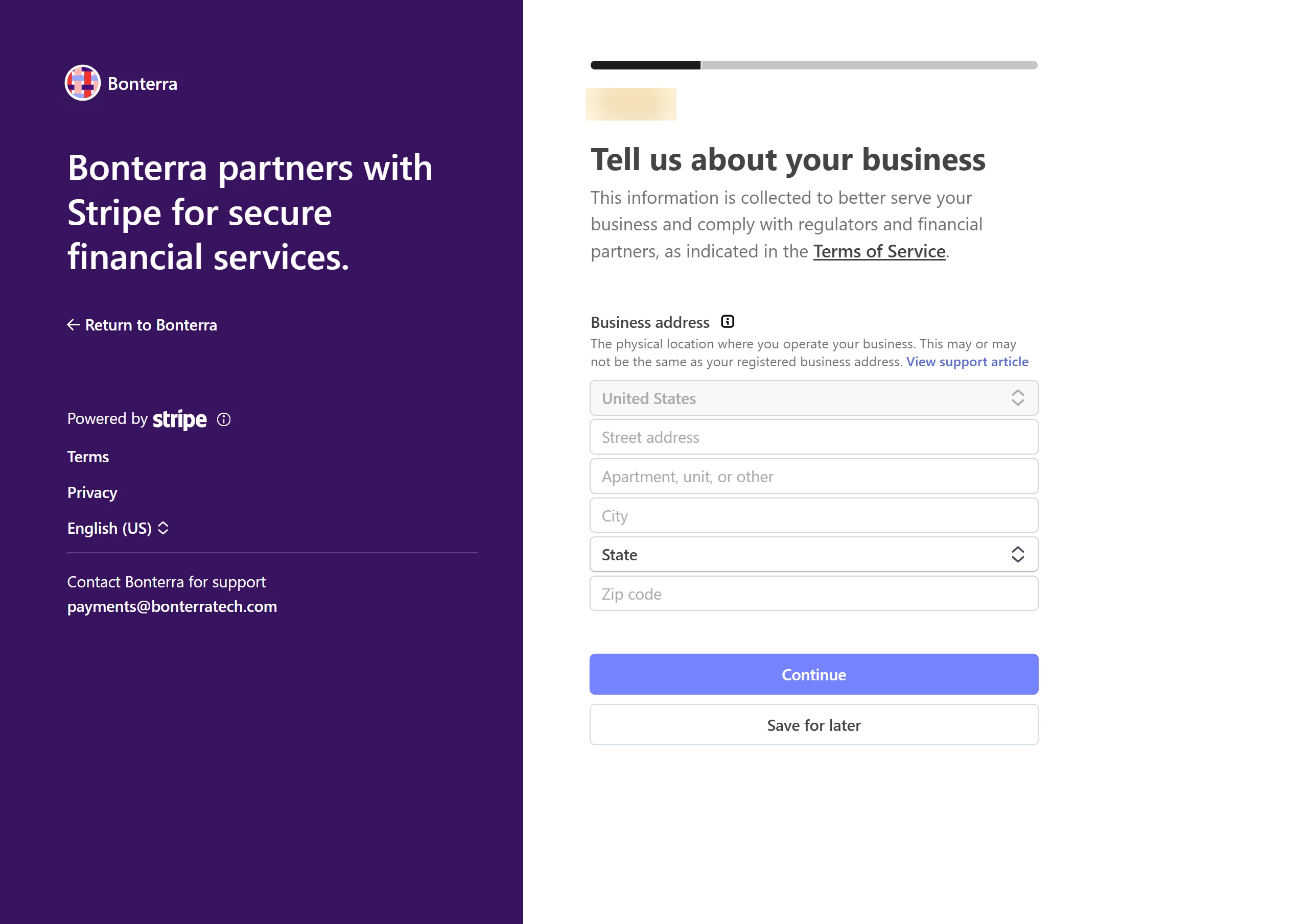
The next step will be to verify your personal details. Click 'Continue' when you are ready to move forward.
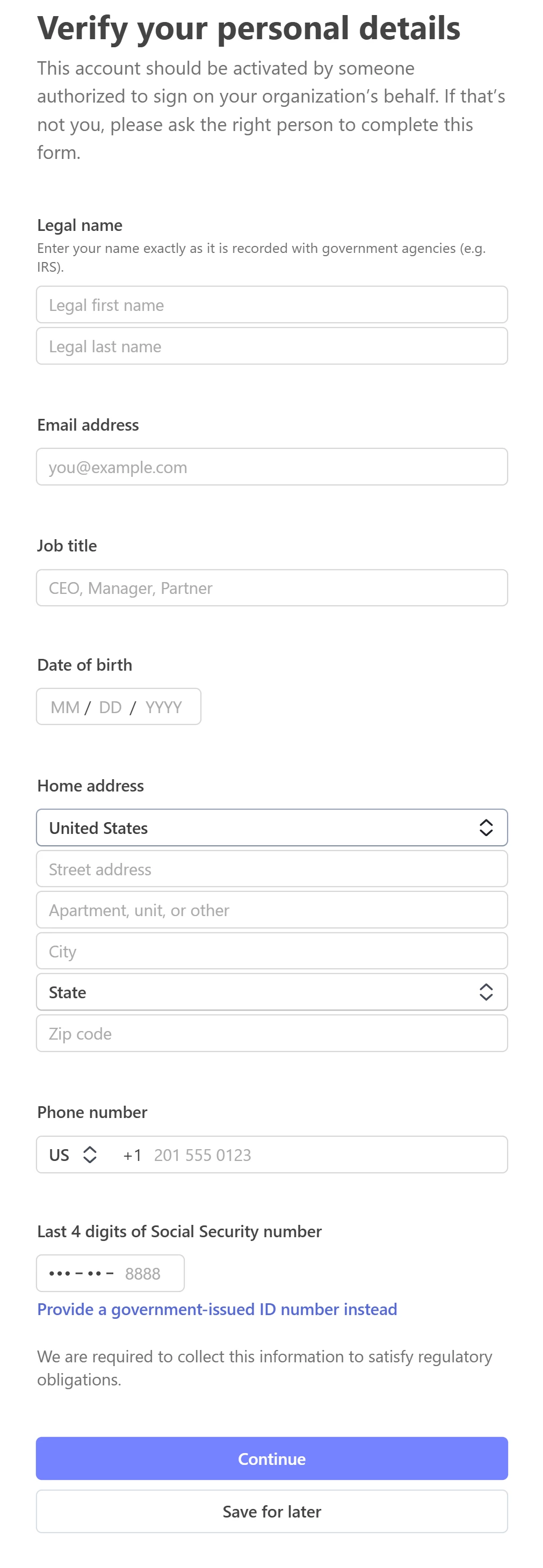
Step 4: Review & Submit
Carefully review your information -
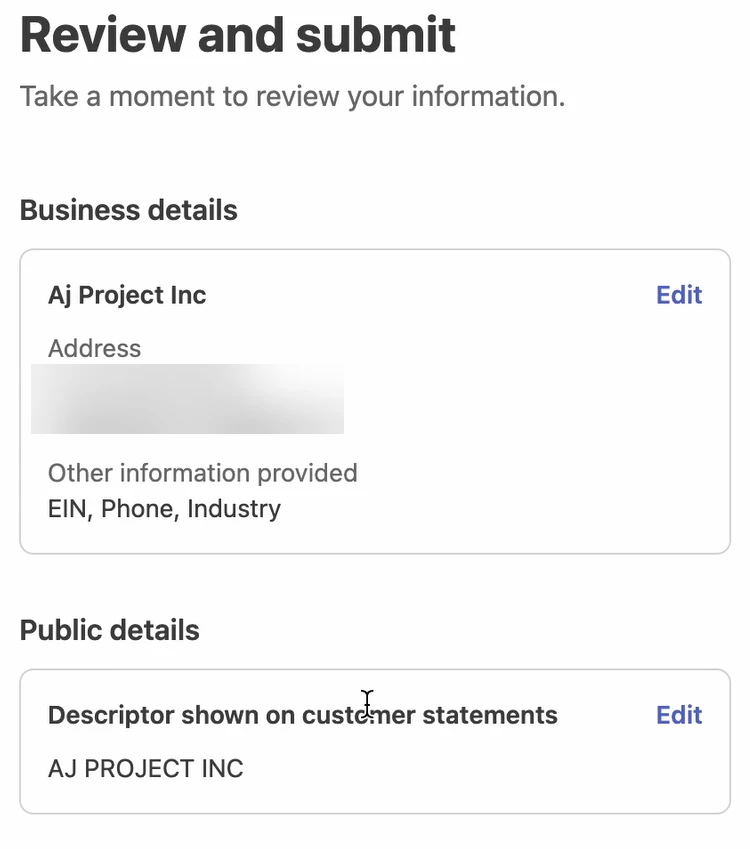
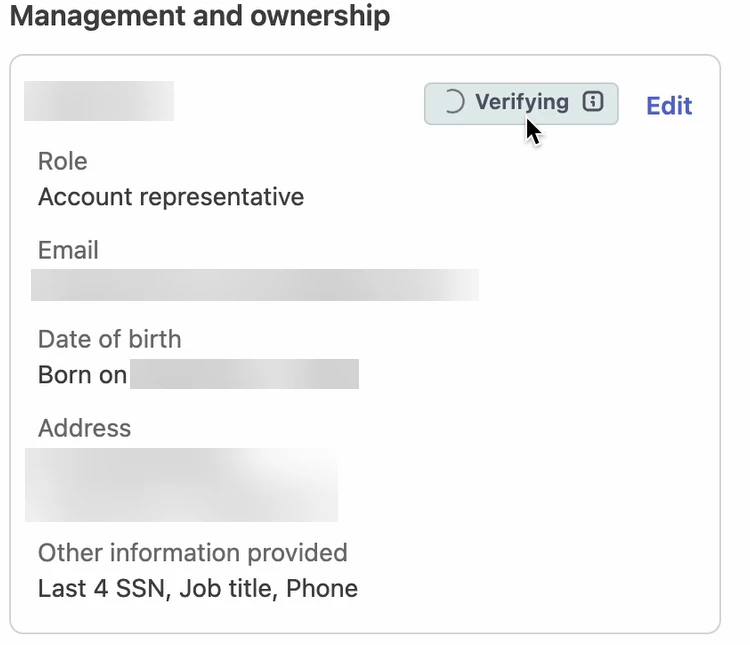
Stripe may take a few moments to verify the details under the 'Management and ownership' section.
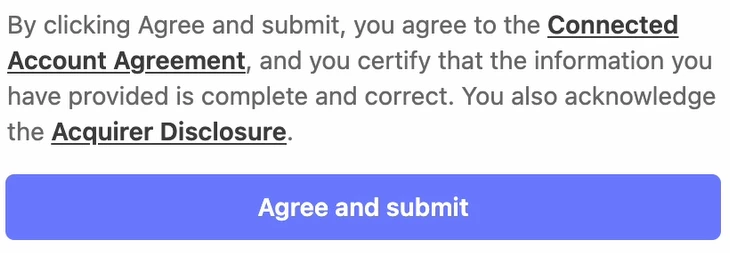
Click the 'Agree and submit' button once the status is updated to 'Verified'.
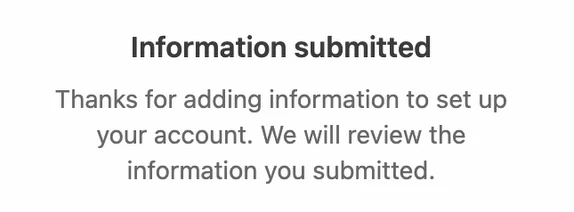
The page will reload and confirm that your information was submitted and that Stripe is reviewing it.
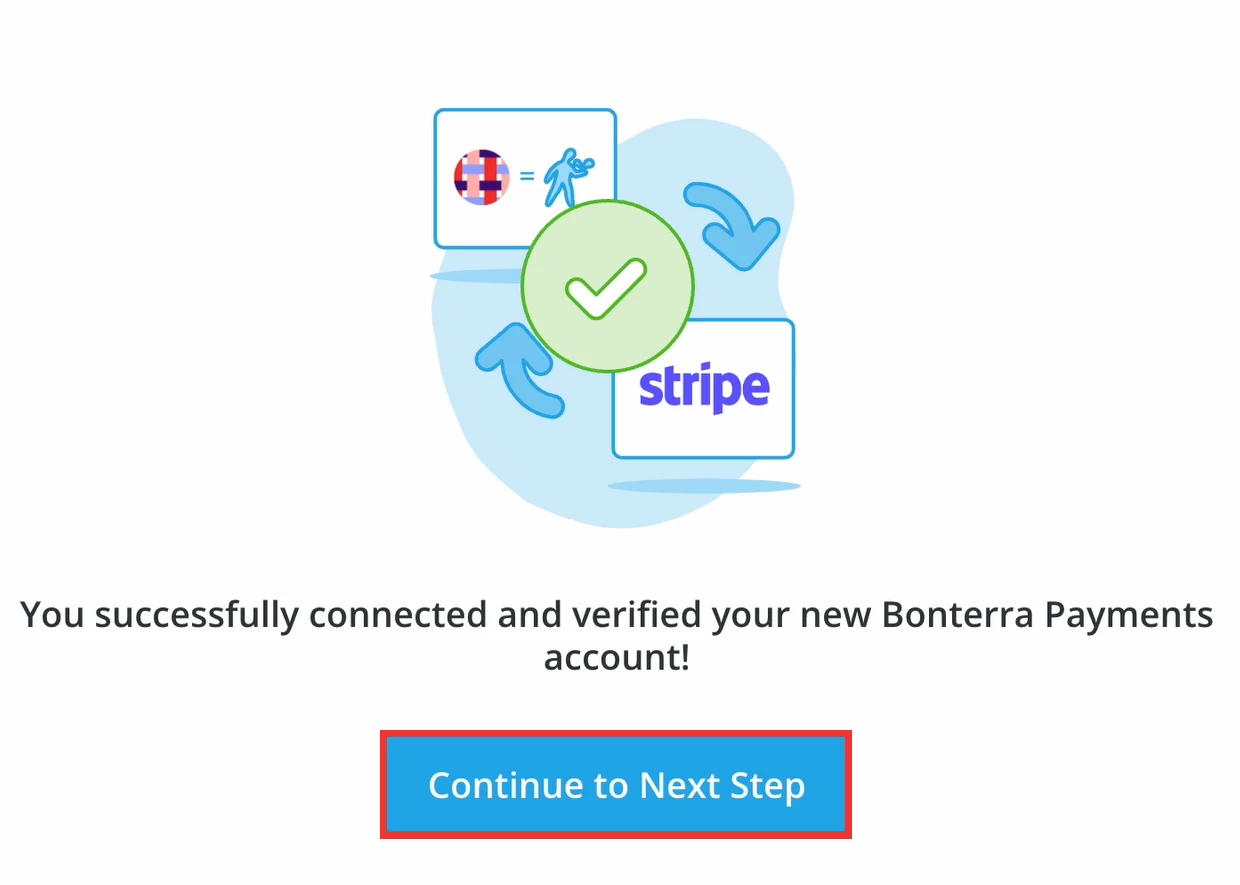
Once Stripe has reviewed your information, the page will reload and confirm that you successfully connected and verified your new Bonterra Payments account.
Click 'Continue to Next Step'.
Step 5: Exit the account creator
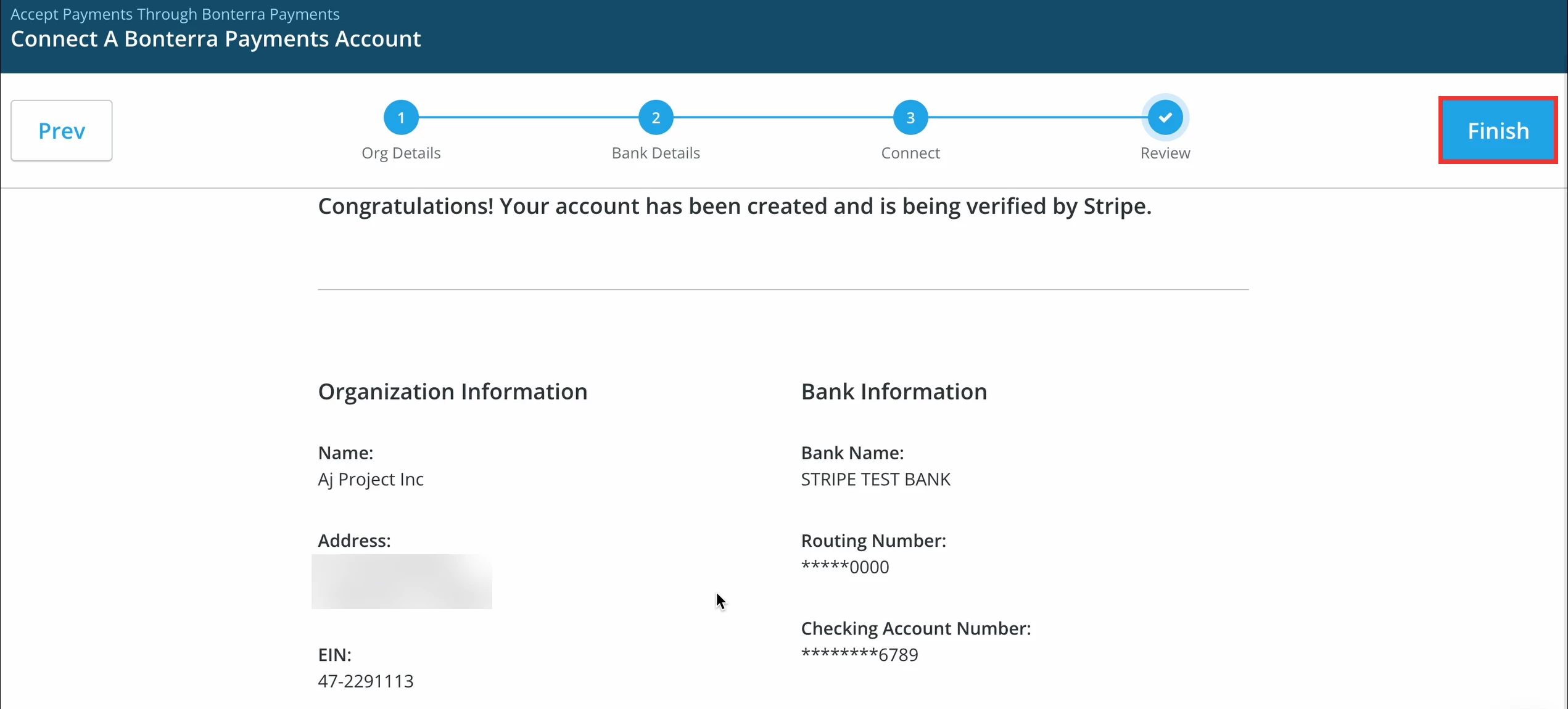
You will be taken back to the account creator, where you will see a summary of the information you entered. When you are ready, click 'Finish' to exit.
Click the 'Settings' tab in 'Fundraising Pages' and select 'Payment Processor' from the drop-down menu. Your status will reflect as 'Inactive' under the 'Payment Processor' section until Stripe completes its verification process.
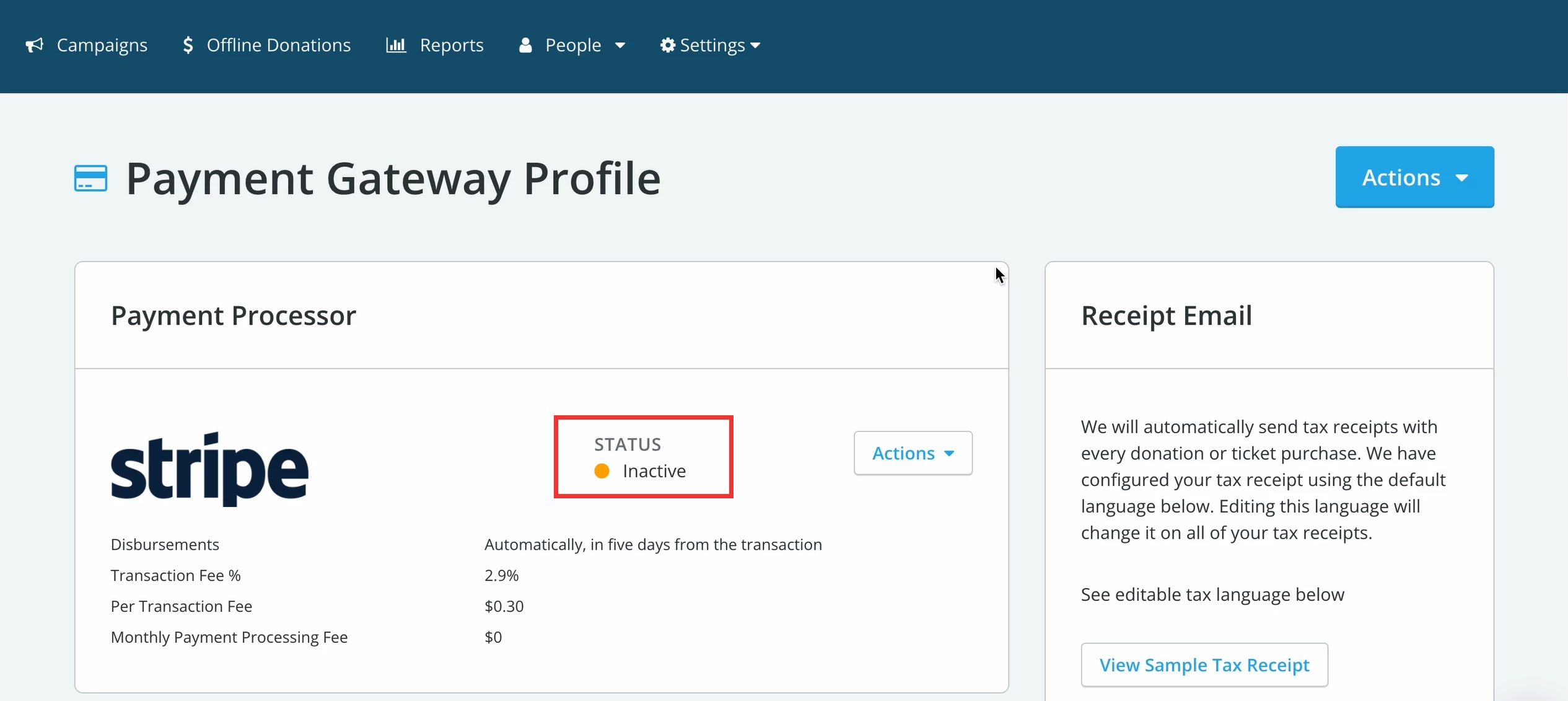
Step 6: Confirm your status
If you have completed the setup correctly, you will find 'Stripe' in the 'Payment Processor' section, with an 'Active' status within 24 hours.