


How to: Use Activity Streams and Bios to track more contact information
You can use the Activity Stream and the Bio to bring together information from different sections of the contact record so that you can easily get a sense of all the different ways in which someone has engaged with your organization or campaign over time.
Understanding the Activity Stream
The Activity Stream allows you to see a chronological view of activities and interactions that have taken place with a contact.
The actions that will appear in the Activity Stream are
- Contact History
- Activist Codes (including Email Interests)
- Survey Responses
- Event Signups (including each status change)
- Contributions
- Online Form Submissions
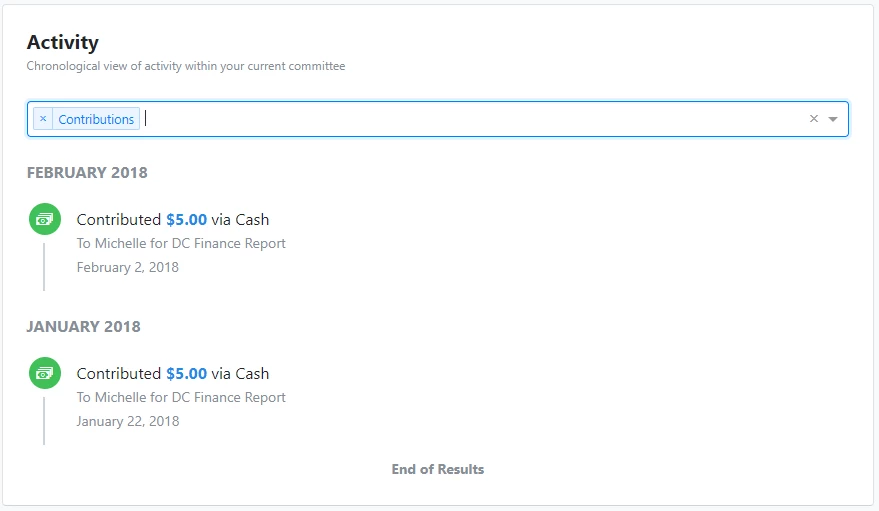
You are also able to filter by certain activity types, such as selecting to show solely all contributions.
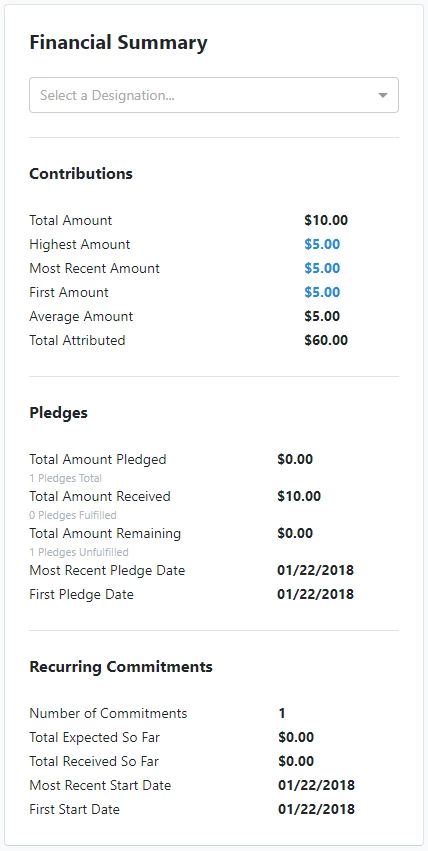
If your user permissions allow you to see Contributions, you will also see a Financial Summary panel that includes Contribution, Pledge, and Recurring Commitment summary values, filterable by Designation.
Using Bios to track more information
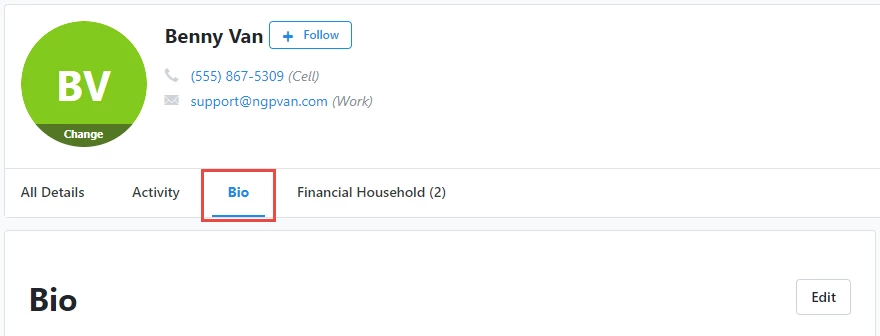
Bios are a good way to keep track of any donor research you have done on a certain contact that gives valuable context to supporter interactions. You can find the Bio section between the Activity and Financial Household options just below the contact’s general information.
How do I how to: use activity streams and bios to track more contact information? | How does how to: use activity streams and bios to track more contact information work in EveryAction? | Why can't I how to: use activity streams and bios to track more contact information? | Where do I how to: use activity streams and bios to track more contact information in EveryAction? | What is how to: use activity streams and bios to track more contact information in EveryAction? | How to how to: use activity streams and bios to track more contact information? | Can I how to: use activity streams and bios to track more contact information in EveryAction?