

How do I save the Mapping Template for Bulk Uploads?
Note: We're transitioning to a new and improved bulk upload process. Click here to learn more about Better Bulk Upload.
Step 1: Save the Mapping Template
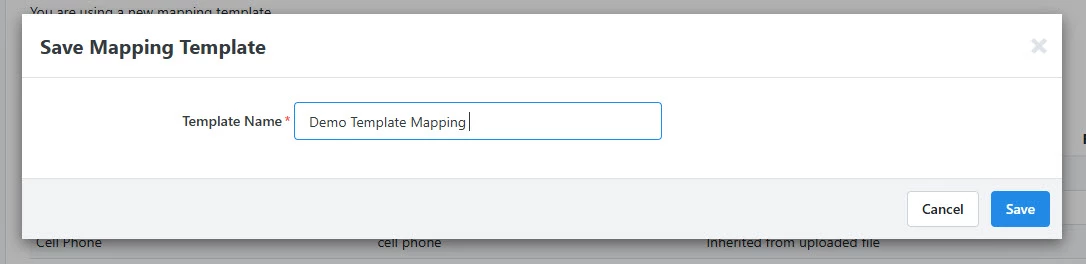
If you would like to save the Mapping Template that you have created in this step, select Save Mapping Template.
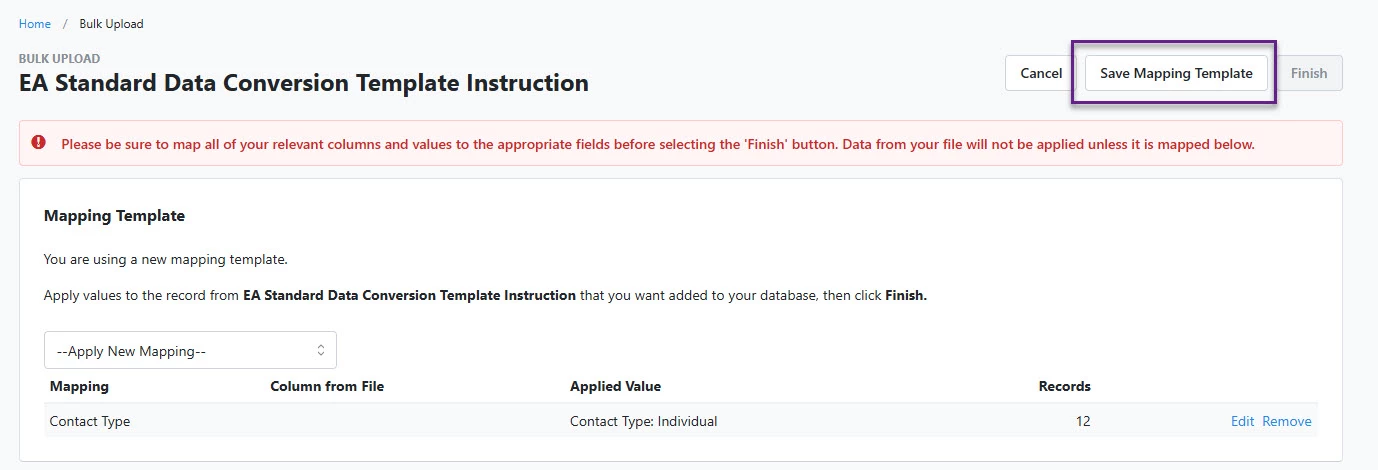
This way, you will be able to skip this mapping process on your next Bulk Upload, saving you time and creating consistency in how you enter data.
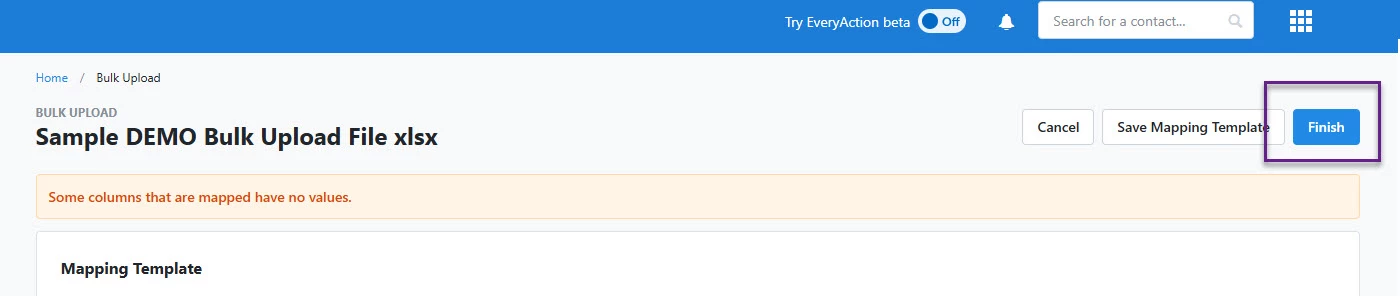
Step 2: Select Finish
The final step on this page is to select Finish! Be sure you are ready to complete this step before submitting for final approval.
Not quite what you were searching for?
- Navigate back to the Bulk Upload and Edit Resource Index.
How do I save the mapping template for bulk uploads? | How does save the mapping template for bulk uploads work in EveryAction? | Why can't I save the mapping template for bulk uploads? | Where do I save the mapping template for bulk uploads in EveryAction? | What is save the mapping template for bulk uploads in EveryAction? | How to save the mapping template for bulk uploads? | Can I save the mapping template for bulk uploads in EveryAction?