

How do I add an individual contact to a group?
For instances where you have already created a group and need to add an individual not initially included, you can add a singular contact record to a group.
The steps below will help guide you through this process.
Step 1: Navigate directly to the individual's contact record
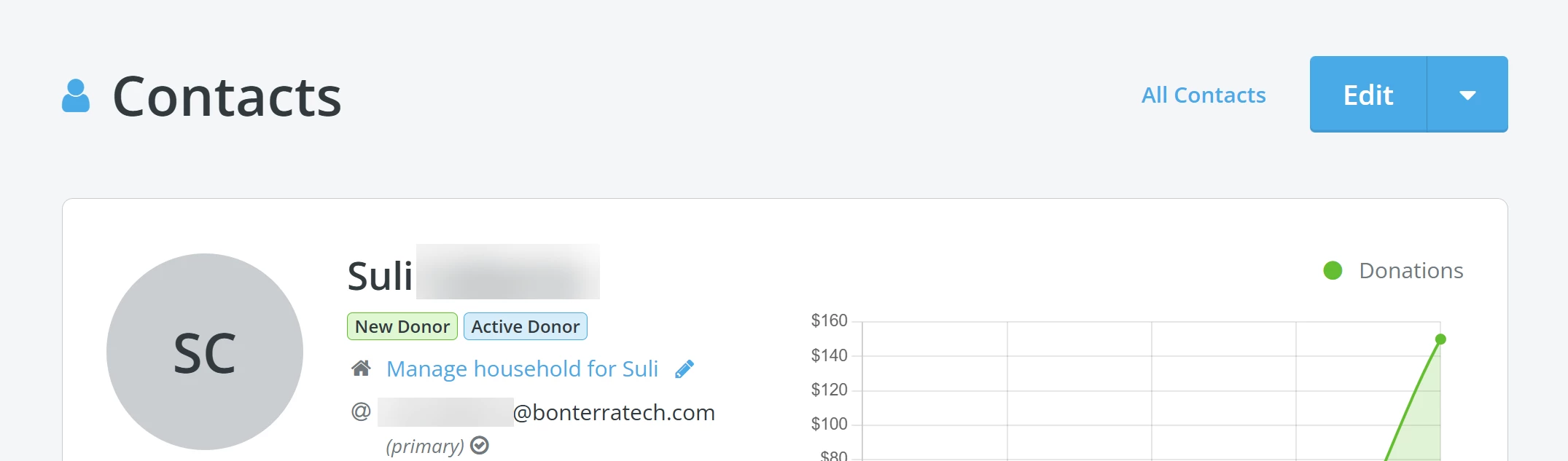
Step 2: Scroll down to the 'Groups' section of their profile
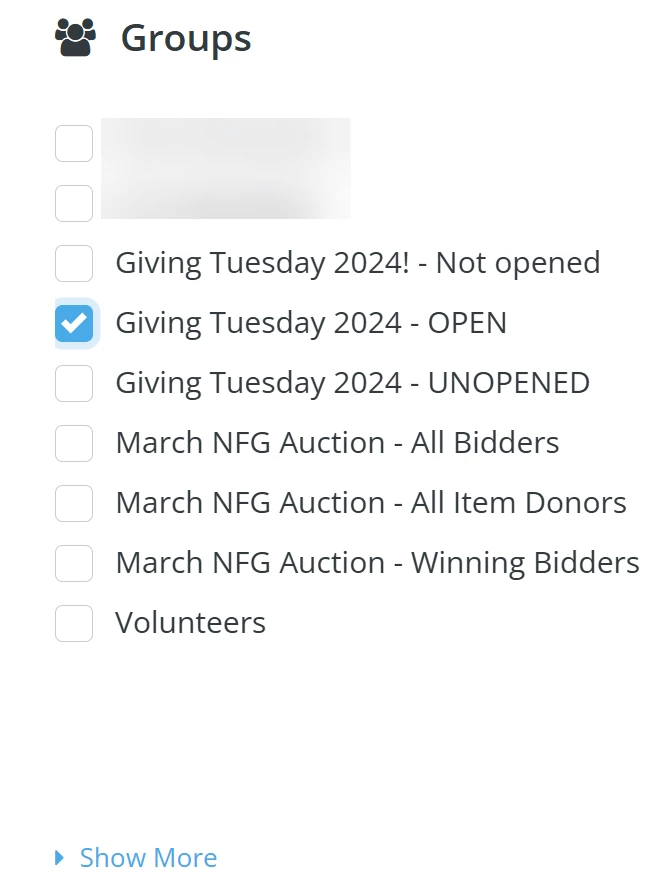
Step 3: Add the contact to any other group(s)
Check the box next to any other group(s) you want your contact to be added in.
All set! The contact will be included in any group(s) you selected from now on.
What else do you need help with?
How do I create a group of contacts?
How do I add multiple contacts to a group?
How do I manage multiple contacts within a contact profile?
Not quite what you were searching for?
Navigate back to the Feature Overview.
How do I add one contact to a group in Donor Management? | Where do I find the Groups section on a contact profile? | Can I add a contact to multiple groups? | Why isn’t a contact showing up in my group? | How do I update group memberships for a contact? | Do I need to edit the contact record to add them to a group? | How do I manage group assignments for individual contacts?