

How do I use Donor Stewardship in Que?
Want to keep your donors engaged? Que can help you identify supporters who may benefit from stewardship and suggest ways to engage with these donors, including a new inline stewardship experience that surfaces personalized guidance directly inside your donor profile.
Step 1: Open Que
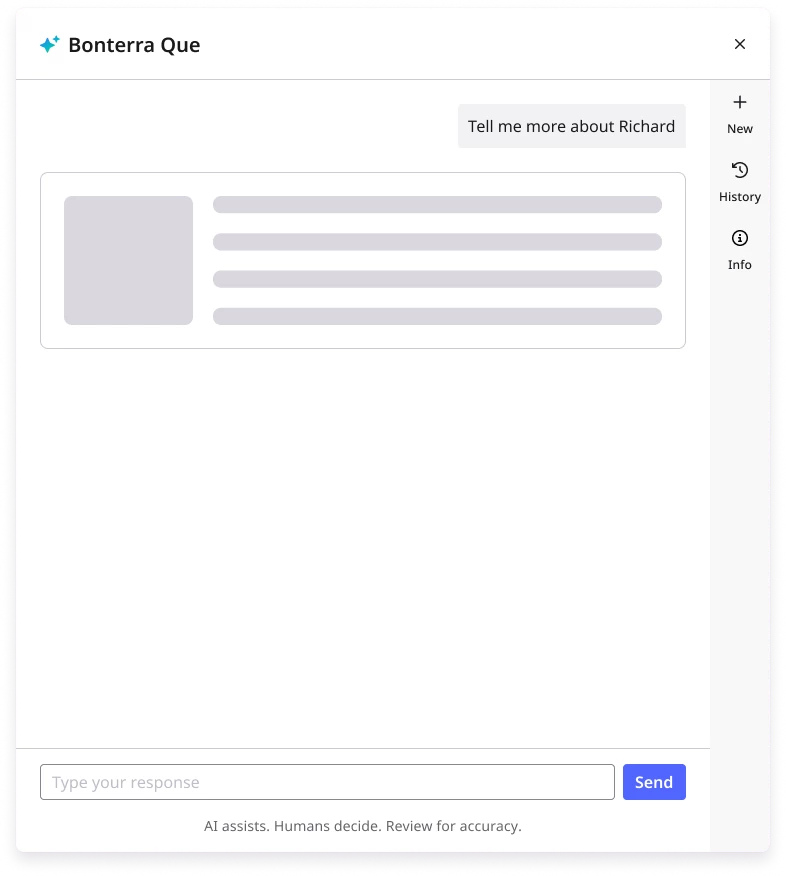
From your Network for Good dashboard, click the Ask Que button. This opens the assistant in a chat window.
Step 2: Ask for Stewardship Support
Use natural language prompts to request donor insights or guidance. You can ask for individual donor context or a full list of supporters to prioritize.
Try prompts like:
-
“Which donors are most at risk of lapsing?”
-
“Help me write thank-you notes for my top donors.”
-
“Who should I reconnect with before year-end?”
Step 3: Review Donor Insights
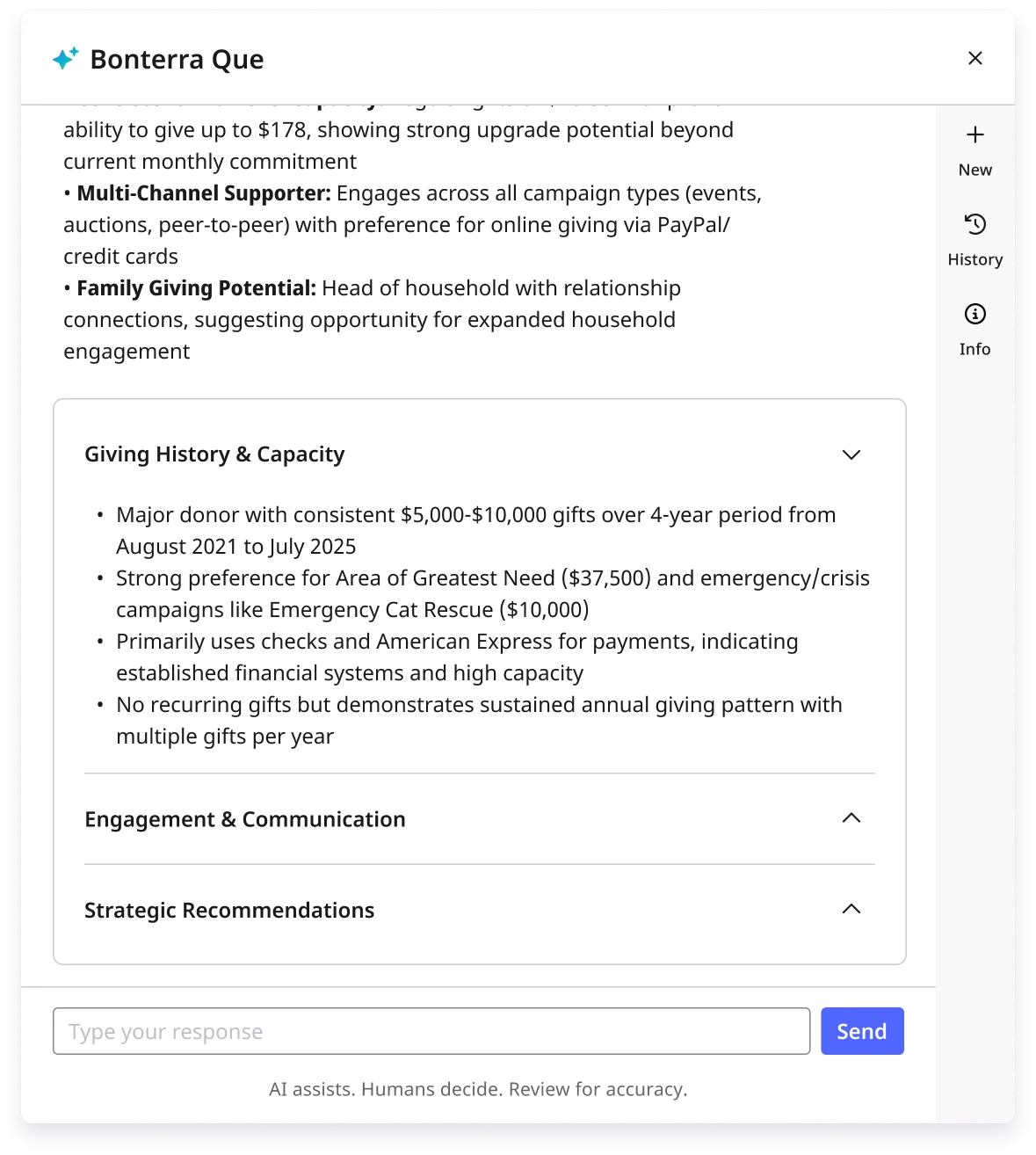
Each donor card includes information like:
-
Giving history (last gift amount and date)
-
Engagement recency
-
Predicted likelihood of reactivation
This gives you the context needed to decide how and when to reach out.
Step 4: Use Donor Analysis for Stewardship
In addition to the Que chat experience, you can now access stewardship guidance directly inside an individual donor profile, without opening the chat window at all.
- Navigate to a donor's profile in Network for Good.
- Look for the Generate Analysis button within the profile.
- Click the button to trigger Que's analysis of that donor.
- Review the personalized stewardship suggestions that appear inline on the profile, including recommended next steps based on that donor's giving history and engagement.
Note: Donor Analysis uses Que credits. The number of analyses available to your organization depends on your subscription tier.
Step 5: Take Recommended Actions
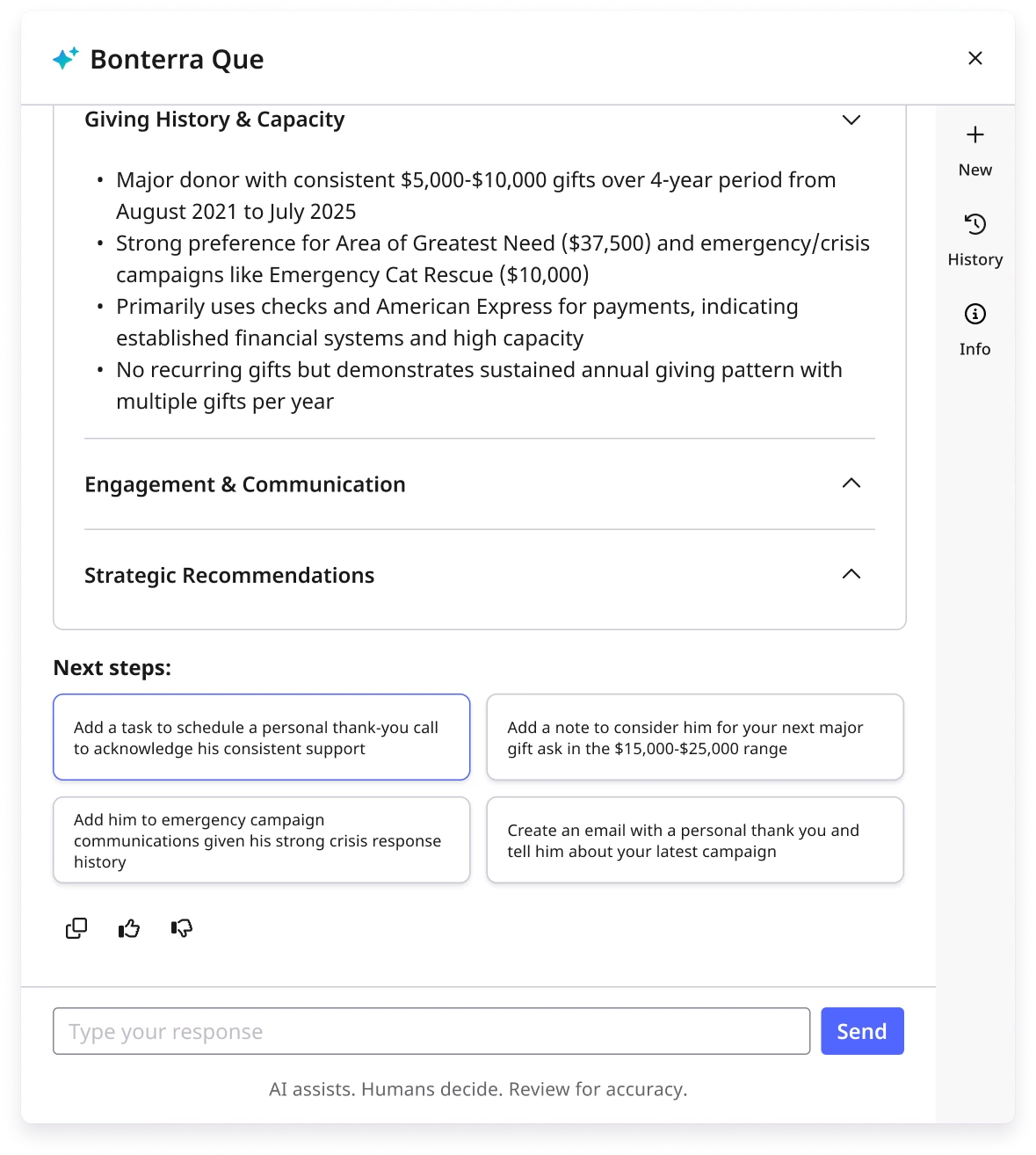
Que will suggest “next best steps,” such as:
-
Scheduling a call or sending a personalized email
-
Writing a handwritten thank-you
-
Adding the donor to a stewardship follow-up list
You can customize these steps to fit your organization’s voice and approach.
What do you want to do next?
Interested in learning how Bonterra keeps your data safe? Read more about Bonterra's AI Responsibility and Data Security Practices here.
Ready to dive into Donor Stewardship now? Access these “How do I” articles:
Want to learn more about Bonterra Que Skills in Network for Good? Check out the Bonterra Que Skill Index here.
Not what you’re looking for? Navigate to Understanding Bonterra Que.
How do I use Bonterra Que for donor stewardship? | How do I find donors at risk of lapsing in Bonterra Que? | Can Bonterra Que suggest who I should contact next? | How do I get donor insights in Network for Good? | Can Bonterra Que write thank-you notes for donors? | How do I see giving history in Bonterra Que? | What are the next best steps for donor outreach in Bonterra Que? How do I use inline donor stewardship in Bonterra Que? | How does the Analyze with Que button work? | What are Que credits and how are they used for donor stewardship?