

How do I cancel my upcoming event?
We understand that sometimes plans can change, and you might need to cancel events and/or refund tickets for your donors.
Below, we've outlined some steps to follow if you need to cancel an event, as well as additional steps to take if you will be refunding purchased tickets.
Step 1: Locate your Event Overview in Fundraising Pages
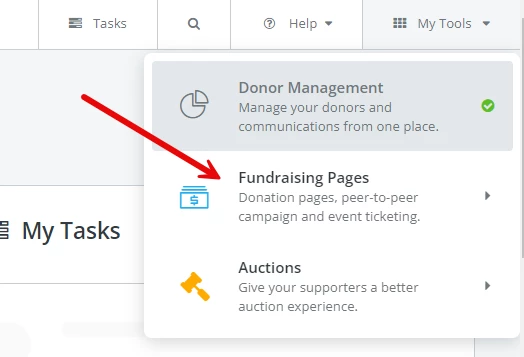
You'll first want to make sure that you're in Fundraising Pages. If you're currently viewing your Dashboard in Donor Management, you'll want to click on the "My Tools" button in the top-right corner of your Donor Management platform, and click on the option for "Fundraising Pages" in the drop-down menu.
You can then open your Event Overview by clicking on the tile that corresponds with the event you're looking to cancel.
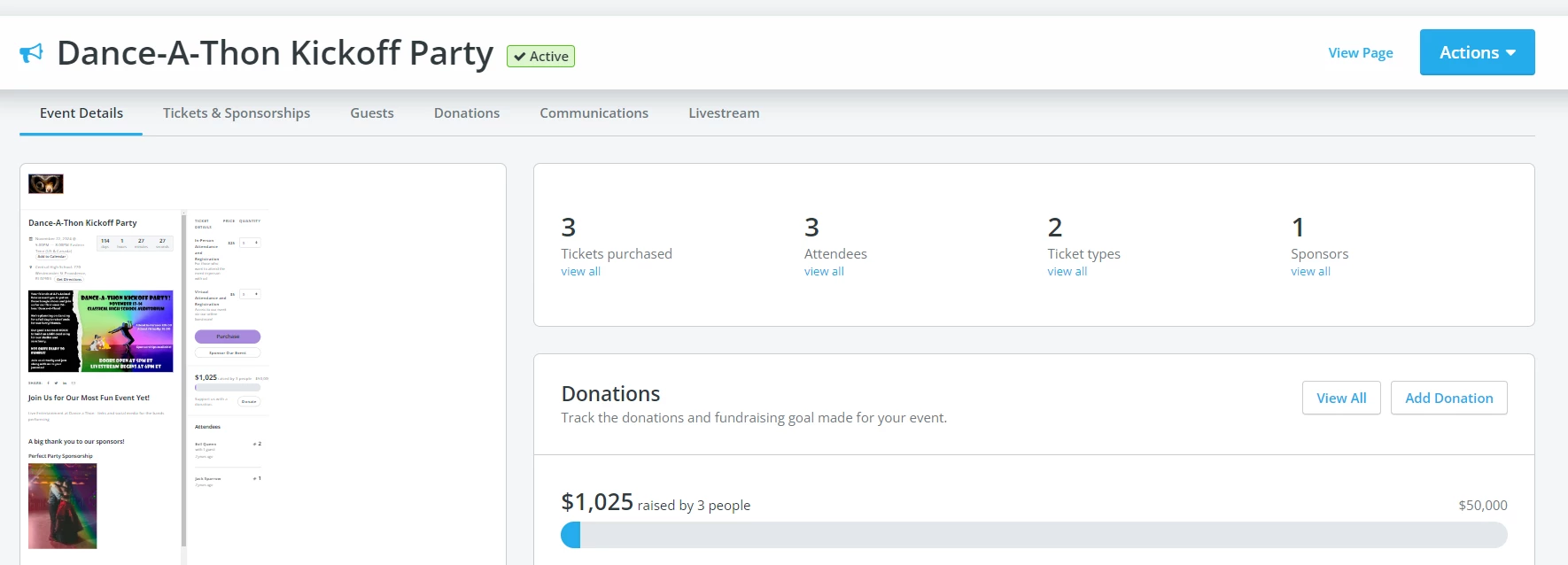
Step 2: Click on the "Tickets & Sponsorships" tab

From this tab, you can edit each of your ticket types to have an expiration date in the past - doing so will remove each ticket from being available to purchase.
Step 3: Click on "Actions" next to a ticket type, then select "Edit Ticket"
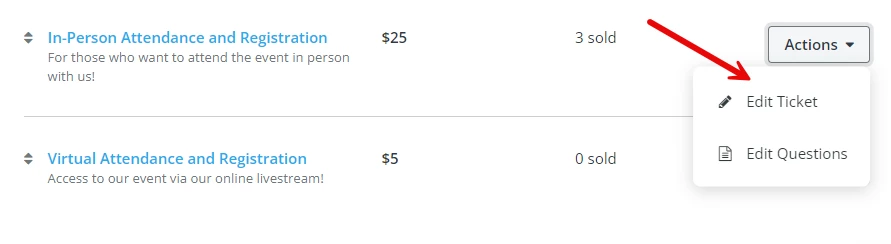
Once you've clicked "Edit," you'll want to locate the field for "expiration date." You should set the expiration date for each ticket to a date in the past - this will ensure that the ticket is no longer visible or accessible to your donors or attendees.
Step 4: Repeat Step 3 for all ticket types within this event
Step 5: Add language to the page reflecting the event's cancellation
From your event's Dashboard, you should be able to click on "Actions," and then select "Edit" from the dropdown options.
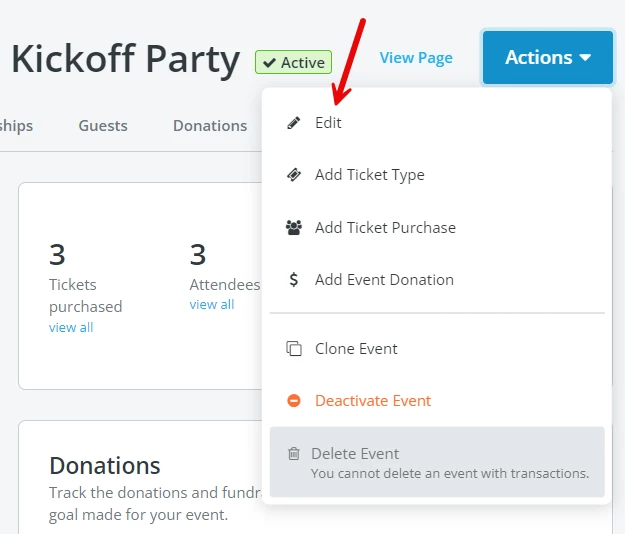
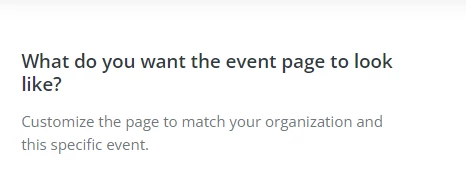
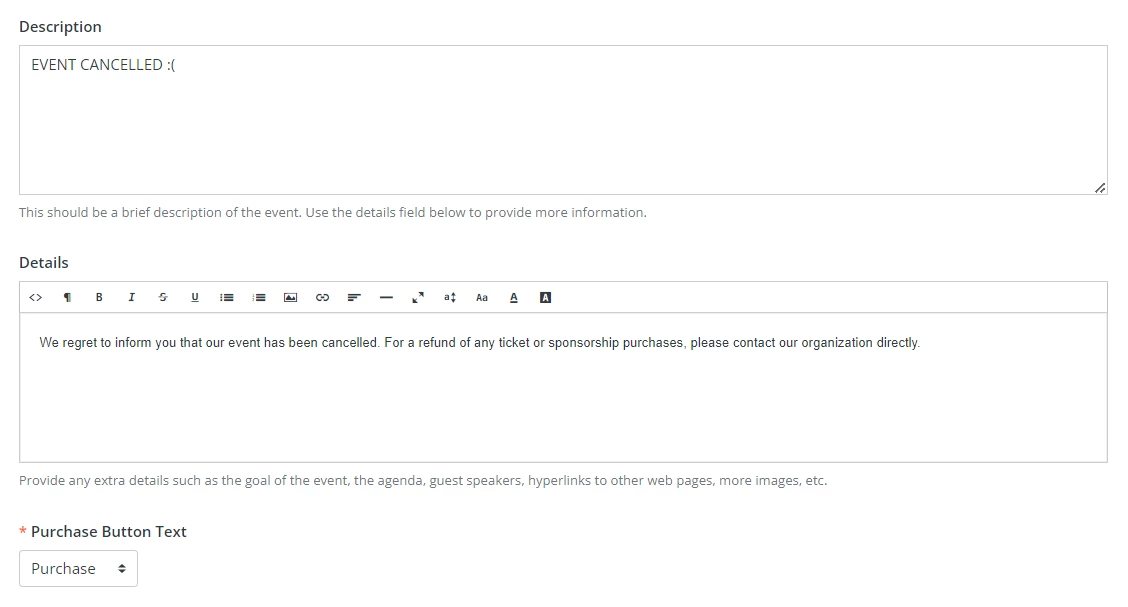
On this screen, you can scroll down to the section titled "What do you want the event page to look like?", and entering the cancellation information under either the "Description" or "Details" field (or both!).
Step 6: Click on the blue "Save & Exit" button at the top of the screen

What else do you want to do?
- How do I create an Events page?
- How do I hide past Events pages from the “My Campaigns” page?
- How do I process a refund request for an event?
- How do I process multiple refund requests for an event?
Not what you're looking for?
Go back to the Feature Overview.
How do I cancel an event in Network for Good? | How do I stop ticket sales for my event? | How do I remove tickets from my event page? | How do I mark an event as canceled online? | How do I edit my event page to show it’s canceled? | What should I do with tickets if my event is canceled? | How do I cancel an event and refund tickets in Network for Good?