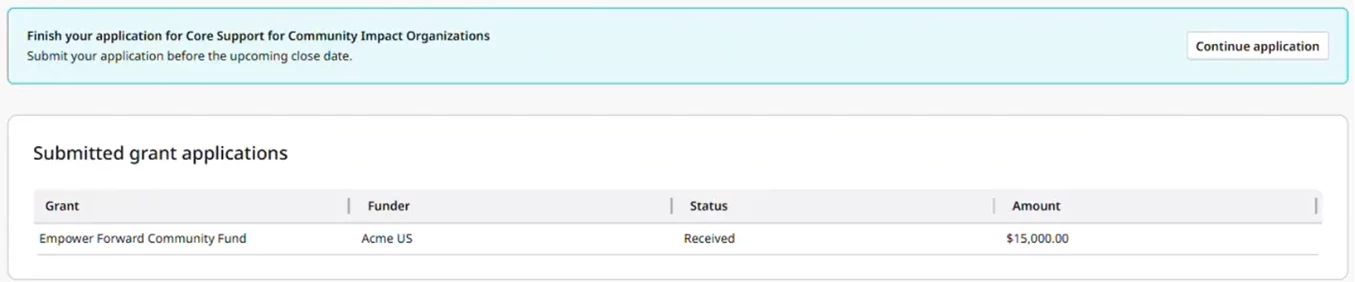
How do I apply for a Deed Grants opportunity through the Nonprofit Hub?
Bonterra's Nonprofit Hub provides an intuitive and transparent process for nonprofits to apply for grants published by funders using Bonterra Deed Grants. Funders create and publish grants through Deed Grants, making them either public (discoverable to nonprofits through GrantMatch) or available by invitation (sent a direct link to apply).
Note: The following workflow is specific to Deed Grants opportunities. If you're applying for a grant from another source, you'll apply directly through that funder's portal, then can track it manually in Grant Management.
- To apply for a Deed Grant, nonprofit users must be registered in the Bonterra Nonprofit Hub and connected to a verified organization profile. Registration can take up to 5 business days and ensures the nonprofit has the appropriate access to log in and begin an application.
The following steps will guide nonprofits through the Deed Grants application process, from reviewing grant information to submitting and tracking an application.
Step 1: Review the grant opportunity
When a program administrator publishes a grant, nonprofits may receive a link to the opportunity, or it can be discovered in GrantMatch.
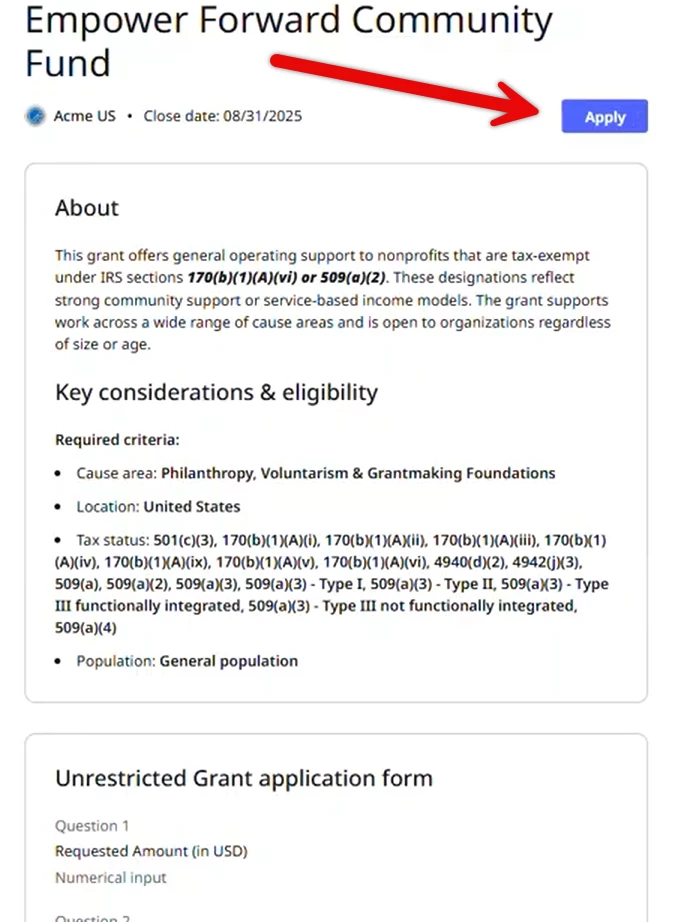
- Nonprofits can view the full grant details before entering the application, including eligibility criteria, application questions, required attachments, and information about the funder.
- This ensures transparency, so nonprofits know what is required before starting the application.
Step 2: Log in and begin the application
To apply, the nonprofit user must be a Verified Owner or a verified Secondary User linked to an organization account registered in the Nonprofit Hub. If they are not yet verified, they will be prompted to complete organization verification before they can access the application.
Before logging in for the first time
If your organization has not yet been registered in the Bonterra Nonprofit Hub, you must complete registration and organization verification before you can begin an application. Registration includes:
- Creating an individual user account
- Finding or claiming your organization’s profile
- Submitting an ownership or access request.
Verified users linked to registered nonprofit organizations can log in to the Nonprofit Hub and click Apply.
-
If associated with more than one organization, click Change organization to select the correct one. A selection box will appear to confirm the choice.
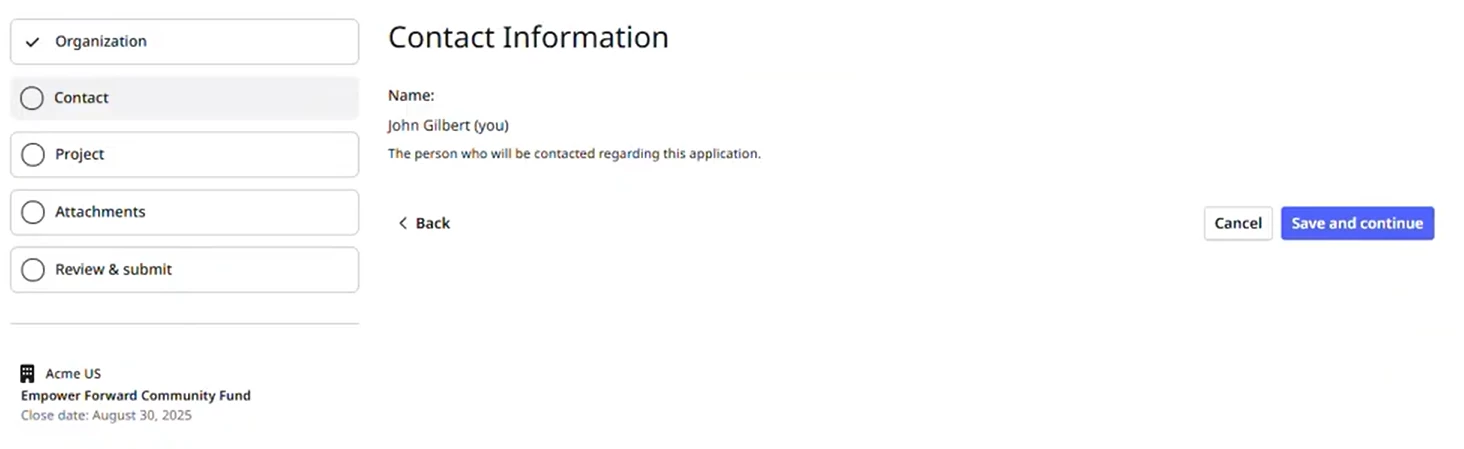
The system automatically pulls in saved organization and user information, so nonprofits do not need to re-enter basic details.
Step 3: Complete the application form
Proceed as follows:
- Enter responses to the application questions. These questions align directly with the requirements set by the funder.
- Click Save and continue to move through each section of the form. Progress is saved automatically, so nonprofits can return later to finish an application in progress.
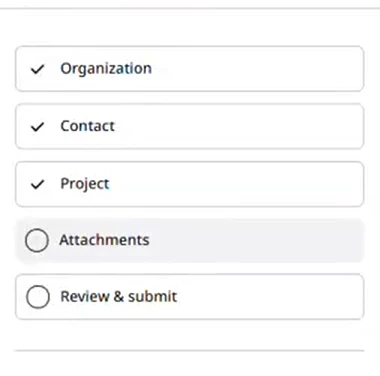
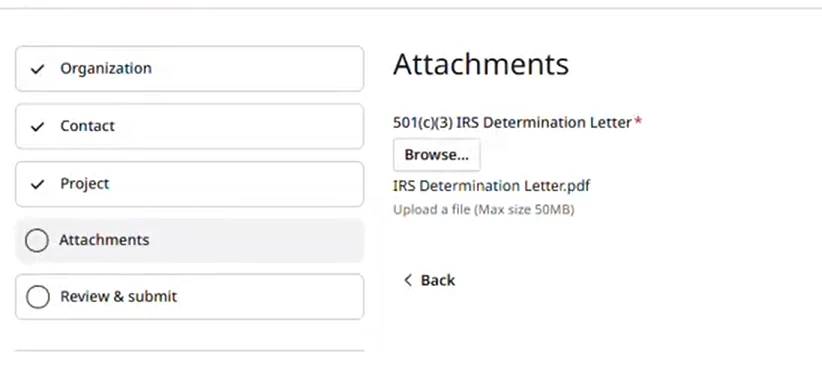
Step 4: Upload requested attachments
Upload all files requested by the funder wherever attachments are indicated within the application.
Ensure each required attachment is placed in the appropriate section and meets any specified file type or size requirements.
Step 5: Review and submit the application
- On the review page, confirm that organization and contact information, application responses, and uploaded attachments are correct.
- Click Submit Application to finalize the submission. You will receive an email confirmation that your submission has been received by the funder.
- Click Continue to Nonprofit Hub to return to the Nonprofit Hub home page.
Step 6: Track the application status
From the Nonprofit Hub, go to Grant management in the left navigation panel.
Review the list of applications:
- Draft applications can be resumed by selecting Continue application.
- Submitted applications display their current status.
The application status updates automatically as it moves through the review process in Deed Grants.