

How do I edit a donation in 'Donor Management'?
Step 1: Navigate to your 'Giving' Dashboard
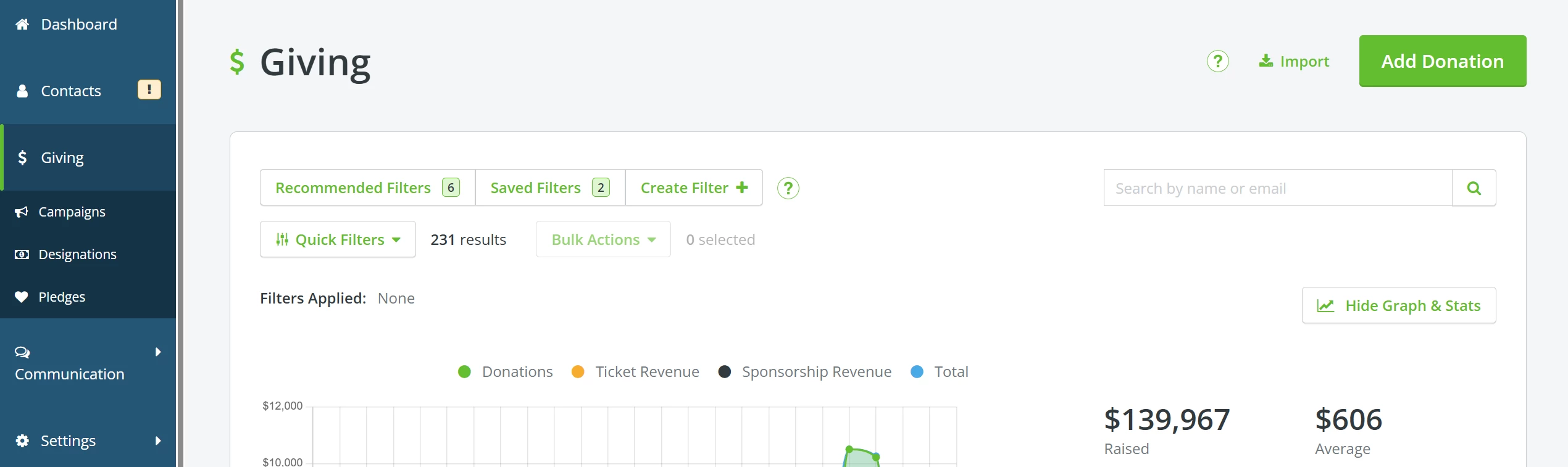
From your 'Donor Management' Dashboard, click the 'Giving' tab on the left navigation panel to be taken to your 'Giving' Dashboard.
Step 2: Search for the donation you want to edit
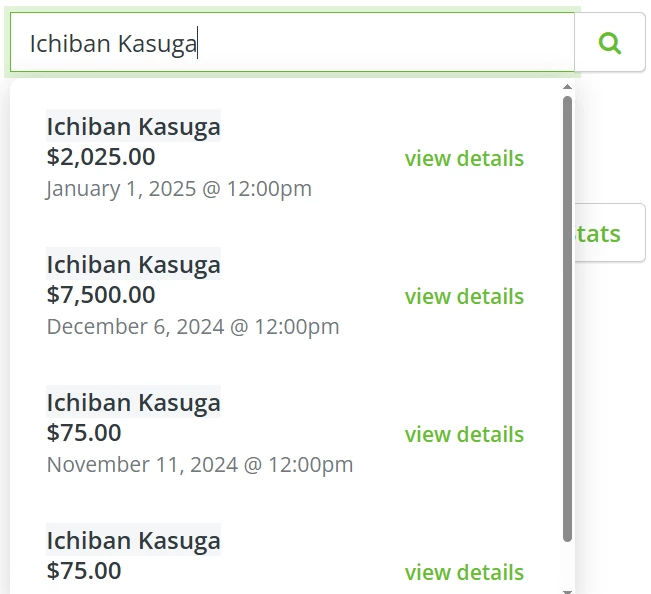
You can search by name or e-mail and 'view details' for the donation you want to edit in the list of suggested results.
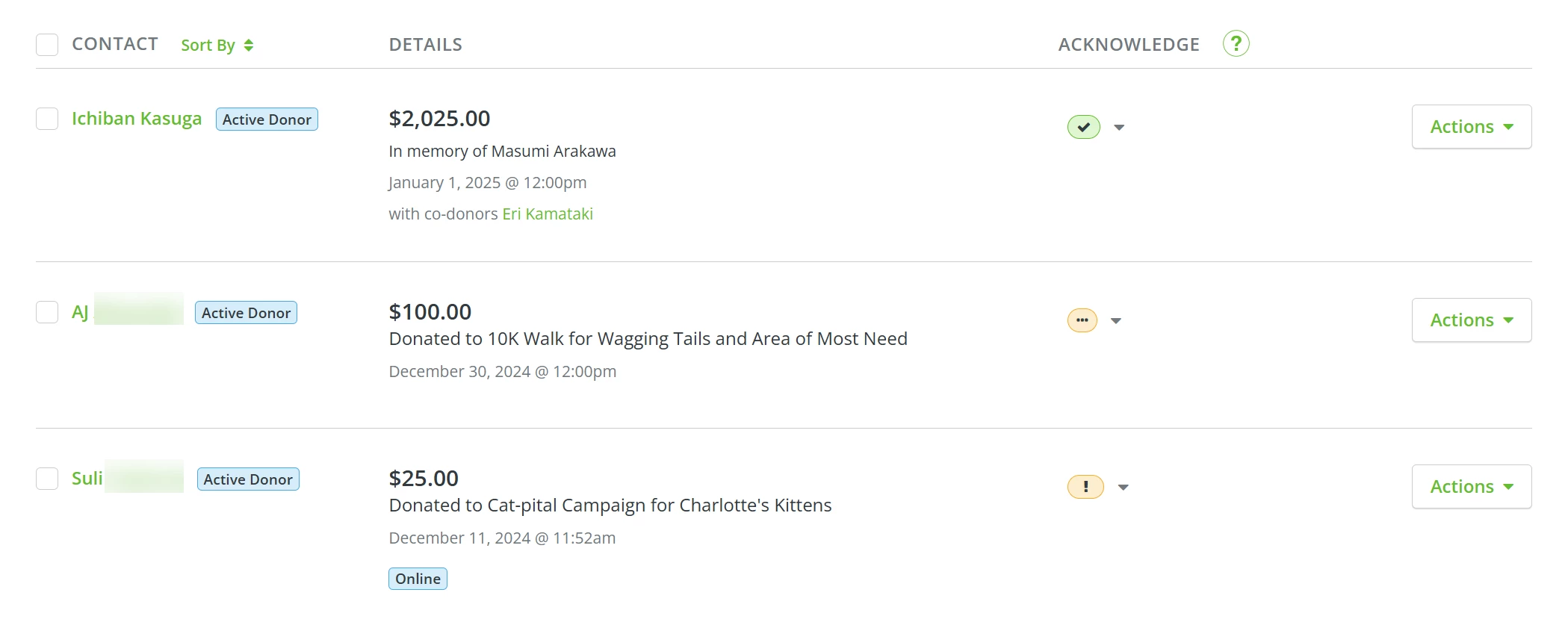
You can also scroll through the list on the main 'Giving' page and locate the donation you want to edit.
Step 3: Edit the donation
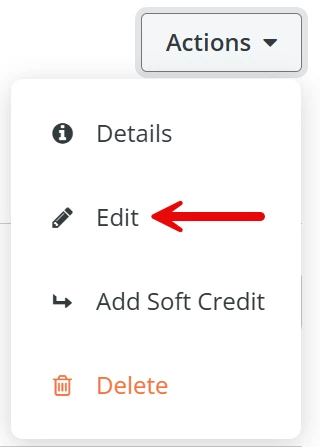
Regardless of how you locate the donation, you should find an 'Actions' button to the right of the record or near the upper right corner of the page.
Click to expand a dropdown list of options and select 'Edit'.
You will be directed to the 'Edit Donation' form, where you can make your updates. Once you are finished, be sure to click the 'Update & Save' button at the bottom!
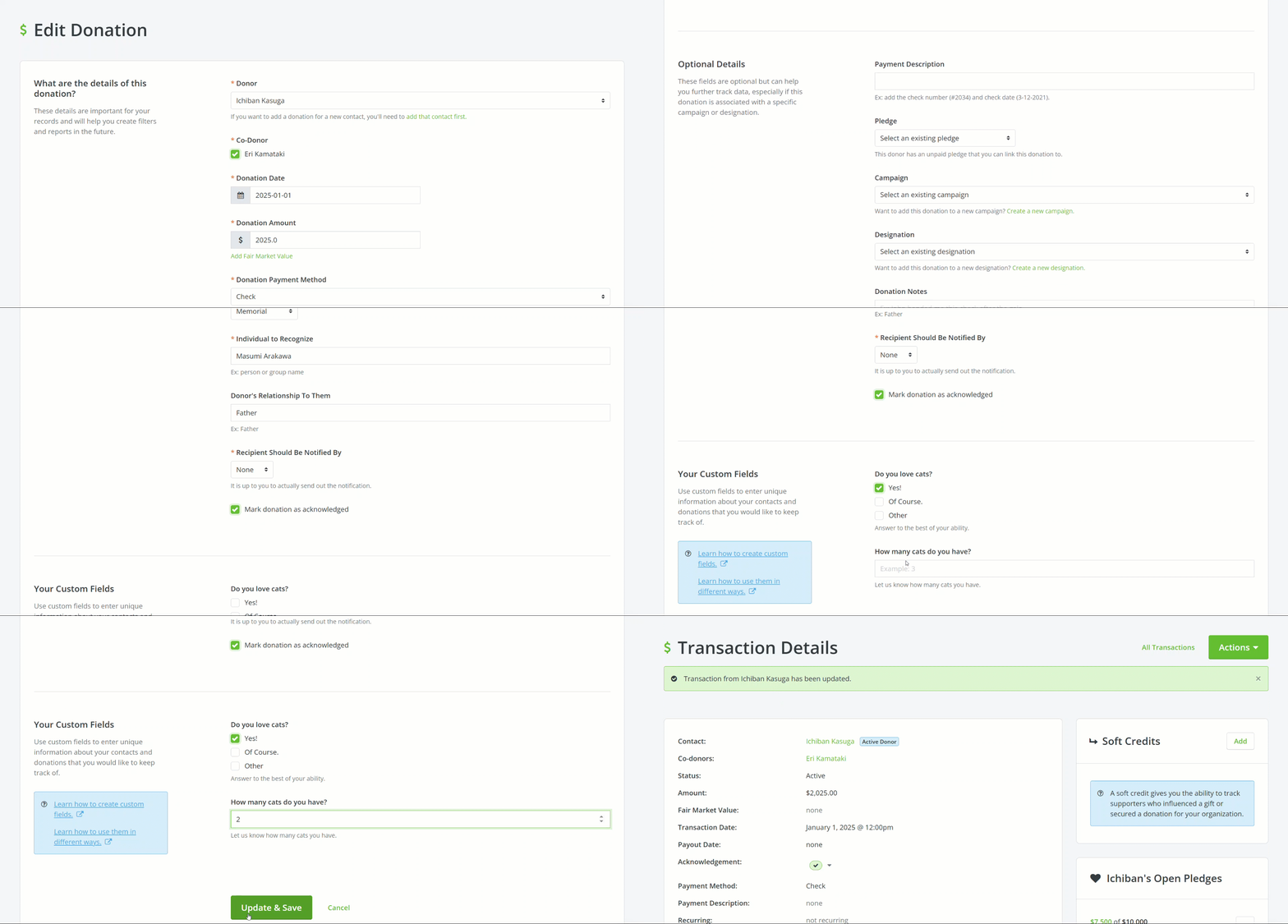
When the page refreshes, a green banner should appear near the top of the page, confirming your donation has been updated!
What else do you need help with?
Not quite what you were searching for?
Navigate back to the Feature Overview.
How do I edit a donation record in Donor Management? | Where is the Edit option for a donation? | How do I change the amount or date of a donation? | Can I move a donation to a different campaign? | How do I find a specific donation to update? | Why can’t I edit a donation in Network for Good? | How do I confirm my donation changes were saved?
How do I link dues to membership records? | How does link dues to membership records work in EveryAction? | Why can't I link dues to membership records? | Where do I link dues to membership records in EveryAction? | What is link dues to membership records in EveryAction? | How to link dues to membership records? | Can I link dues to membership records in EveryAction?