

How do I use Donor Segmentation in Bonterra Que?
Donor Segmentation in Bonterra Que helps you build targeted donor lists using your own data — so you can send the right message to the right people at the right time!
Step 1: Open Bonterra Que
Log in to your Network for Good account. From your Dashboard, click the 'Ask Que' button (formerly AI Fundraising Coach) in the upper right corner of the page (or in the bottom navigation panel if you are on a mobile device/tablet).
Step 2: Start a segmentation prompt
In the Que input box, type a request.
Examples:
-
“Which of my donors are most likely to increase their recurring giving?”
-
“Help me find donors who gave last year, but not this year.”
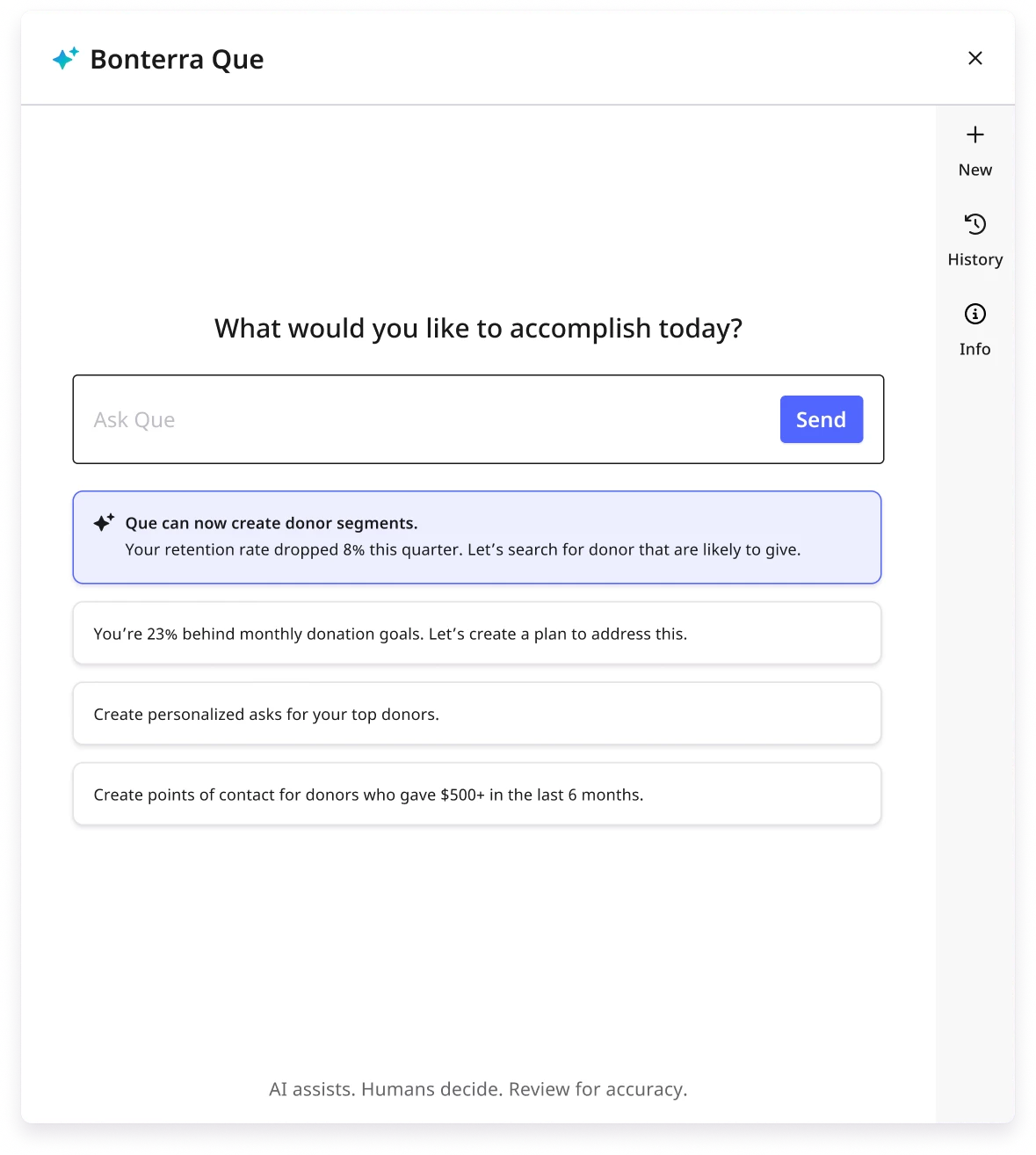
Press Enter or click the 'Send' button to run the request - Que will search your donor database and begin building a segment based on your criteria.
Step 3: Review & refine your donor segment
When Que generates your donor list, carefully review the suggested segment. If any edits are needed, you can ask Que to refine by giving amount, campaign history, or engagement behavior.
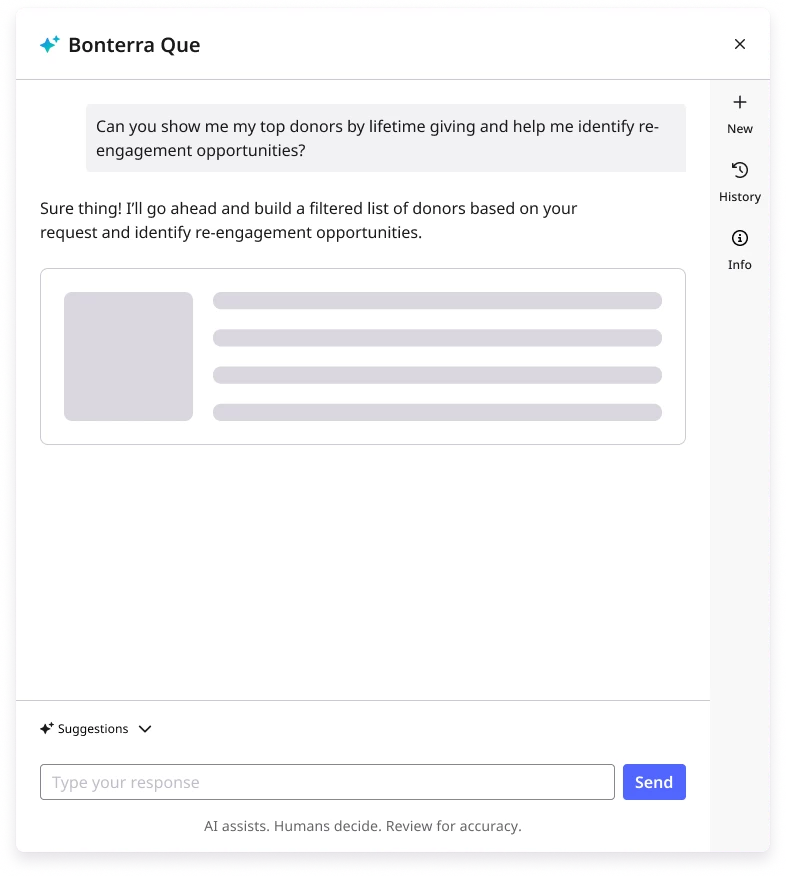
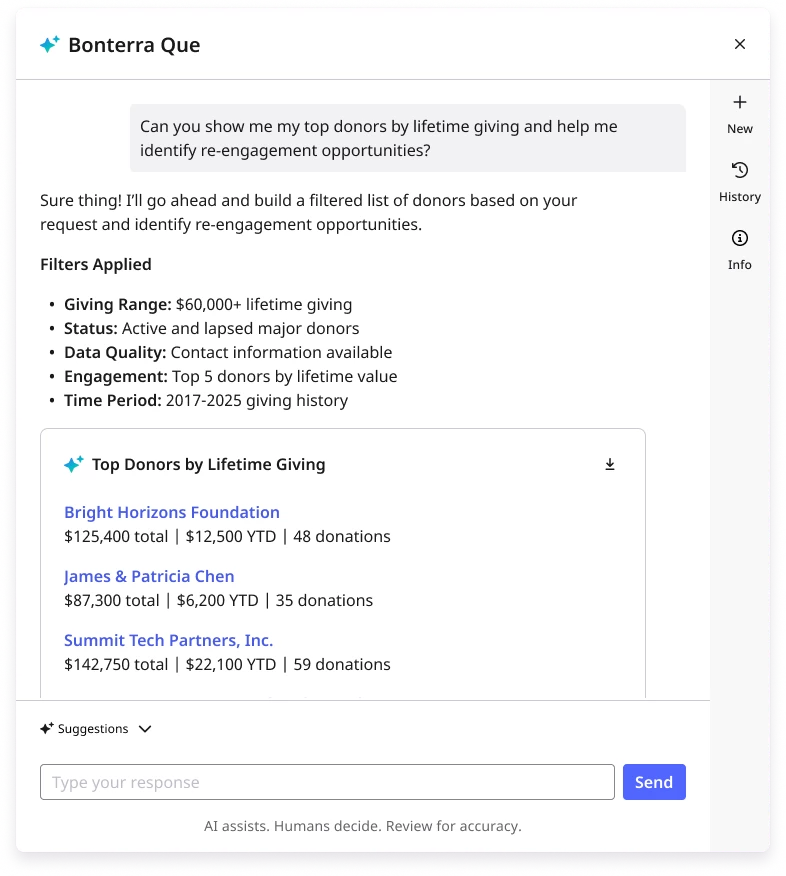
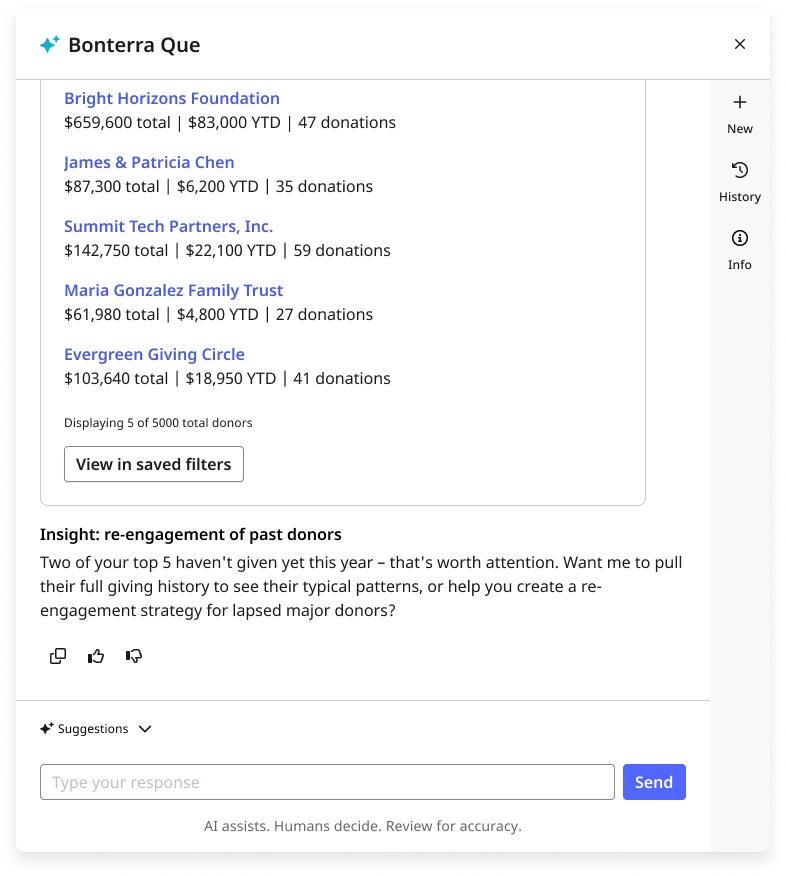
Once you are all set, you can click the ‘Save as segment’ button to save the segment for future use in an appeal and/or export your results for reporting.
Step 4: Use your Segment in an appeal
From your Dashboard, click to open the ‘Contacts' tab and search under ‘Saved Filters’ to choose your new donor list. Apply it to an upcoming appeal (e.g., annual appeal, Giving Tuesday) or pair it with your existing email templates!
What do you want to do next?
Interested in learning how Bonterra keeps your data safe? Read more about Bonterra's AI Responsibility and Data Security Practices here.
Ready to dive into Donor Segmentation now? Access these “How do I” articles:
Want to learn more about Bonterra Que Skills in Network for Good? Check out the Bonterra Que Skill Index here.
Not what you’re looking for? Navigate to Understanding Bonterra Que.
How do I create a donor segment in Bonterra Que? | How do I save a donor list in Network for Good? | Can I refine a donor segment by giving amount or engagement? | How do I find donors who gave last year but not this year? | How do I use a saved segment in an email appeal? | Where do I find saved filters in Network for Good? | Can I export a donor segment from Bonterra Que?