

How do I report on memberships in 'Donor Management'?
Step 1: Navigate to your 'Giving' Dashboard
From your 'Donor Management' Dashboard, click the 'Giving' tab on the left navigation panel. This will bring you to the main page of your 'Giving' Dashboard.
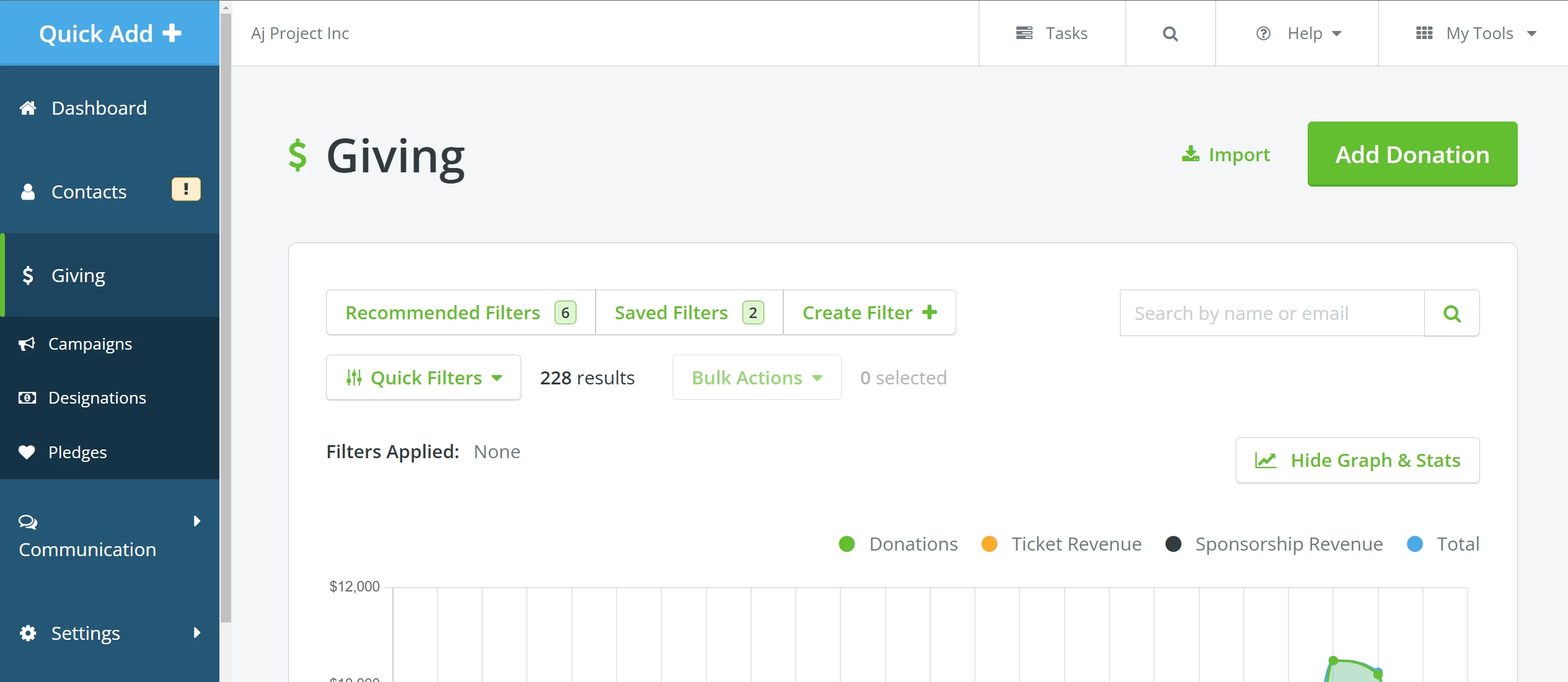
Step 2: Use filters to pull search results
Click 'Create Filter +' to pull results based on the custom fields you created to manage memberships in 'Donor Management'.

If you need a refresher on that process, you can reference the articles below:
How do I build more complex filters?
Step 3: Screenshot your results to share in your reports
Clicking 'Search' after building your filter will redirect you to a page that shows a graph and detailed statistics above the search results.
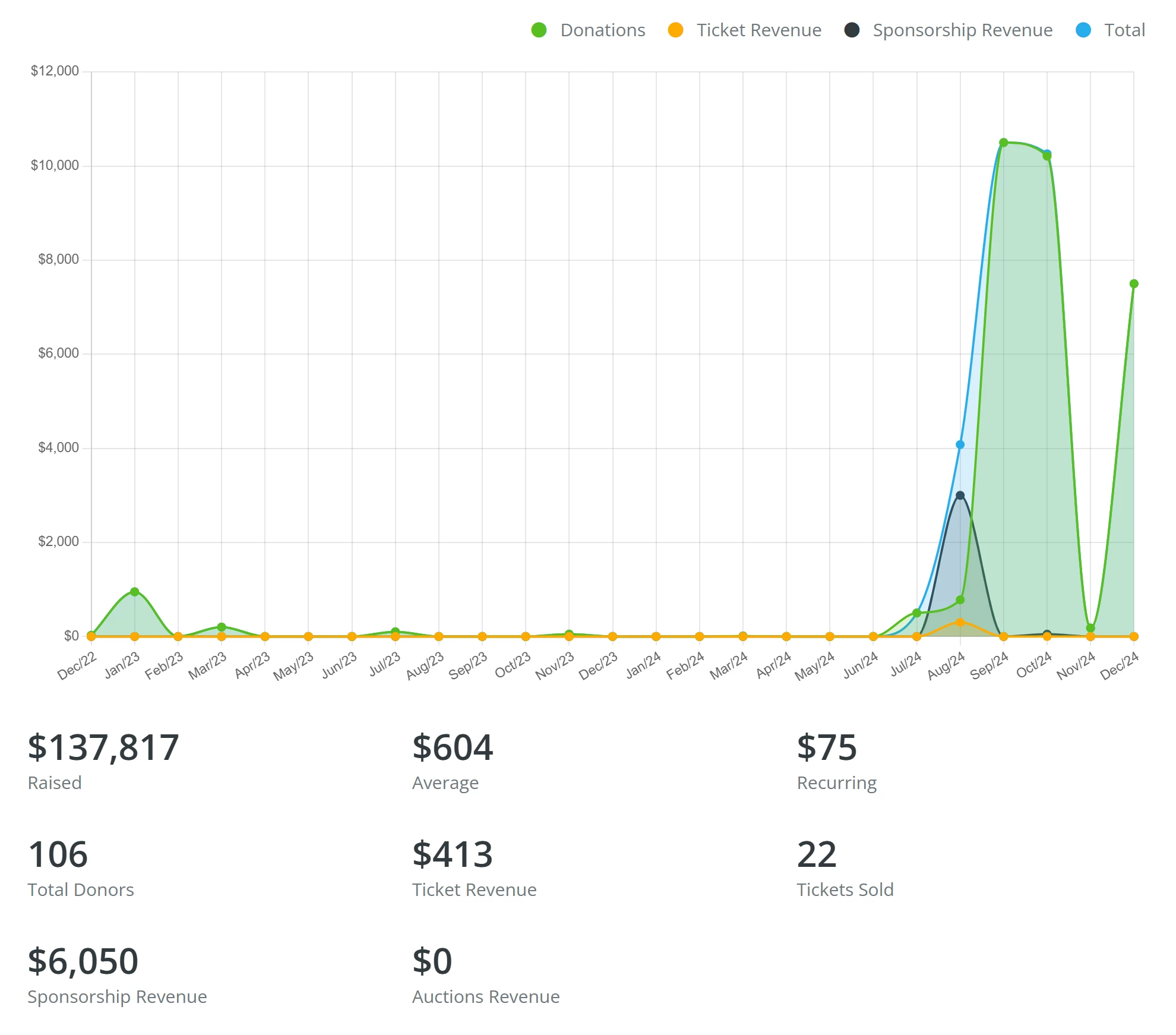
Here, you can capture a screenshot of your results to include in your reports!
What else do you need help with?
How do I build more complex filters?
How do I know which type of filter I should use?
How do I use filters and groups?
Not quite what you were searching for?
Navigate back to the Donor Management Index.
How do I run a membership report in Donor Management? | How do I filter members by level or renewal date? | Can I export a list of active members? | How do I report on membership custom fields? | Where do I find membership data in Network for Good? | How do I see membership totals on the Giving dashboard? | How do I share membership statistics with my board?