

How do I guide my Peer-to-Peer Fundraisers in creating their fundraising page?
Inviting your supporters to sign up as Peer-to-Peer Fundraisers is a great way to further engage with them and utilize your network to bolster support for your organization's fundraising efforts.
Signing up is easy and you can reference or share the steps outlined below to help guide your fundraisers through the process of getting started and creating their page!
Step 1: Navigate to your organization's campaign page
Click the 'Start Fundraising' button. your campaign's main landing page.

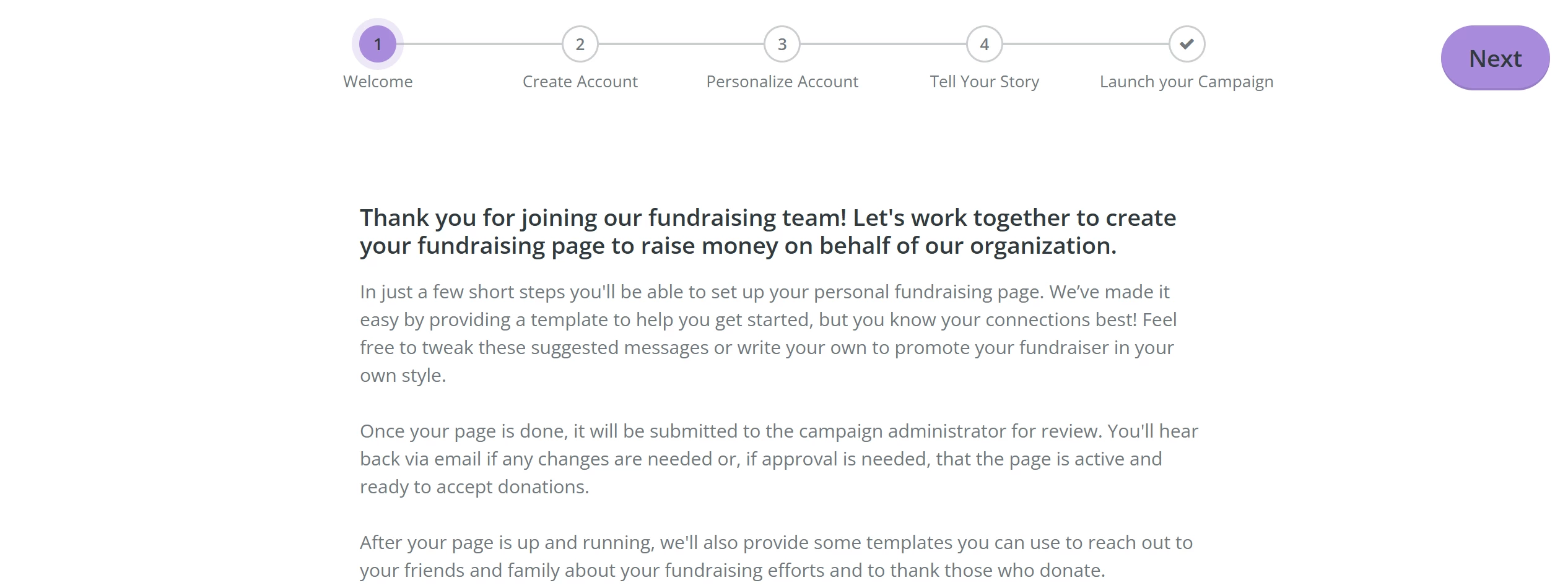
Step 2: Read through the 'Welcome' message
After reading the 'Welcome' message, click the 'Next' button in the upper right of the page.
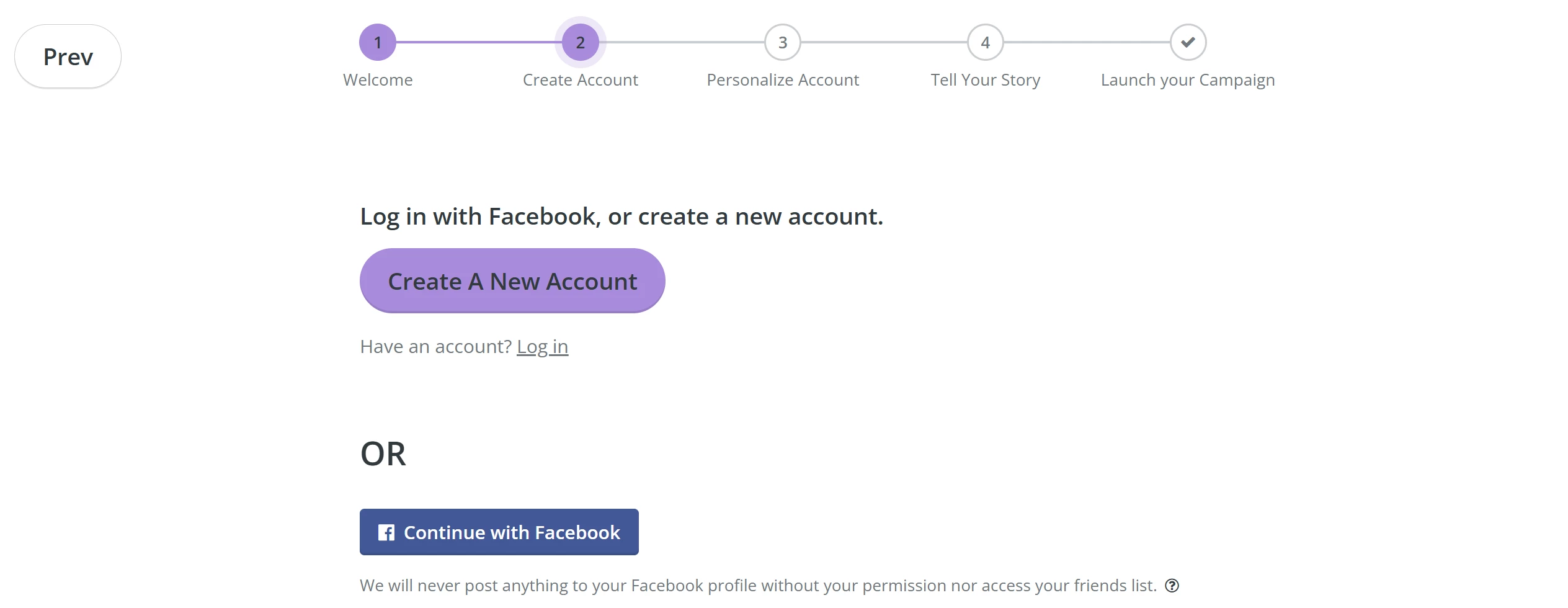
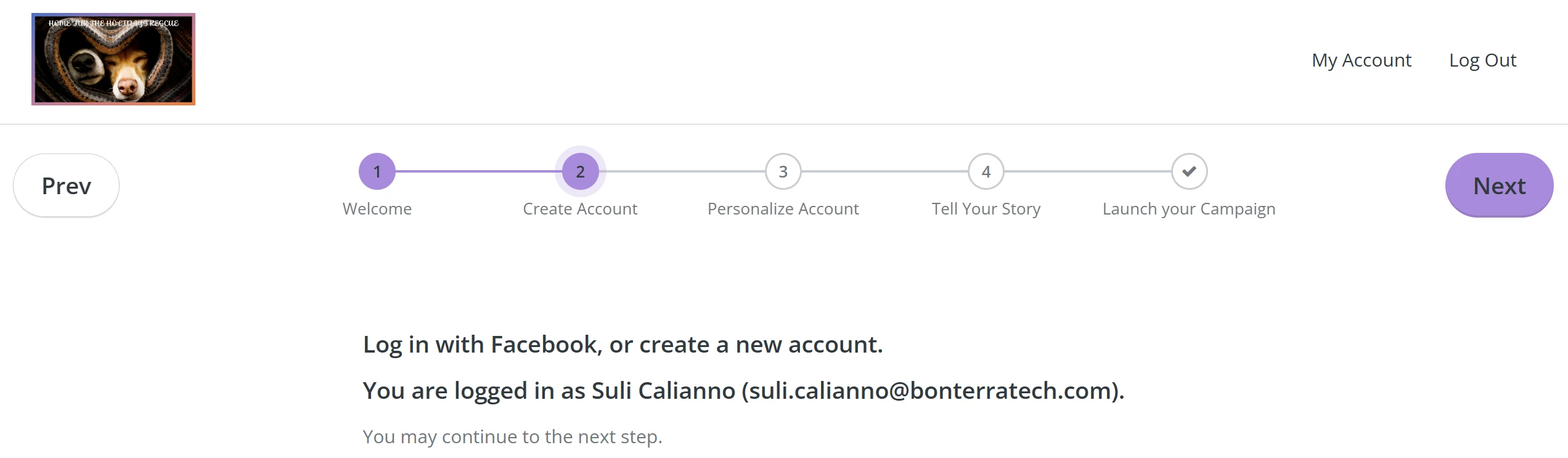
Step 3: Create or log into an existing Network for Good account
Click the 'Create A New Account' button if you do not already have a user account on Network for Good or click the 'Log in' link to access your existing user account.
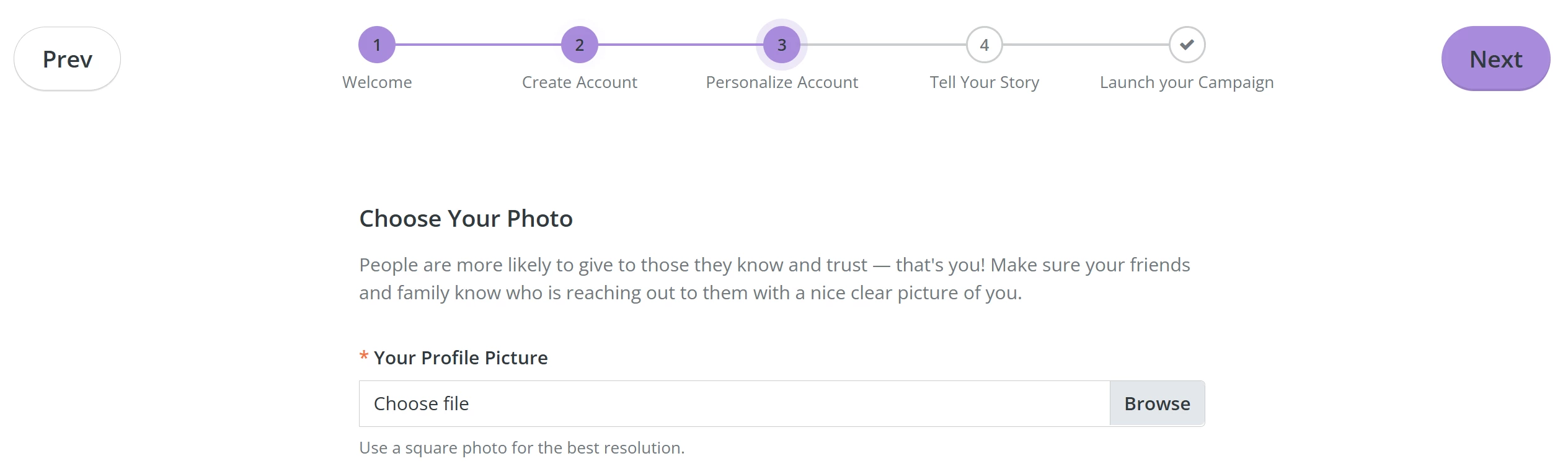
Step 4: Upload a profile photo
Choose a profile photo by clicking the 'Browse' button next to the image uploader and then click 'Next'.
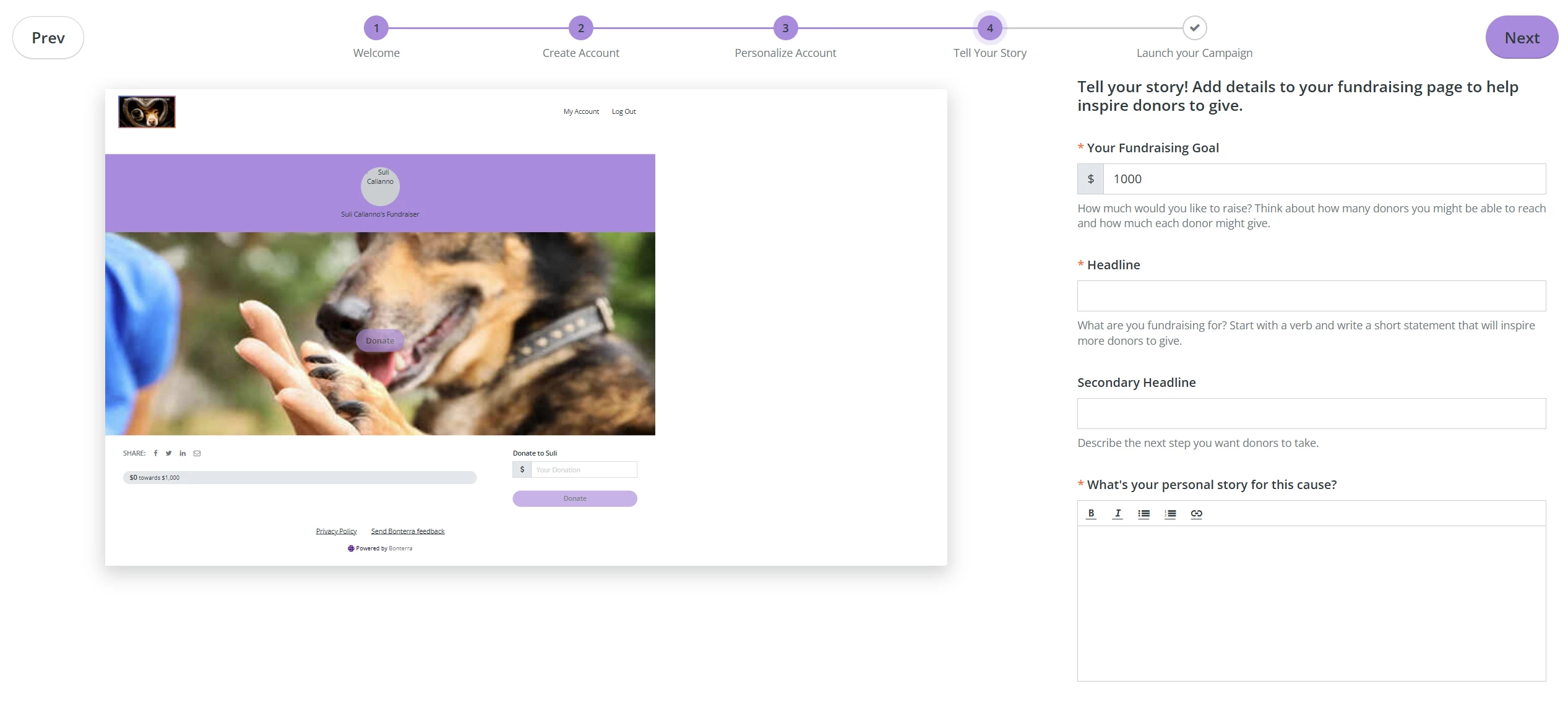
Step 5: Tell your story
On the next page, you can set your fundraising goal, choose a headline, and craft your personal story about why you support your organization.
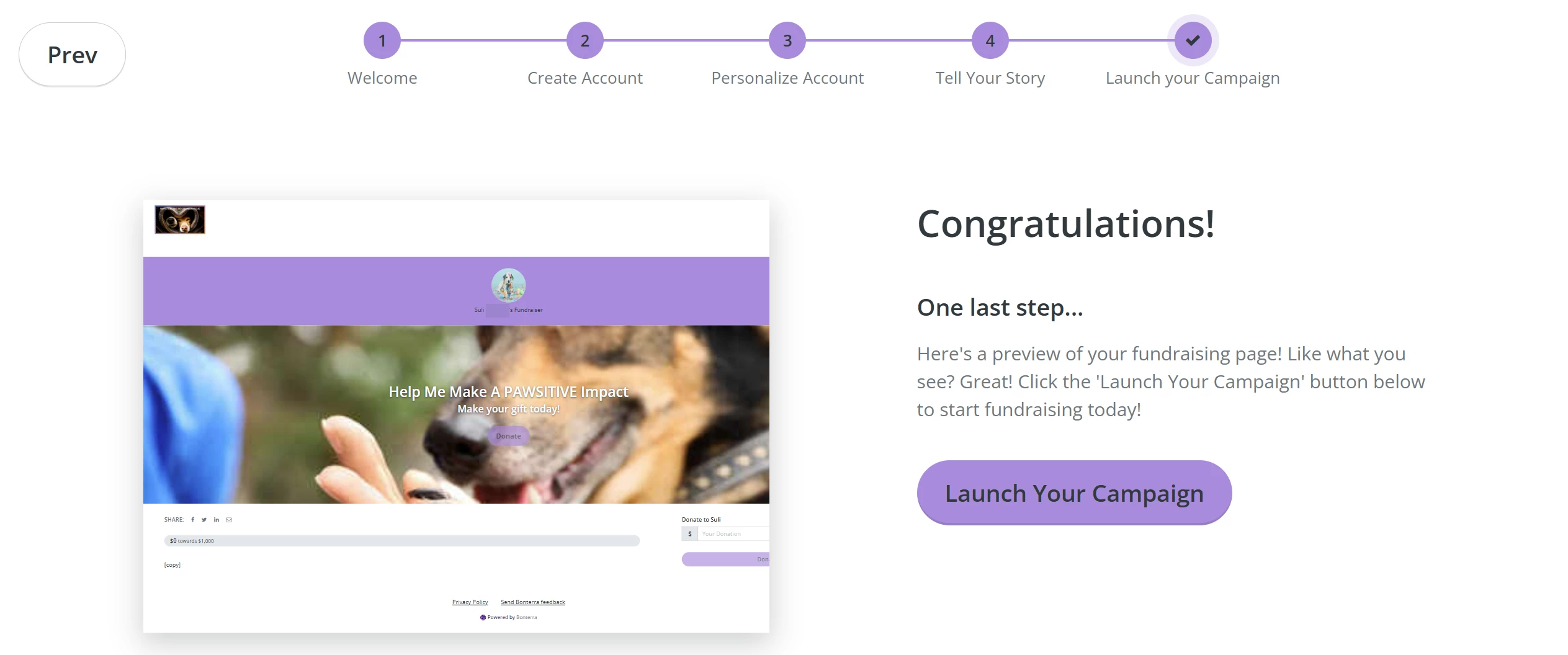
Step 6: Launch your campaign
Take a few moments to check out the preview of your fundraising page on the left side of the page and, when you are ready, click 'Launch Your Campaign'!
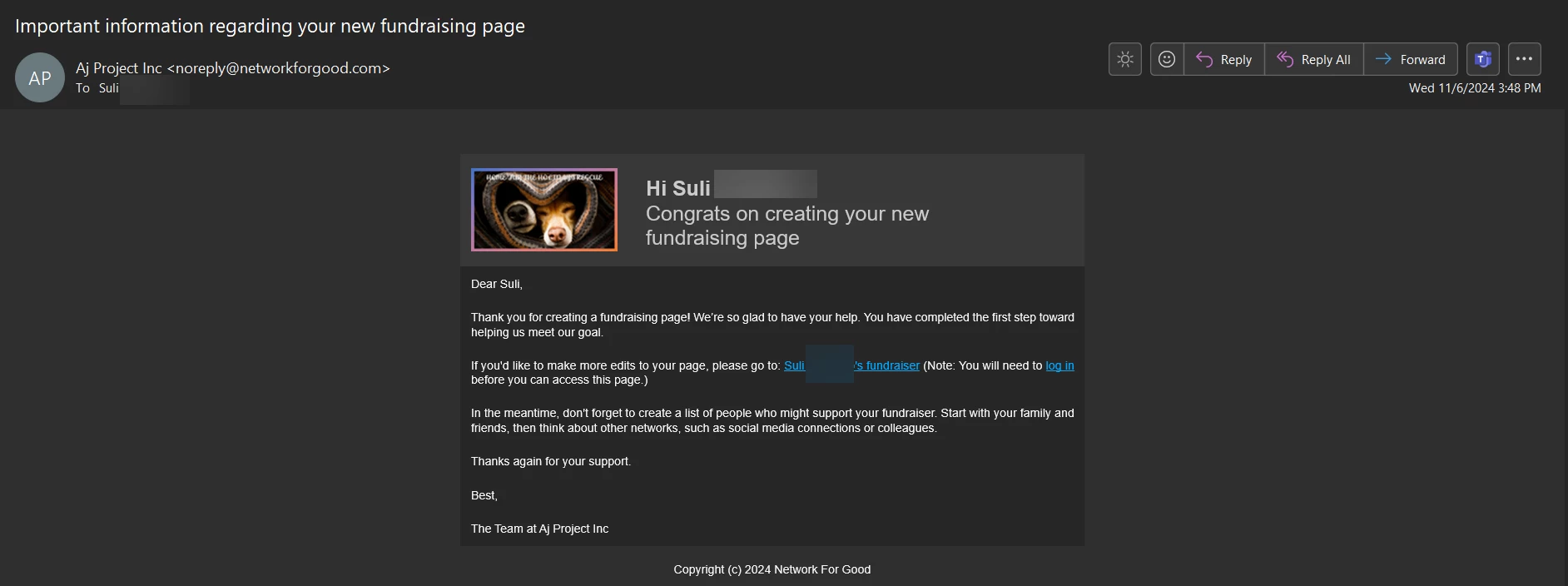
A confirmation e-mail will automatically be sent to you with a link you can bookmark to edit your page anytime!
What else do you need help with?
How do I recruit Peer-to-Peer Fundraisers?
How do I set my Peer-to-Peer Fundraisers up for success?
How do I edit my Peer-to-Peer campaign?
Not quite what you were searching for?
Navigate back to the Feature Overview.