

How do Verified Owners add secondary users to an organization in the Bonterra Nonprofit Hub?
Organizations that manage their profile in the Bonterra Nonprofit Hub can invite Members to view organizational information and participate in supported programs.
Here’s a step-by-step guide for organization owners on how to invite a member to their organization’s record.
The following steps will guide you through the process of adding a member, from logging in to sending the invitation.
Step 1: Sign in using your organization’s primary email address
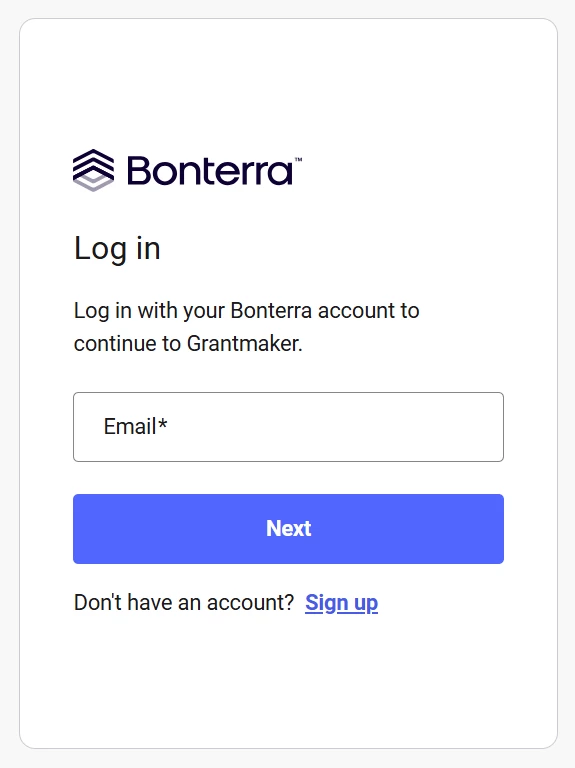
Go to the Bonterra Nonprofit Hub login page and sign in using your organization’s primary email address.
Using the primary email address ensures you have permission to manage users for the organization.
Step 2: Navigate to the Users section of your organization record
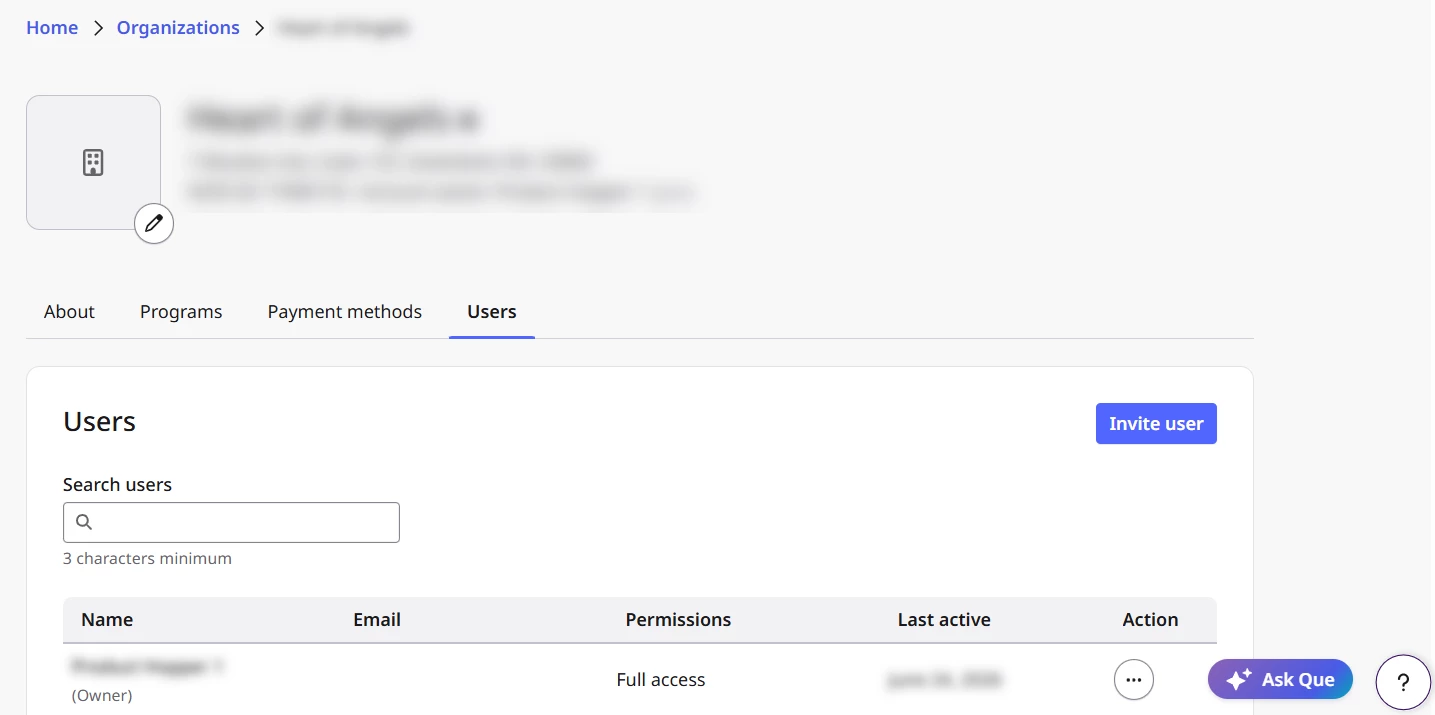
From the left-hand navigation menu, select Organizations to enter your organization’s profile, and, then, select the Users tab.
The Users page displays all individuals who currently have access to your organization’s Nonprofit Hub record.
Step 3: Invite a new member
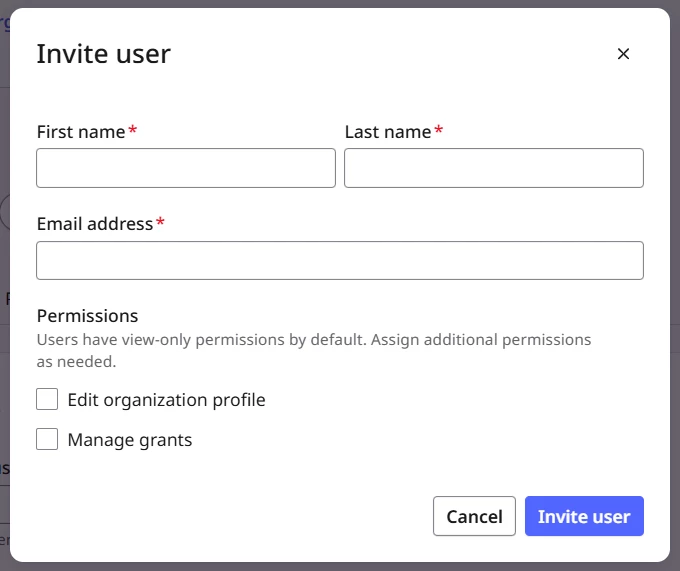
In the Users section, select Invite user and enter their information.
- Owners have the ability to assign specific permissions to users upon inviting them to the account, as well as, to those whom are current members with access to the Nonprofit Hub.
Select Invite user again. An invitation is sent to the entered email address, allowing the user to access your organization’s record.
Step 4: Understand secondary user/member access limitations
Secondary users/members are granted view-only permissions. They:
- Cannot edit the organization’s profile.
- Cannot view banking details entered in the Payment Preferences section of the Nonprofit Hub profile.
These limitations help protect sensitive organizational and financial information.
If you need additional help, open the Resource Center by selecting the question mark icon in the bottom-right corner of the screen, then choose Contact Support to send us a message or search for help.
What else do you need help with?
- What are the Bonterra Nonprofit Hub user roles?
- What are the Bonterra Nonprofit Hub User Permissions?
- How do Verified Owners manage users in the Bonterra Nonprofit Hub?
- How do Verified Owners manage Member permissions?
- How do Verified Owners transfer ownership through the Nonprofit Hub?
- How do I transfer ownership if the Verified Owner has left the organization?
Not what you’re looking for? Navigate to Organization Profile: Users