

How do I send year-end donation summaries using 'Email Blasts'?
While your big year-end push may be over, you likely still have some important things to wrap up - such as sending acknowledgments for those final year-end donations, following up with new donors, creating year-end reports, and sending out donation summaries to your donors from last year.
Thankfully, 'Donor Management' can help you check those tasks off your list!
Step 1: Navigate to your 'Email Blasts'
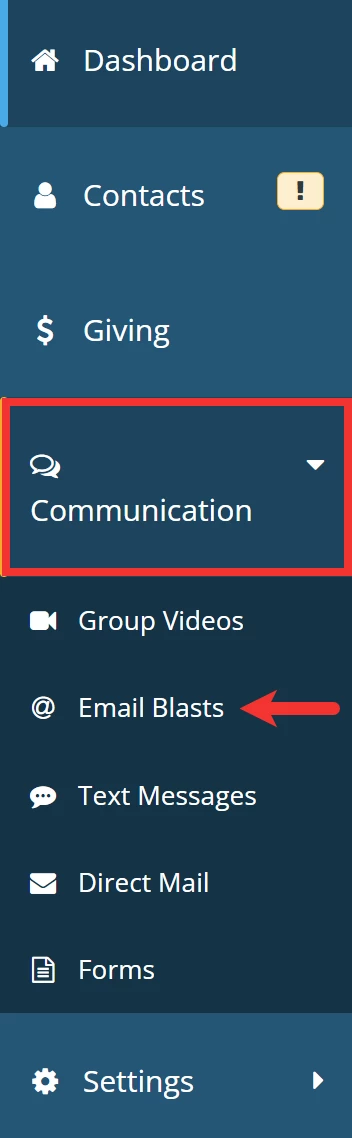
From your 'Donor Management' Dashboard, click the 'Communication' tab on the left navigation panel and select 'Email Blasts' from the newly expanded drop-down list.
Step 2: Click 'Add Email Blast'
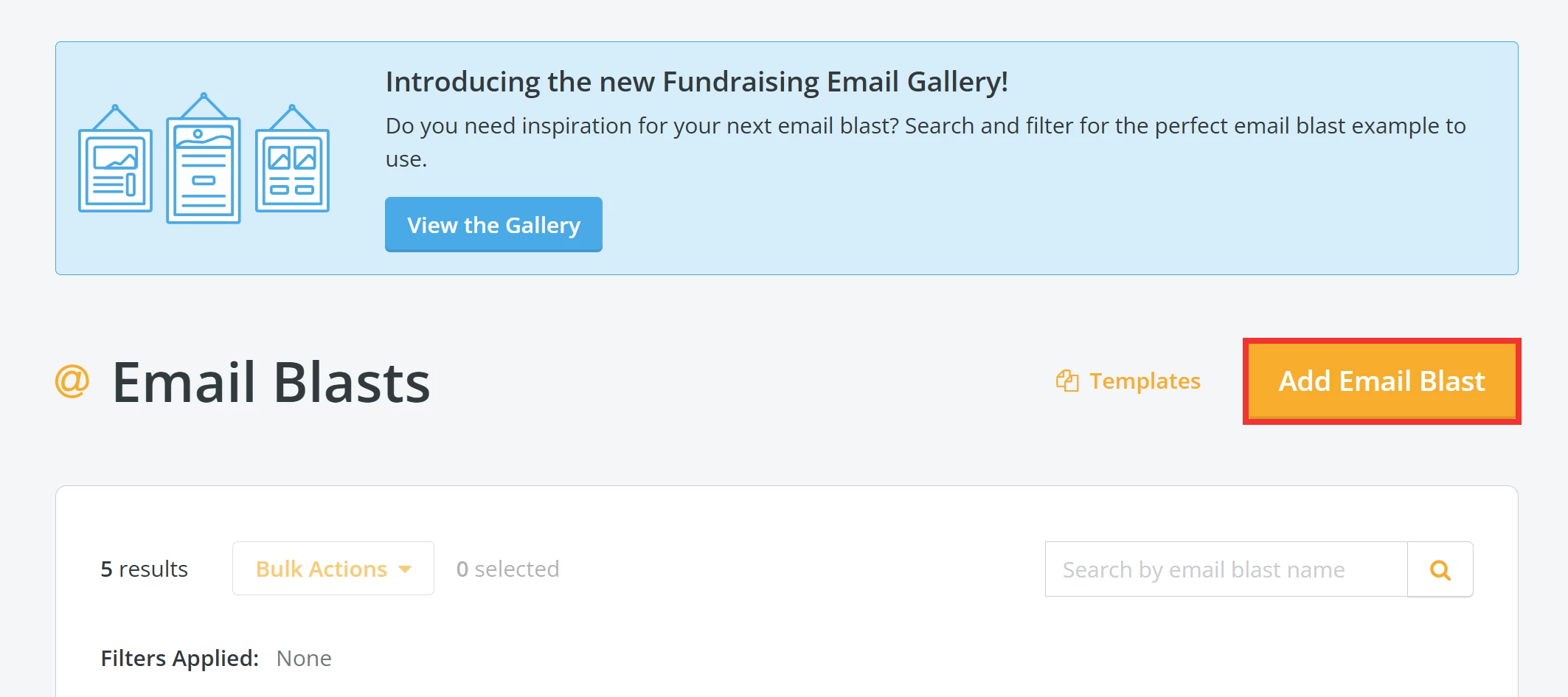
Next, click the 'Add Email Blast' button near the top right of the page.
Step 3: Build your e-mail blast
Start the process of building your e-mail blast.
Similarly to a 'Direct Mail' donation summary, you will want to select a filter that includes all of your donors from the past year when building your recipients list. You can use a 'Saved Filter' or the 'Recommended Filter' titled 'Made donation in calendar year 20XX'
You have two options to choose from here:
-
Option 1: use our sample recommended template (including the necessary merge fields), which can be found below
-
Option 2: use the merge field *|DONATION_SUMMARY_LAST_YEAR|* within a communication you crafted to pull in the relevant information
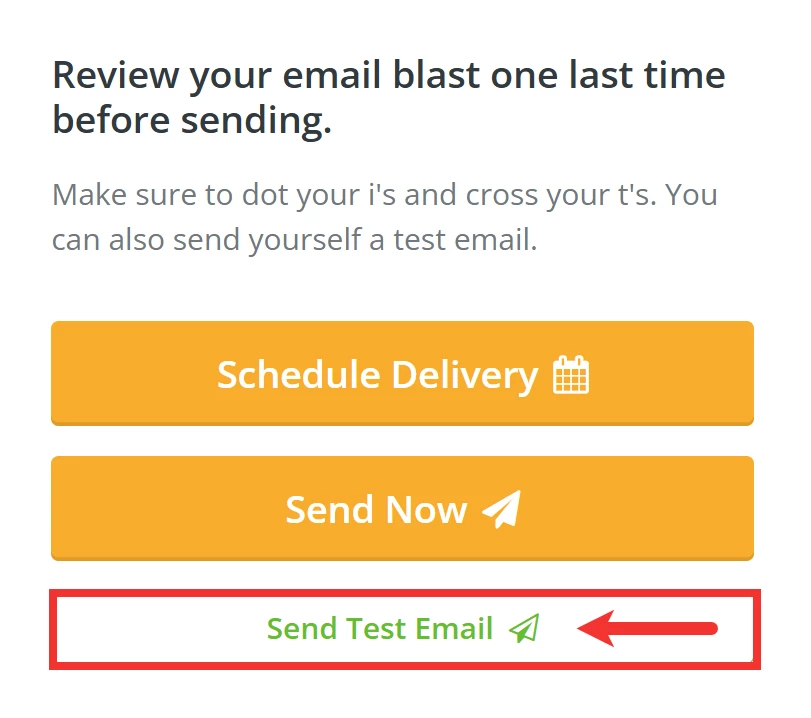
Once you have finalized a draft of your e-mail blast, we recommend you send a test e-mail to yourself and confirm your message appears as you expected.
Sample Email Blast Template
*|FIRST_NAME|*,
As the [YOUR JOB TITLE] of [ORGANIZATION NAME], I would like to personally thank you for making our work possible. Your kindness this past year supported [X]. Your generosity [verb] us to look beyond the challenges of [X] and [verb] our full effort and heart into [OUTCOME] for [COMMUNITY/POPULATION] we serve together.
With deep gratitude,
[YOUR NAME]
[YOUR JOB TITLE]
*|DONATION_SUMMARY_LAST_YEAR|*
What else do you need help with?
- How do I send year-end donation summaries using 'Direct Mail'?
- How do I prepare for my year-end campaign?
Not quite what you were searching for?
Navigate back to the Donor Management Index.
How do I send year-end donation summaries in Network for Good? | How do I email tax receipts to donors? | How do I create a year-end giving summary using Email Blasts? | What is the DONATION_SUMMARY_LAST_YEAR merge field? | How do I send annual donation statements to donors? | How do I filter donors who gave last year? | How do I send donor giving summaries for tax purposes?
How do I configure contact eligibility? | How does configure contact eligibility work in EveryAction? | Why can't I configure contact eligibility? | Where do I configure contact eligibility in EveryAction? | What is configure contact eligibility in EveryAction? | How to configure contact eligibility? | Can I configure contact eligibility in EveryAction?