


How do I show donation currency details on the Thank You Page and confirmation emails?
Display the donor’s selected currency in confirmation messages using a merge field.
Step 1: Use the Merge Field
-
In both the Thank You Page and Thank You Email, insert the merge field Contribution Currency.
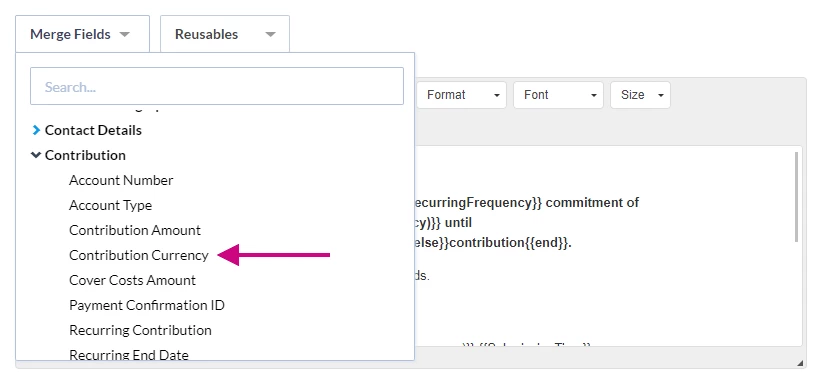
-
This field is included in the default message text.

Step 2: Confirm Output
-
The donor will see their Contribution Amount displayed in the currency they selected when completing the form.
Not quite what you were searching for?
- Navigate back to the Accepting Donations in Non-US Currencies Resource Index.
How do I show donation currency details on the thank you page and confirmation emails? | How does show donation currency details on the thank you page and confirmation emails work in EveryAction? | Why can't I show donation currency details on the thank you page and confirmation emails? | Where do I show donation currency details on the thank you page and confirmation emails in EveryAction? | What is show donation currency details on the thank you page and confirmation emails in EveryAction? | How to show donation currency details on the thank you page and confirmation emails? | Can I show donation currency details on the thank you page and confirmation emails in EveryAction?