


How do supporters experience currency selection on a live form?
See how donation forms display and adjust currency symbols for international supporters.
Step 1: View Form Currency Display
- On the published form, the Default Currency appears with appropriate symbols.
- A label indicates the selected contribution currency.
Step 2: Browser Locale Detection
- The form uses browser-based location detection to adjust formatting.
- Example: A Canadian visitor may see CAD by default even if the form is set to USD.
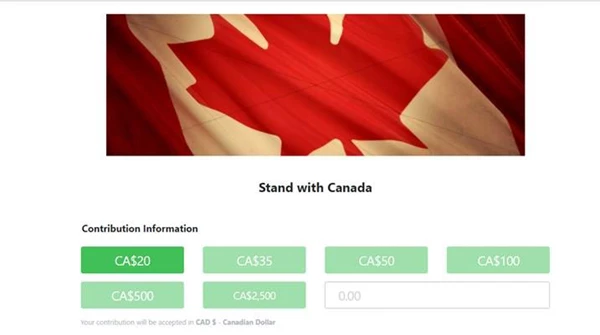
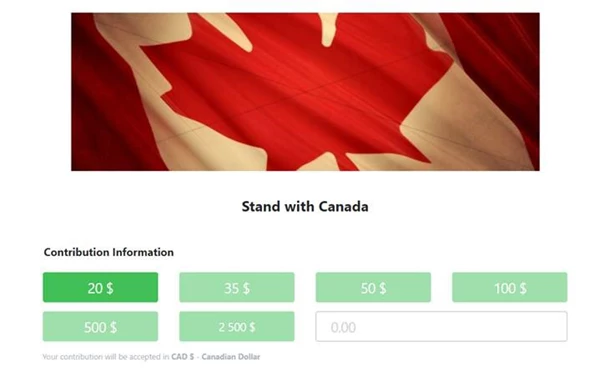
Step 3: Switching Currencies
- If multiple currencies are enabled, a dropdown or toggle allows donors to select their preferred currency.
- Pre-set donation amounts are converted and rounded into the selected currency.
Not quite what you were searching for?
- Navigate back to the Accepting Donations in Non-US Currencies Resource Index.
How do I how do supporters experience currency selection on a live form? | How does how do supporters experience currency selection on a live form work in EveryAction? | Why can't I how do supporters experience currency selection on a live form? | Where do I how do supporters experience currency selection on a live form in EveryAction? | What is how do supporters experience currency selection on a live form in EveryAction? | How to how do supporters experience currency selection on a live form? | Can I how do supporters experience currency selection on a live form in EveryAction?