


How do I create a Results report from an Excel document?
-
Open Folders and open the folder you want to add the excel sheet to
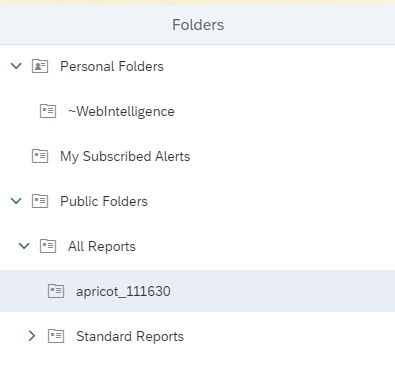
- Select the plus sign in the top right corner named Create/Upload Objects > Upload Document

- Find the Excel sheet and add it

-
Create a new report with Excel as the data source

5. Find the Excel file you want to use as the data source and press "Open"

6. Choose what data from the Excel sheet you want to see, it can be defined by Range Definition or Range Name if not all the data is needed

7. Assign labels to each column in the Excel sheet

How do I create a Results report from an Excel document? | How do I upload an Excel file to Apricot? | How do I select a data range or range name from Excel for a report? | How do I assign column labels when using Excel as a data source? | How do I choose which Excel data to include in a report? | How do I open an Excel file as a report data source? | Can I use multiple Excel sheets in one Results report?