

How do I unsubscribe a contact from e-mail communications?
By default, all contact records are listed as being able to receive e-mails. However, contacts may request to be unsubscribed from mailing lists or added to a 'Do Not Contact' list so they do not receive future communications.
You can adjust this manually from their contact record.
Step 1: Navigate to the contact's record
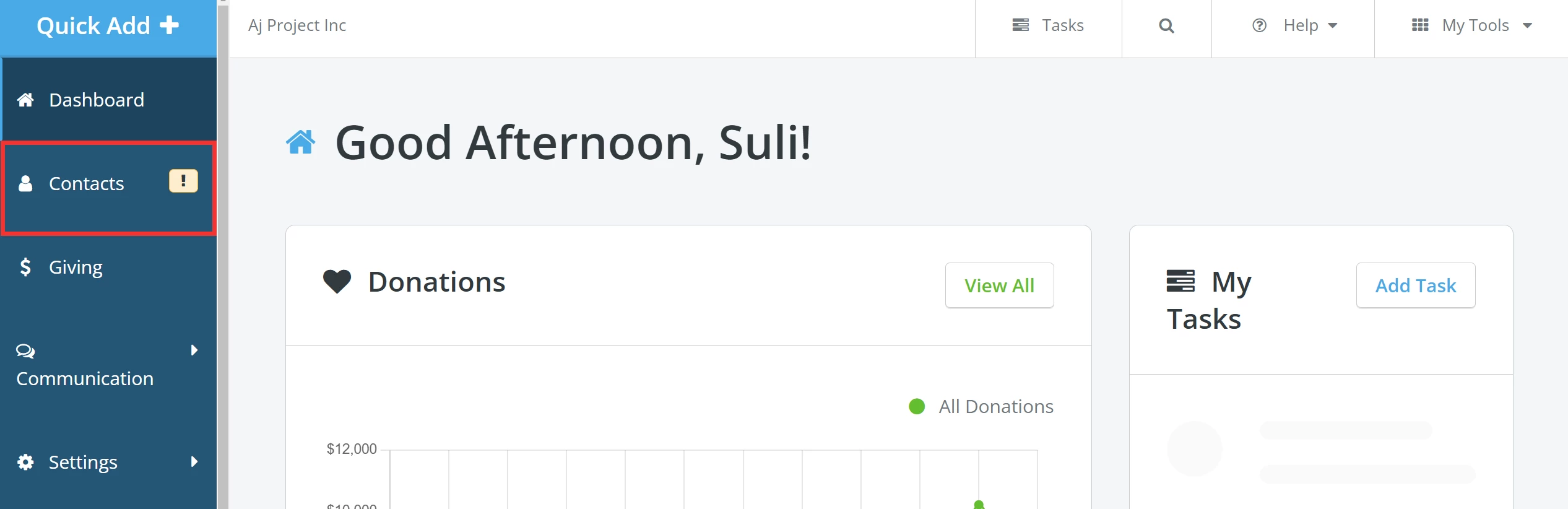
From your 'Donor Management' Dashboard, click the 'Contacts' tab on the left navigation panel.
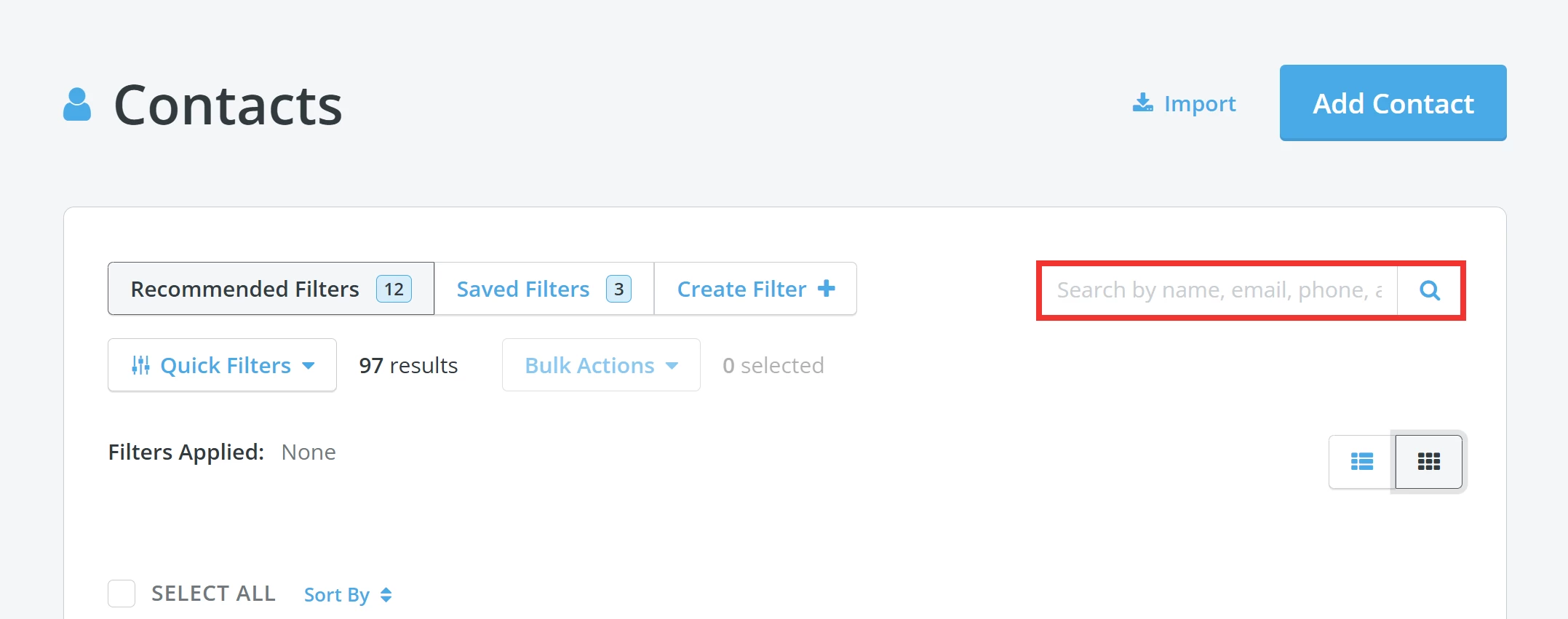
You will be directed to your 'Contacts' page, where you can search for the contact record by name, e-mail address, phone number, or city.
Step 2: Unsubscribe the contact from e-mail communications
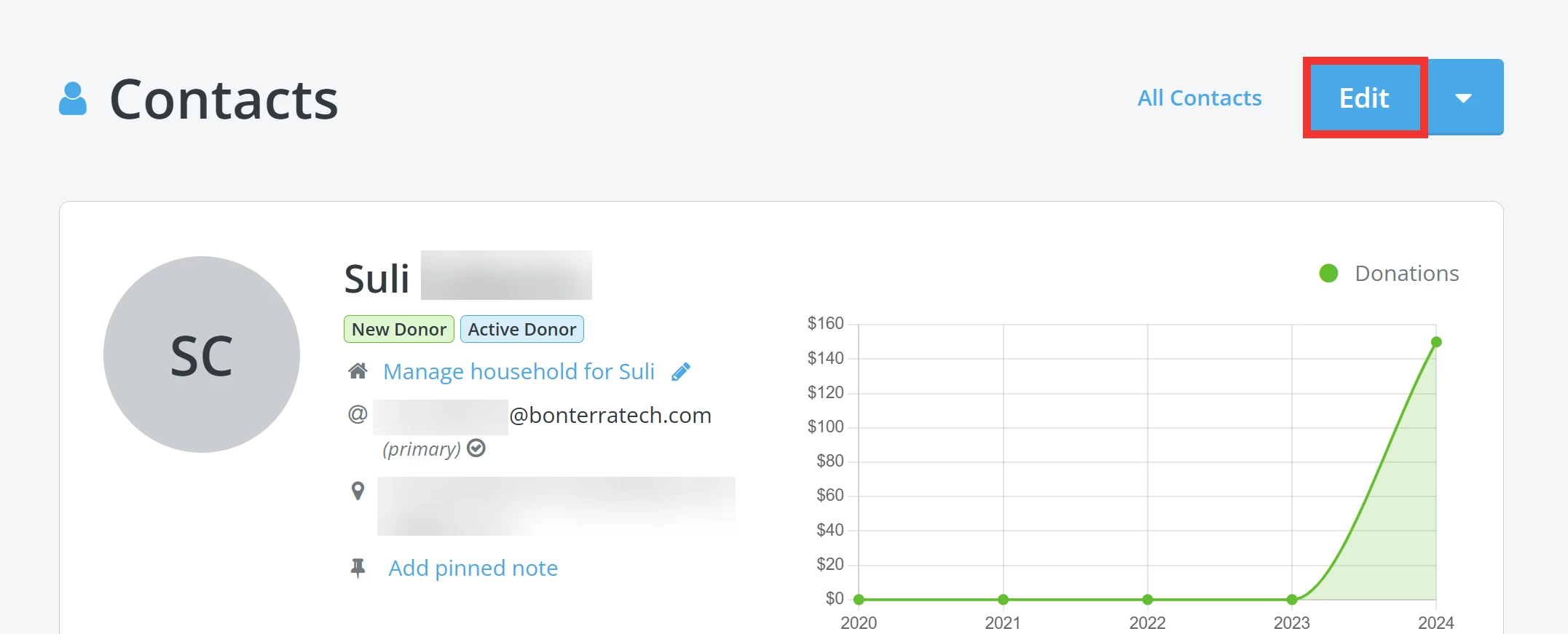
From the contact's record, click the 'Edit' button in the upper right corner of the page.
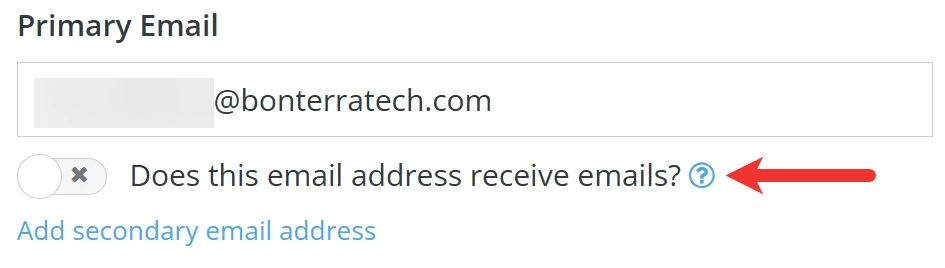
On the next page, you can edit the contact record. Scroll down to the section labeled 'What is this contact's information?'. Inactivate the contact's e-mail by switching off the toggle under the appropriate field.
Step 3: Confirm your updates
Scroll down, and click the 'Update & Save' button to apply this change.

Note: Once unsubscribed, the e-mail address should not receive ANY e-mails – including important information such as year-end giving statements. We recommend sharing this with your contacts so they know they may not receive all the relevant information they need for their records.
Additionally, each e-mail address is unsubscribed independently from any other e-mail address listed on a contact’s profile – meaning that a 'Primary Email' can be unsubscribed but, the 'Secondary Email' will still receive messages (or vice versa).
What else do you need help with?
How do I manage contacts I do not recognize?
How do I manage multiple contacts within a contact profile?
How do I add an individual contact to a group?
How do I add multiple contacts to a group?
How do I mark a contact as 'Deceased'?
How do I remove contact records in bulk?
How do I manage individual contacts with multiple e-mail addresses?
Not quite what you were searching for?
Navigate back to the Feature Overview.
How do I unsubscribe a donor from email in Donor Management? | How do I add someone to a Do Not Contact list? | Why is a contact still receiving emails after unsubscribing? | Does unsubscribing stop year-end tax receipts? | How do I turn off a contact’s primary email? | Can I unsubscribe only one email address on a profile? | How do I prevent a contact from receiving future email blasts?