

How do I use automatic reminder emails within my Events pages?
As an added feature of the livestream functionality that’s included with our Events pages, "automatic reminder emails" are sent to ticket purchasers one hour before your event's start time.
These reminder emails will make it easier for your event attendees to access your page, and eliminates the need for them to hunt through their inbox for past emails from when they originally bought their tickets.
If your organization is looking to send a reminder email for an event that isn't utilizing a livestream, we recommend following the steps to create an "event invitation" and modifying the language to reflect as a "reminder," and not an "invitation."
Step 1: Make sure your Events page has been published and you have the "livestream" capability turned on.
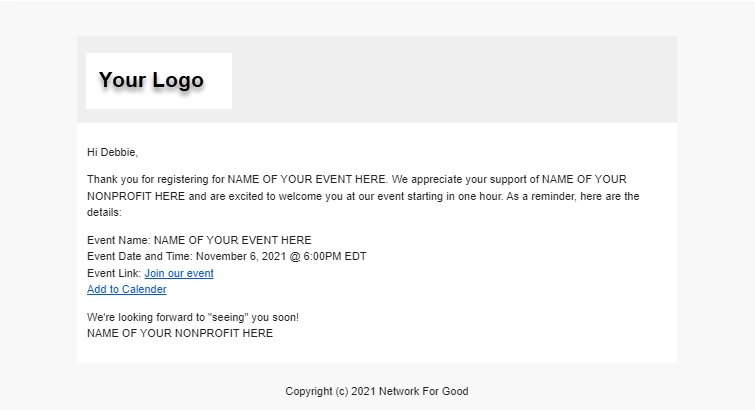
There is nothing else your organization needs to do to set up these reminder emails - they will automatically be sent by our system, so long as your organization is using an Events page, and has turned on the livestream functionality for the page.
What else do you want to do?
Not what you're looking for?
Go back to the Feature Overview.
How do automatic reminder emails work for events in Network for Good? | When are event reminder emails sent to attendees? | Do I need to set up reminder emails for my livestream event? | Why didn’t my event reminder email send? | Are reminder emails only for livestream events? | How do guests access the event from the reminder email? | Can I customize the automatic event reminder email?
How do I end a recurring commitment? | How does end a recurring commitment work in EveryAction? | Why can't I end a recurring commitment? | Where do I end a recurring commitment in EveryAction? | What is end a recurring commitment in EveryAction? | How to end a recurring commitment? | Can I end a recurring commitment in EveryAction?